






























Anviz: How to Turn Off Facial Recognition Device Lights
Turning off Anviz facial recognition lights
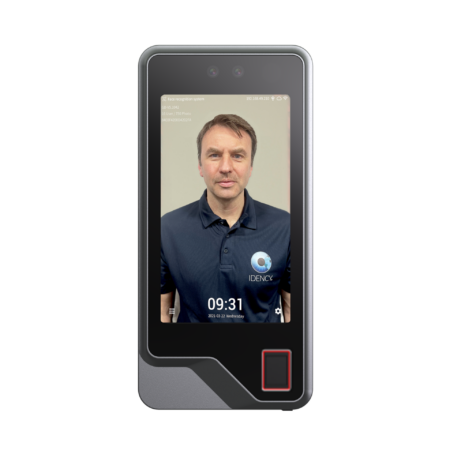
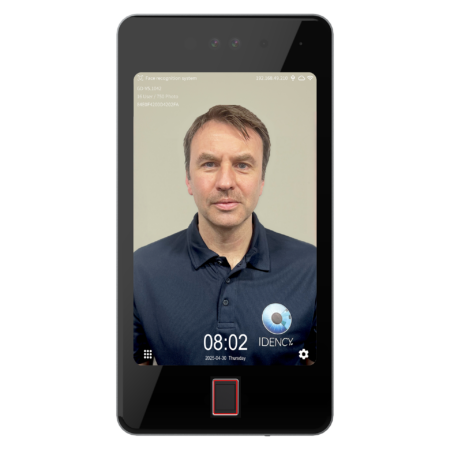
To turn off the lights on an Anviz FaceDeep 5, FaceDeep 3 or FacePass 7 Pro follow these steps:
- Press the Cog in the bottom right of the screen
- Key in: 000101
- Press Enter
This will turn off the lights. To turn them back on just repeat the above.
Require further support?
Search all Knowledgebase articles
Send a Support Request to The Idency Support Team

















 English (UK)
 English
 English (Canada)
 Français du Canada
 Svenska
 Português
 Nederlands
 Italiano
 Français
 Español
 Deutsch