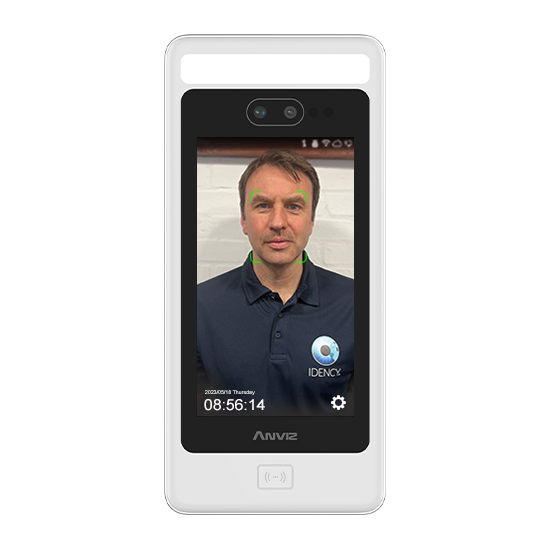
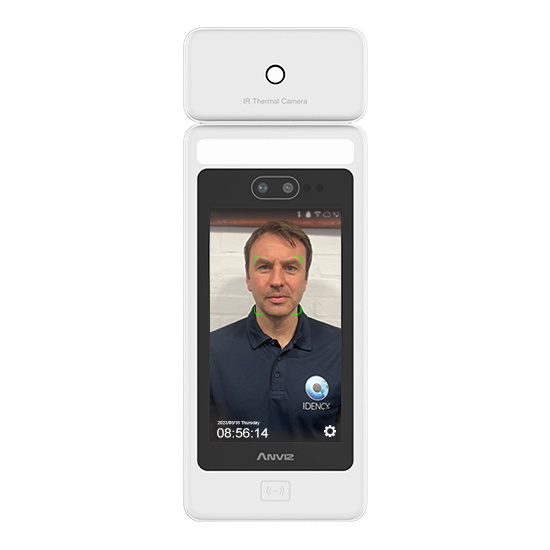
Als u de nieuwe en geavanceerde temperatuurscreeningsproducten van Anviz (zoals de FaceDeep 5 IRT & FacePass 7 IRT), wil je misschien rapporteren over de temperatuurregistraties die de terminals verzamelen wanneer gebruikers op de terminal(s) klokken. Om deze temperatuurregistraties te kunnen zien, zijn er een paar dingen nodig Anviz CrossChex-software instellingen die u moet configureren.
LET OP: De Anviz temperatuurterminals moeten verbonden zijn met de Anviz CrossChex software en in gebruik zijn door werknemers om deze records te laten verschijnen.

Wanneer u klikt op ‘Export record’, heb je nu een nieuwe kolom in je rapporten met de titel ‘Temperatuur‘ die de temperatuurrecords weergeeft die zijn geregistreerd tegen de gebruikers
Als u ook wilt weten hoe u ervoor kunt zorgen dat temperatuurrecords in de CrossChex software zelf verschijnen, raadpleeg dan: CrossChex: Temperatuurrecords worden niet weergegeven in software
Voor meer informatie en algemeen advies over onze producten en diensten kunt u terecht op contact met ons opnemen.
Heb je meer ondersteuning nodig?
Alles zoeken Kennisbank artikelen
Stuur een Ondersteuningsverzoek naar het Idency-ondersteuningsteam















 English (UK) English (UK)
  English
 English (Canada)
 Français du Canada
 Nederlands
 Svenska





















