



































Anviz CrossChex: Temperature records not displaying in exported report
How to configure software settings to display Anviz CrossChex temperature records in exported reports
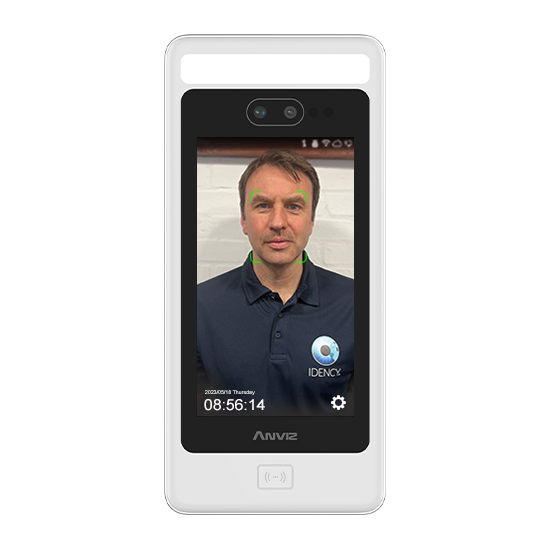
If you are using the new and advanced temperature screening products from Anviz (such as the FaceDeep 5 IRT & FacePass 7 IRT), you may want to report on the temperature records that the terminals collect when users clock on the terminal/s. To be able to see these temperature records, there are a few Anviz CrossChex software settings which you will need to configure.
Configuring CrossChex software
PLEASE NOTE: The Anviz temperature terminals needs to be connected to the Anviz CrossChex software and in use by employees for these records to appear.
- Firstly, make sure you are using the latest version of Anviz CrossChex. This feature is only available for version V4.3.14.0 and above
- Open the Anviz CrossChex software as administrator (right click CrossChex desktop icon & select ‘Run as administrator)
- Within the ‘Records’ tab (highlighted on image), navigate to the ‘Export Field’ dropdown
- Select the ‘Temperature’ checkbox and click out off the dropdown menu

When you click ‘Export Record’, you will now have a new column within your reports titled ‘Temperature‘ that lists the temperature records that have been recorded against the users
If you would also like to know how to ensure temperature records are appearing within the CrossChex software itself, please refer to: CrossChex: Temperature records not displaying in software
For more information and general guidance on our products & services, please contact us.
Require further support?
Search all Knowledgebase articles
Send a Support Request to The Idency Support Team


















 English (UK)
  English
  English (Canada)
  Français du Canada
  Svenska
  Português
  Nederlands
  Italiano
  Français
  Español
  Deutsch