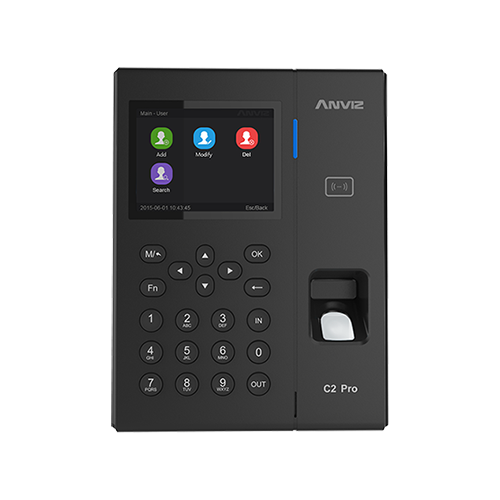














When entering passwords and other information directly onto the Anviz C2 Pro device, you may need to switch between letters & numbers.
When inputting information onto the device using the keypad, you will automatically type in letters.
To switch to numbers you will need to press the ‘IN‘ button on the device. You can then type using numbers.
When you want to change back to letters, you simply press the ‘IN‘ button on the device again. You can then you can type using letters.
Voor meer informatie en algemeen advies over onze producten en diensten kunt u terecht op contact met ons opnemen.
Alles zoeken Kennisbank artikelen
Stuur een Ondersteuningsverzoek naar het Idency-ondersteuningsteam




















