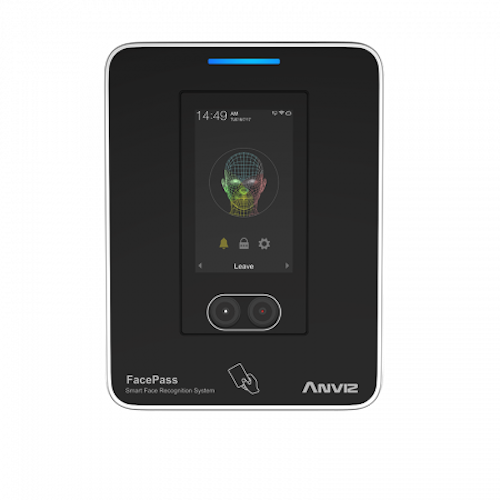
Soms na het wijzigen van een Apparaat-ID naar een ander nummer (bijv. 2, 3) kan het apparaat automatisch terugschakelen naar de standaardinstelling. Apparaat-ID 1 - Zo zorg je ervoor dat de Apparaat-ID slaat op naar het nummer waarnaar het is bijgewerkt en keert niet terug naar het standaard ID.
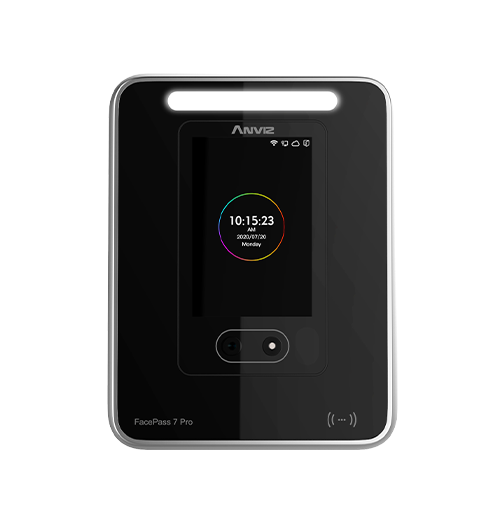
Let op: Deze handleiding is speciaal bedoeld voor het bijwerken van de apparaat-ID op de Anviz FacePass 7. Veel Anviz Apparaten volgen hetzelfde proces. Als je dit echter probeert te bereiken met een ander apparaat en je raakt de weg kwijt, doe dan het volgende contact met ons opnemen voor ondersteuning.
 op het scherm.
Voor meer informatie en algemeen advies over onze producten en diensten kunt u terecht op contact met ons opnemen.
Alles zoeken Kennisbank artikelen
Stuur een Ondersteuningsverzoek naar het Idency-ondersteuningsteam















 English (UK) English (UK)
  English
 English (Canada)
 Français du Canada
 Nederlands
 Svenska