













×

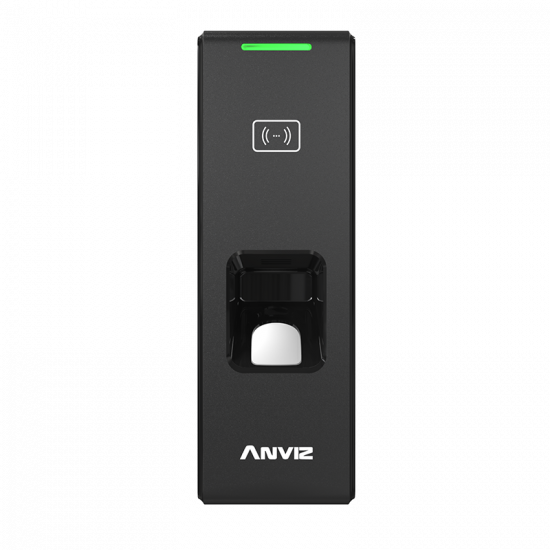
Records verwijderen / aanwezigheidsgegevens wissen van Anviz-terminals

How do you delete records from an Anviz terminal?

You can only delete attendance records off of Anviz terminals using the Anviz Crosschex software. Please download the software from the Anviz website if you don’t already have it.

Please Note! It is impossible to delete individual records, you must delete all records.

Stappen om de records te verwijderen:

  1. 1. Voltooi eerst een synchronisatie met je tijdregistratiesoftware om er zeker van te zijn dat alle klokrecords van het apparaat zijn geëxporteerd.
  2. In Crosschex select the ‘Device’ tab
  3. Tick one device (and then repeat with other devices if if necessary)
  4. Click ‘Device Parameter’ button (under the ‘Synchronise Time’ button)
  5. At the bottom left of this pop-up is ‘Clear the Attendance records’ button. Click here to delete all records.

Voor meer informatie en algemeen advies over onze producten en diensten kunt u terecht op contact met ons opnemen.


Heb je meer ondersteuning nodig?

Alles zoeken Kennisbank artikelen

Stuur een Ondersteuningsverzoek naar het Idency-ondersteuningsteam

In goed gezelschap: enkele klanten van Idency




















