













×

Anviz M5: Vingerafdrukken/RFID van gebruikers registreren

Registering employee fingerprints & RFID cards on the Anviz M5

For help with user registration to the Anviz M5, raadpleeg dan Idency's ‘.‘Anviz M5 installatie- en gebruikershandleiding‘ video hieronder en skip to 7:13.

Alternatively, you can find helpful information within the Snelstartgids en Gebruikershandleiding voor de Anviz M5.

Registering Users:

  • First swipe your enrol card.
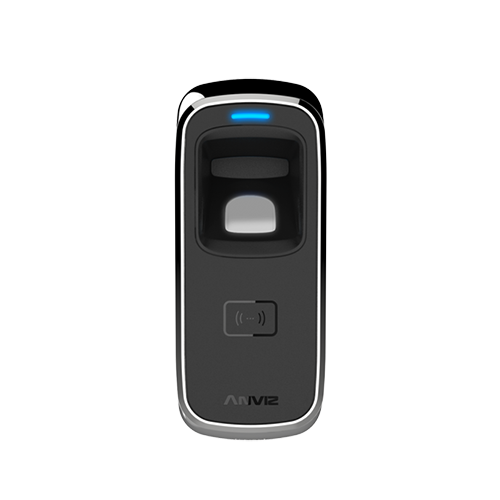
  • When the blue LED light flashes, place your finger on the sensor causing the Blue LED light to flash quickly, lighting up the fingerprint sensor.
  • Next remove your finger and re-place your finger onto the sensor until a green LED light appears, indicating successful registration.
  • To finish enrolment, swipe the enrol card twice until the RED LED light appears, meaning the finger is registered.
Voor meer informatie en algemeen advies over onze producten en diensten kunt u terecht op contact met ons opnemen.

Heb je meer ondersteuning nodig?

Alles zoeken Kennisbank artikelen

Stuur een Ondersteuningsverzoek naar het Idency-ondersteuningsteam

In goed gezelschap: enkele klanten van Idency