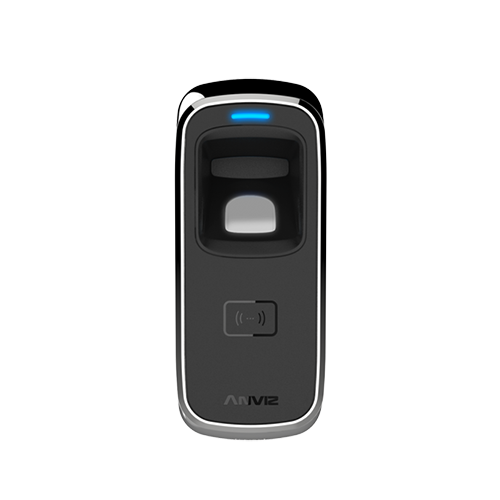














Connect the device to your network using a patch cable.
Search for the device using the ‘Search Device’ option. Add the device and see if it can then be communicated with.
If not it’s probably down to the IP address needing updating to match your network. You need to be able to ‘ping’ the device.
To change the IP address
Once you see the device in the search you can select it and then click Settings. Here you can change the IP address on the device. Change it to a unique one for your network. Ensure that the Gateway and other settings also match your network. Then save.
You then need to save those changes by restarting the device.
Voor meer informatie en algemeen advies over onze producten en diensten kunt u terecht op contact met ons opnemen.
Heb je meer ondersteuning nodig?
Alles zoeken Kennisbank artikelen
Stuur een Ondersteuningsverzoek naar het Idency-ondersteuningsteam