




































Le partage de fichiers le plus sécurisé au niveau d'entreprise

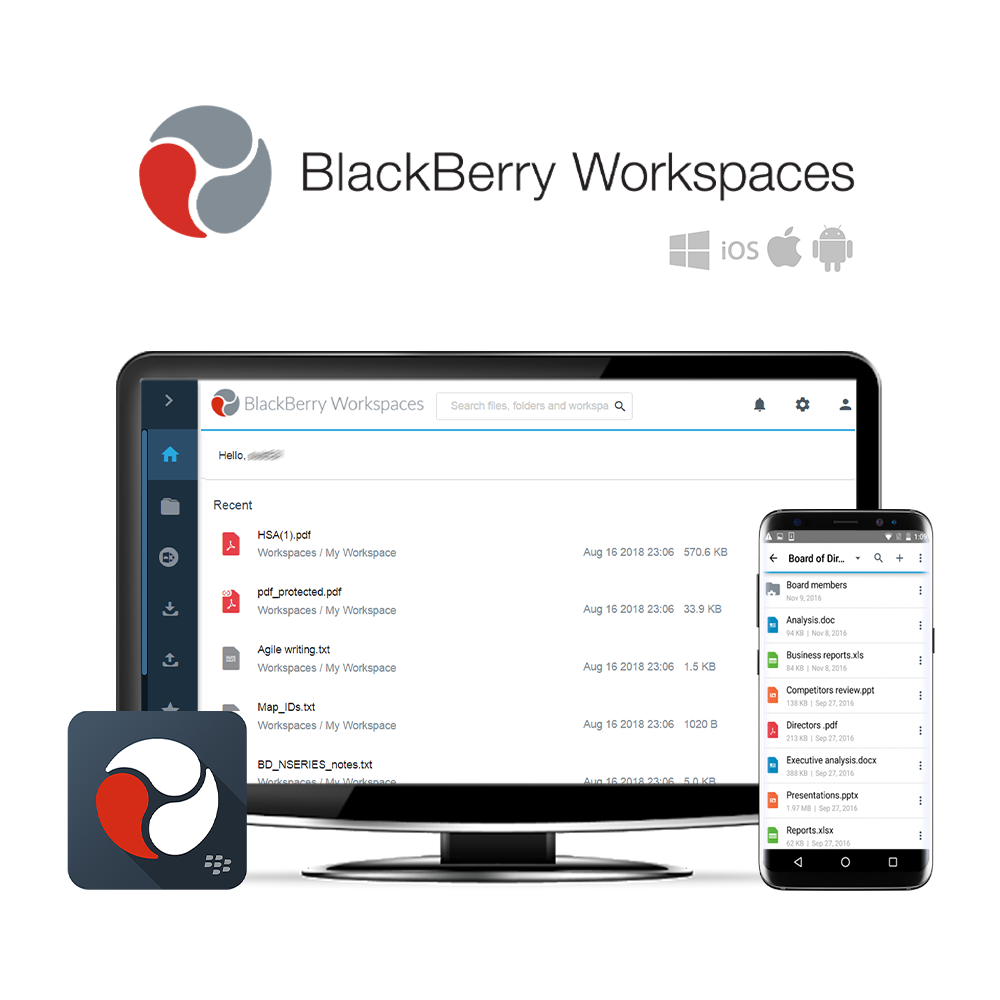
BlackBerry Workspaces est le La meilleure option pour une sécurité maximale Stockage de fichiers, synchronisation et partager ce qui augmente la productivité de votre organisation. Les utilisateurs peuvent visualiser, modifier, commenter et collaborer sur les fichiers sur toutes les plateformes de dispositifs les plus populaires. L’intégration approfondie avec Microsoft Outlook, Microsoft Office, Office 365 et OneDrive permet aux employés de poursuivre leurs workflows en utilisant les applications existantes grâce à une intégration transparente des espaces de travail et un partage sécurisé des fichiers.
Le modèle de politiques flexibles de BlackBerry Workspaces crée des espaces de travail collaboratifs sécurisés en contrôlant l’accès et en assignant des autorisations de fichiers au niveau utilisateur, de groupe et de domaine. Vous pouvez également étendre votre périmètre de sécurité au-delà de votre pare-feu, permettant ainsi de collaborer avec des utilisateurs externes sans risque de perdre le contrôle de votre IP principale ou d’exposer des informations sensibles concernant le personnel.
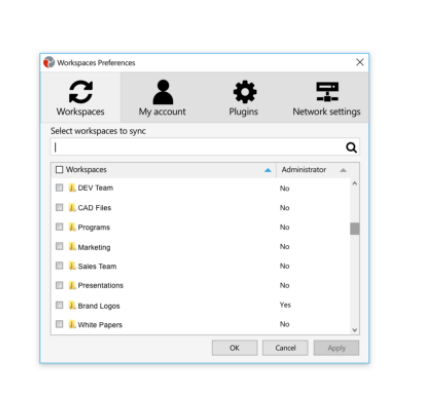
BlackBerry Workspaces est compatible avec Windows et Mac les points d'extrémité, ainsi que Android et iOS appareils mobiles. Workspaces est disponible sur site et nuage.
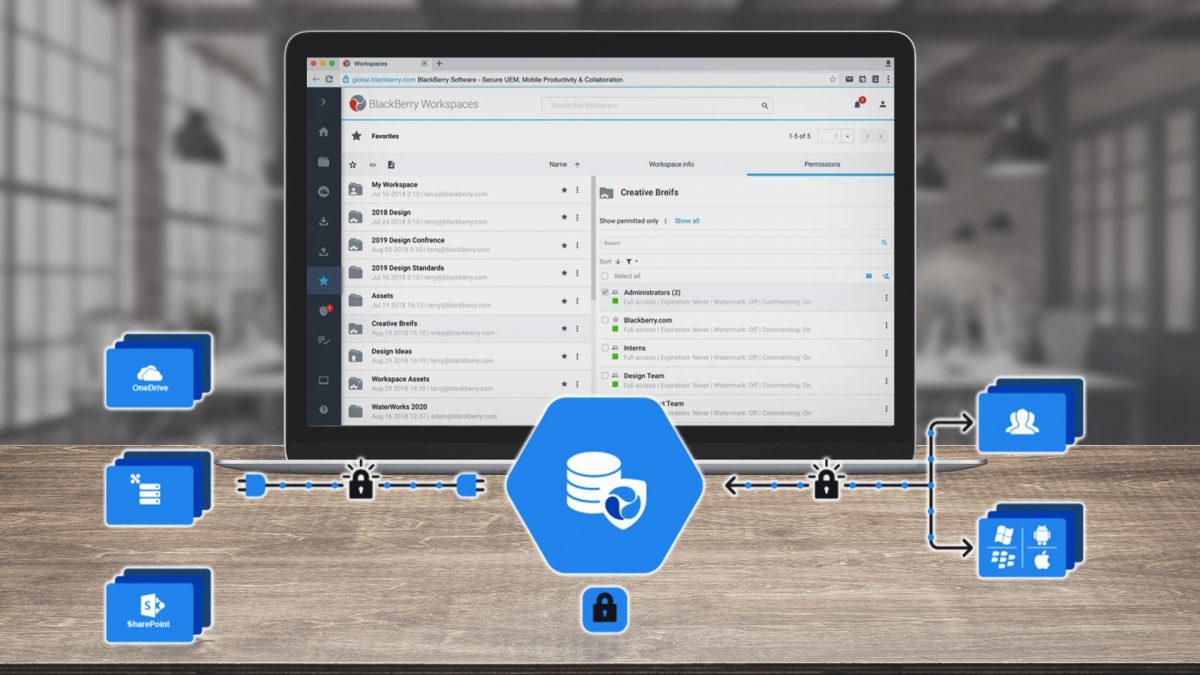
Vue d'ensemble de BlackBerry Workspaces
Schéma de BlackBerry Workspaces
Trois éditions pour nourrir vos ambitions
Chaque version BlackBerry Workspaces offre un stockage sécurisé des fichiers, une synchronisation et un partage sur tout appareil mobile ou de bureau. Les trois nouveautés sont les suivantes : Zones de travail Envoyer, Zones de travail Collaborer et Zones de travail sécurisées Plus. Pour obtenir des informations détaillées sur chaque édition, veuillez consulter les sections « Caractéristiques spécifiques » ci-dessous.
BlackBerry Workspaces Envoyer
 Nuage
Nuage
Stockage de fichiers de 20 Go par utilisateur
Consulter et modifier des documents sur tout appareil
Un espace de travail personnel pour le stockage et le partage
Applications pour Windows, macOS, Android et iOS
 Extensions pour Microsoft Outlook et Office
Chiffrement des fichiers et contrôles utilisateur
Partage uniquement pour visualisation

BlackBerry Workspaces Collaborer
‘Envoyer’ + déploiement sur site
Stockage illimité de fichiers et de données
Travaux de groupe
Outils de collaboration et de productivité
Console d'administration/rapportage d'utilisation
Caractéristiques de sécurité améliorées
Outil de récupération de ransomware
Authentification unique

BlackBerry Workspaces Secure Plus
Caractéristiques de ‘ Collaborate ’
Cloud, sur site ou hybride
Stockage illimité de fichiers
Connecteurs de contenu pour les CMS
Intégration du système de fichiers
Accès au DRM / API et SDK
Des outils de productivité avancés
Administration avancée des utilisateurs
Pour découvrir toutes les fonctionnalités de Blackberry Workspaces Send, Collaborate et Secure Plus, veuillez consulter le document joint. Document de comparaison des éditions dans un onglet Médias.
Sécurité des données qui reste à la pointe de la concurrence
Sécurité unique à cinq niveaux
Les sauvegardes de vos fichiers se déplacent avec vous partout où vous allez, même en dehors du pare-feu.
Suivi et reporting
Générer des journaux d’activité complets pour respecter les exigences de conformité en matière de confidentialité et de reporting.
Collaboration entre le pare-feu interne et externe
Créez des espaces de travail collaboratifs et gérez l’accès et les autorisations par groupe.
Authentification forte et 2FA
Support pour les mots de passe uniques (OTP), les identifiants utilisateur/mot de passe et l’authentification à deux facteurs (2FA).
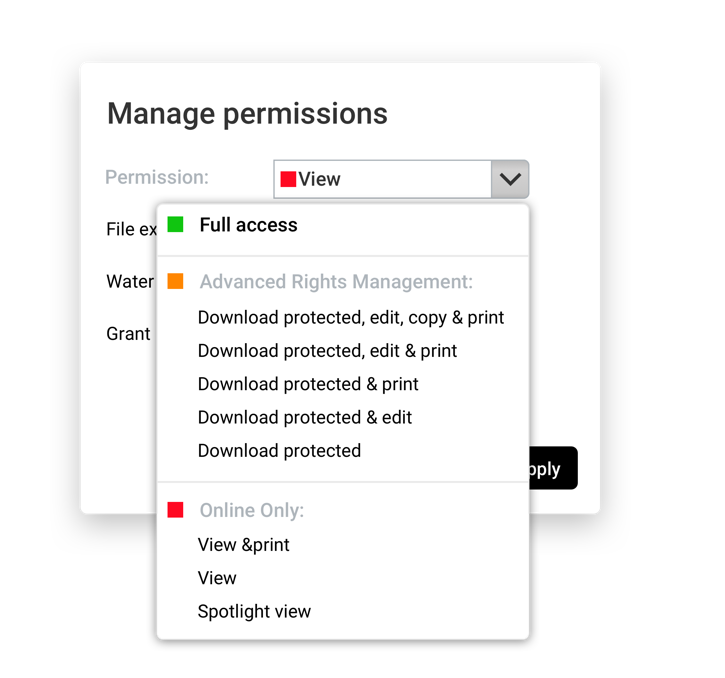
Gestion des droits numériques
Contrôle de l’accès aux fichiers lors du téléchargement et de la partage avec des collaborateurs externes.
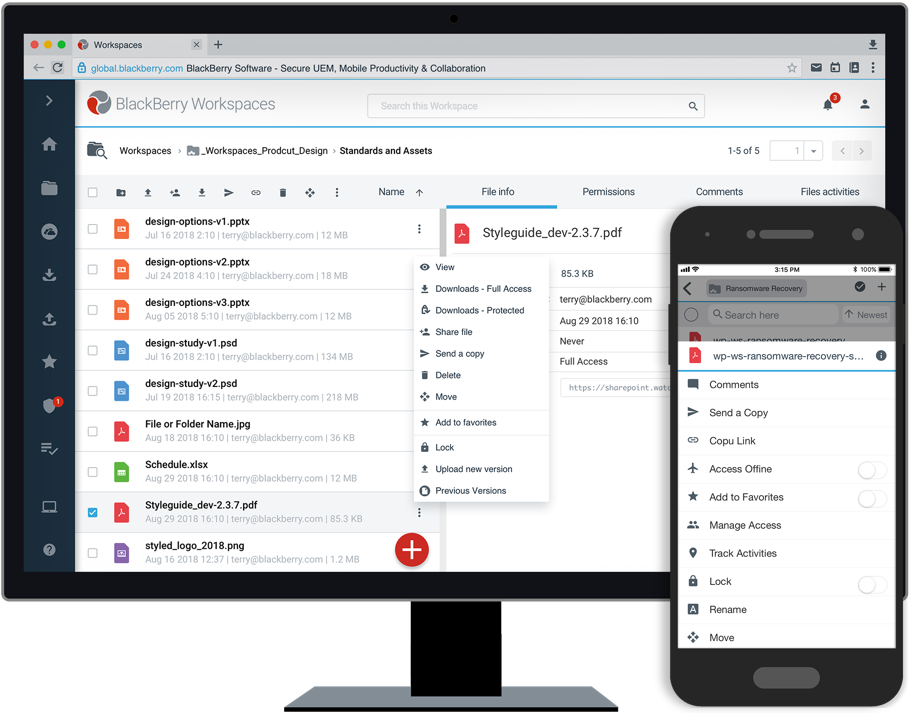
Outils de récupération contre le ransomware
Unique Récupération des données après un ransomware Caractéristiques des éditions Collaborate et Secure Plus.
Pour obtenir des informations sur les tarifs et plus de détails concernant Blackberry Workspaces, veuillez nous contacter.
Contactez-nous





















 English (UK)
  English
  English (Canada)
  Français du Canada
  Svenska
  Português
  Nederlands
  Italiano
  Français
  Español
  Deutsch