




































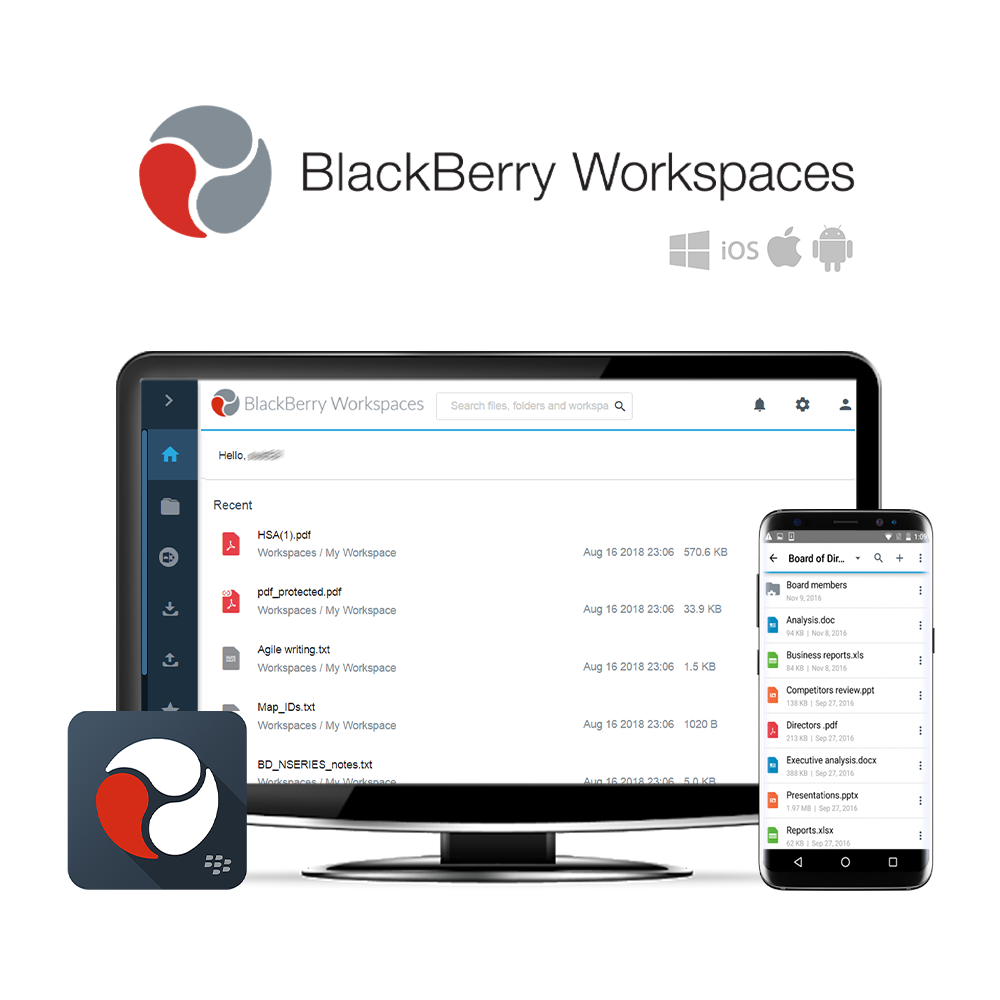
A Partilha de Ficheiros de Nível Empresarial Mais Segura

O BlackBerry Workspaces é o melhor escolha para segurança armazenamento de ficheiros, sincronização e partilha o que aumenta a produtividade da sua organização. Os utilizadores podem ver, editar, comentar e colaborar em ficheiros em todas as principais plataformas de dispositivos. A integração profunda com o Microsoft Outlook, Microsoft Office, Office 365 e OneDrive permite que os colaboradores continuem os fluxos de trabalho utilizando aplicações existentes com uma integração perfeita da partilha segura de ficheiros do Workspaces.
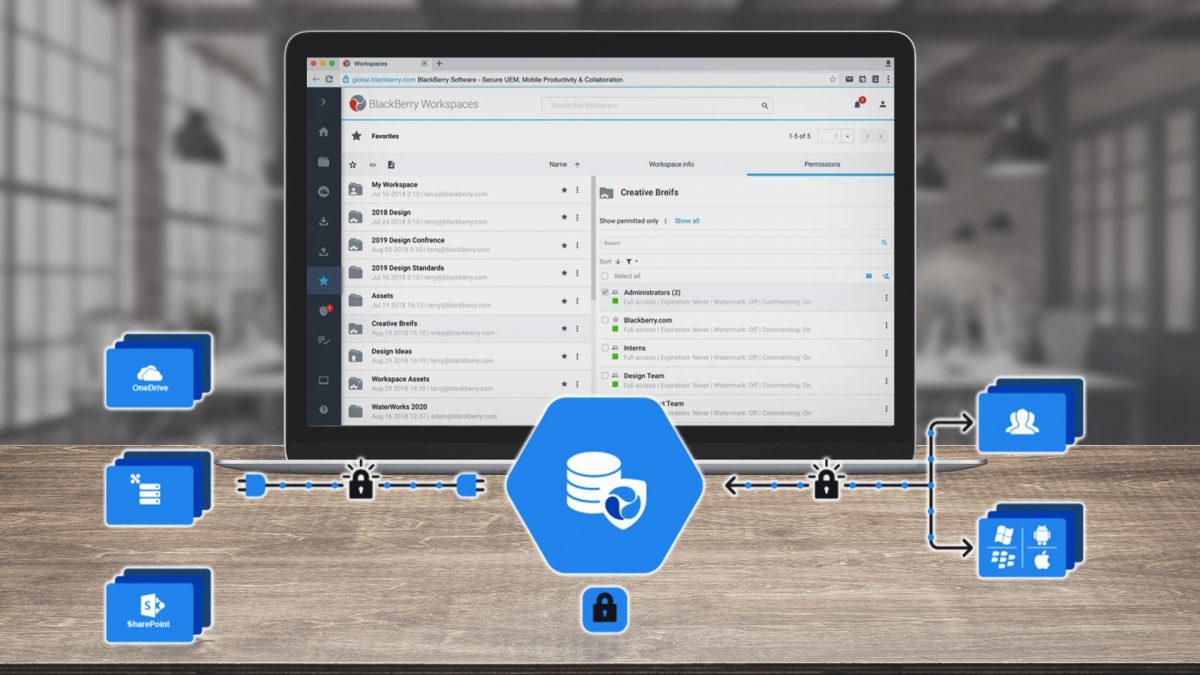
O modelo de políticas flexível do BlackBerry Workspaces cria espaços de trabalho colaborativos seguros através do controlo de acesso e da atribuição de permissões de ficheiros ao nível do utilizador, grupo e domínio. Também pode estender o seu perímetro de segurança para fora da sua firewall, conseguindo colaborar com utilizadores externos sem o risco de perder o controlo da propriedade intelectual central ou de expor informações confidenciais sobre o pessoal.
O BlackBerry Workspaces é compatível com Windows e Mac pontos de extremidade, bem como Android e iOS dispositivos móveis. O Workspaces está disponível no local e nuvem.
Visão Geral do BlackBerry Workspaces
Diagrama do BlackBerry Workspaces
Três Edições para Alimentar as Suas Ambições
Cada edição do BlackBerry Workspaces oferece armazenamento, sincronização e partilha seguros de ficheiros em qualquer dispositivo móvel ou de secretária. As três edições incluem: Espaços de trabalho Enviar, Espaços de trabalho Colaborar e Workspaces Secure Plus. Para obter informações detalhadas sobre cada edição, consulte as secções de funcionalidades específicas da edição abaixo.

BlackBerry Workspaces Enviar
 Nuvem
Nuvem
20GB de armazenamento de ficheiros por utilizador
Ver e editar documentos em qualquer dispositivo
Espaço de trabalho pessoal para armazenamento e partilha
Aplicações para Windows, macOS, Android, iOS
 Extras para o Microsoft Outlook e Office
Cifragem de ficheiros e controlos de utilizador
Partilha de leitura apenas

BlackBerry Workspaces Colaborar
‘Enviar’ + implementação no local
Armazenamento ilimitado de ficheiros/dados
Espaços de trabalho de grupo
Ferramentas de colaboração/produtividade
Consola de administração/relatórios de utilização
Funcionalidades de segurança avançadas
Ferramenta de recuperação de ransomware
Início de Sessão Único

BlackBerry Workspaces Secure Plus
Funcionalidades de ‘Collaborate’
Nuvem, no local ou hibrido
Armazenamento de ficheiros ilimitado
Conectores de conteúdo para CMS
Integração com o sistema de ficheiros
Acesso a DRM / API e SDK
Ferramentas de produtividade avançadas
Administração avançada de utilizadores
Para ver mais funcionalidades do BlackBerry Workspaces Send, Collaborate e Secure Plus, consulte o anexo Documento de Comparação de Edições numa Separador Multimédia.
Segurança de Dados à Frente da Concorrência
Segurança de cinco níveis única
A segurança viaja com os seus ficheiros para onde quer que eles vão, mesmo para além da firewall.
Acompanhamento e Relatório
Concluir os registos de atividade para cumprir os requisitos de conformidade de privacidade e de prestação de contas.
Colaboração de Firewall Interno/Externo
Crie espaços de trabalho colaborativos e gira o acesso e as permissões por grupo.
Autenticação Forte e 2FA
Suporte para palavra-passe de uso único (OTP), utilizador/palavra-passe e autenticação de dois fatores (2FA).
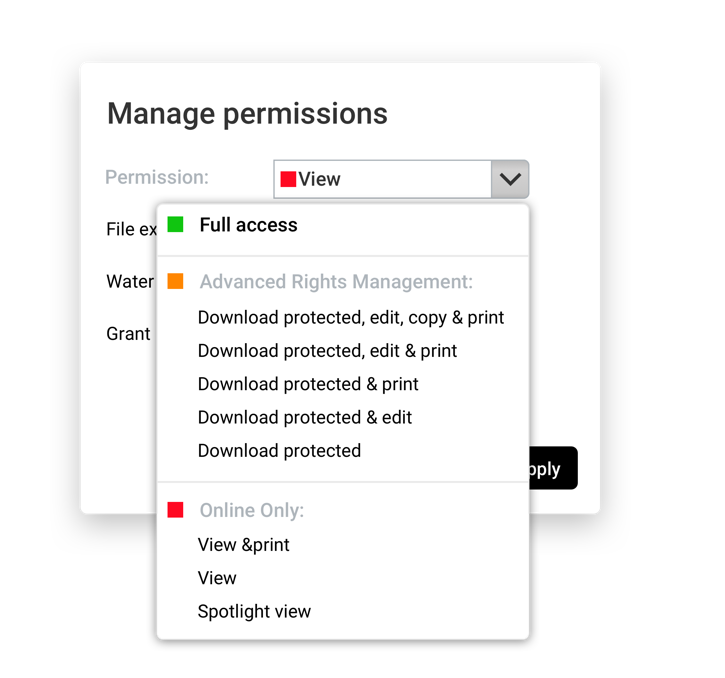
Gestão de Direitos Digitais
Controlo de acesso a ficheiros quando descarregados e partilhados por colaboradores externos.
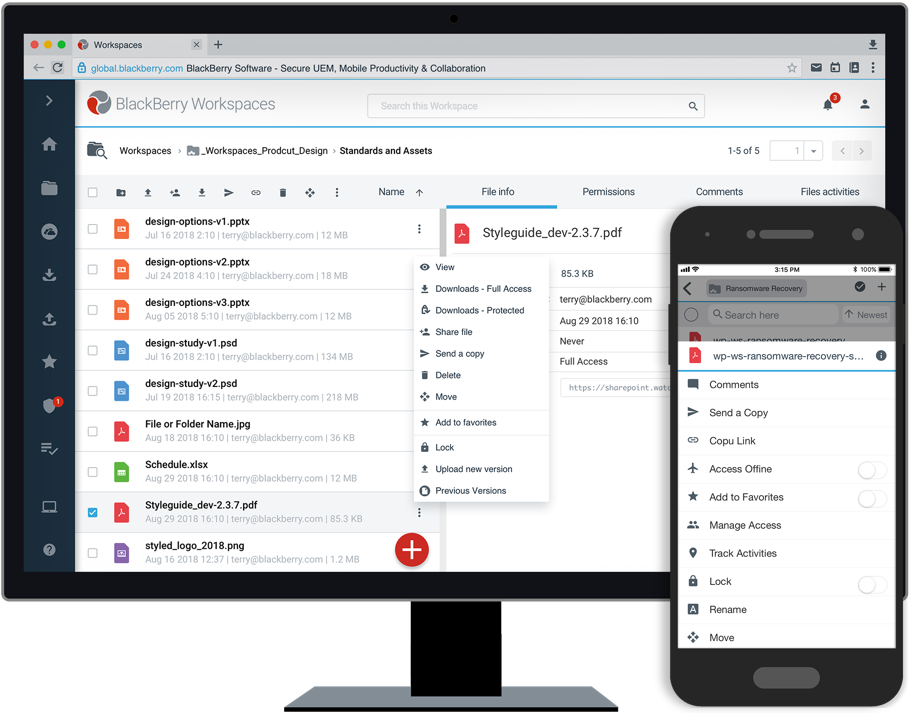
Ferramentas de Recuperação de Ransomware
Único recuperação de ransomware recursos nasedições Collaborate e Secure Plus.
Para obter informações sobre preços e mais detalhes sobre o BlackBerry Workspaces, por favor contacte-nos.
Entrar em contacto





















 English (UK)
  English
  English (Canada)
  Français du Canada
  Svenska
  Português
  Nederlands
  Italiano
  Français
  Español
  Deutsch