



































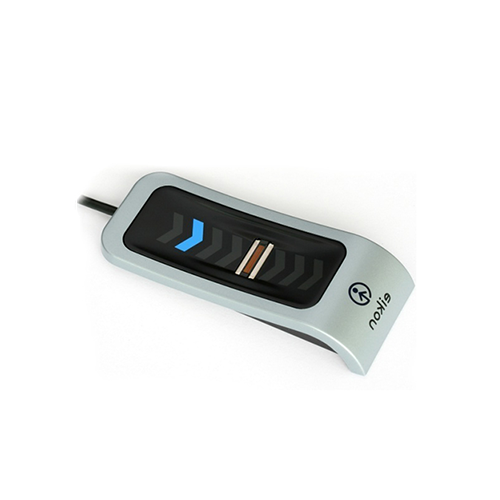
Lettore di impronte digitali Eikon non funzionante con Windows 10 Build 1607
Il mio lettore di impronte digitali Eikon non funziona più con Windows 10 build 1607?
C'è una soluzione semplice che risolverà questo problema, segui i passaggi seguenti:
Dovrai disabilitare e abilitare il servizio Gestione credenziali.
- Sul computer premi i tasti “Windows + R” per aprire “Esegui”
- Nella finestra di dialogo “Esegui” immettere “services.msc”
- Quando il gestore dei servizi si apre, trova “Gestione credenziali” e fai doppio clic su di esso.
- Si aprirà una finestra delle proprietà e fai clic su “Interrompi”
- Una volta fermato, premi “Avvia”
- Dopo che è stato riavviato, premi “Ok” per salvare le modifiche e riavviare il computer.
Per ulteriori informazioni e indicazioni generali sui nostri prodotti e servizi, si prega di Contattaci.
Hai bisogno di ulteriore supporto?
Cerca tutto Base di conoscenza articoli
Invia un Richiesta di supporto Al Team di Supporto di Idency

















 English (UK)
  English
  English (Canada)
  Français du Canada
  Svenska
  Português
  Nederlands
  Italiano
  Français
  Español
  Deutsch