



































Eikon Fingerprint Reader Not Working with Windows 10 Build 1607
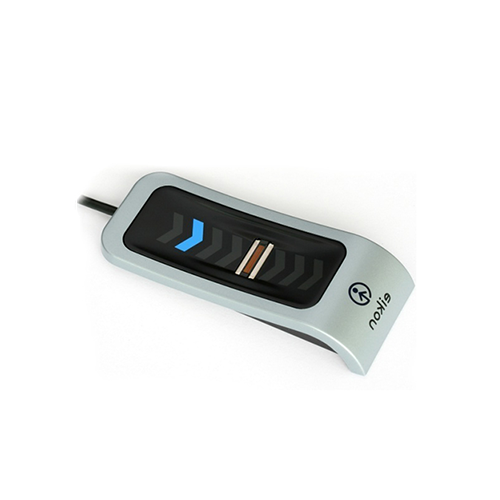
My Eikon fingerprint reader no longer works with windows 10 build 1607?
There is a simple solution that will resolve this issue follow the steps below:
You will need to disable and enable credential manager service.
- On the computer press “windows key + R” to open “Run”
- In the “Run” dialog box enter “services.msc”
- When the service manager opens find “Credential manager” and double click on it.
- A properties window will open and click “Stop”
- Once it has stopped press “Start”
- After it has started again press “Ok” to save changes and restart the computer.
For more information and general guidance on our products & services, please contact us.
Require further support?
Search all Knowledgebase articles
Send a Support Request to The Idency Support Team

















 English (UK)
  English
  English (Canada)
  Français du Canada
  Svenska
  Português
  Nederlands
  Italiano
  Français
  Español
  Deutsch