



































Installation de DigitalPersona 4500 pour Windows 10/11 Hello
Comment installer Logiciels lecteurs d'empreintes digitales HID DigitalPersona 4500 pour Windows 10/11 Bonjour
Suivez les instructions du guide d’installation en utilisant le lien ci-dessous pour utiliser votre lecteur d’empreintes digitales DigitalPersona 4500 avec Windows Hello.
Veuillez noter : Il ne fonctionne que avec Windows 10 Hello ou ultérieur.
Guide de téléchargementAvez-vous besoin des conducteurs ?
HID (formellement Crossmatch) DigitalPersona U.ARE.U 4500 Lecteur d'empreintes digitales Windows 10/11 Drivers
Les pilotes de ces appareils sont disponibles via les mises à jour de Windows. Assurez-vous que le lecteur est connecté à votre PC/ordinateur portable lors du redémarrage puis vérifiez les mises à jour de Windows. Il peut s’agir d’une mise à jour optionnelle. Sélectionnez la mise à jour correcte et une fois installée, redémarrez à nouveau. Cela devrait permettre à votre lecteur de fonctionner avec Windows 10 et Windows 11.
Je cherche un lecteur d'empreintes digitales neuf ou d'occasion
Pour Les meilleurs prix au Royaume-Uni Vous pouvez acheter les lecteurs d'empreintes digitales directement sur notre site web :
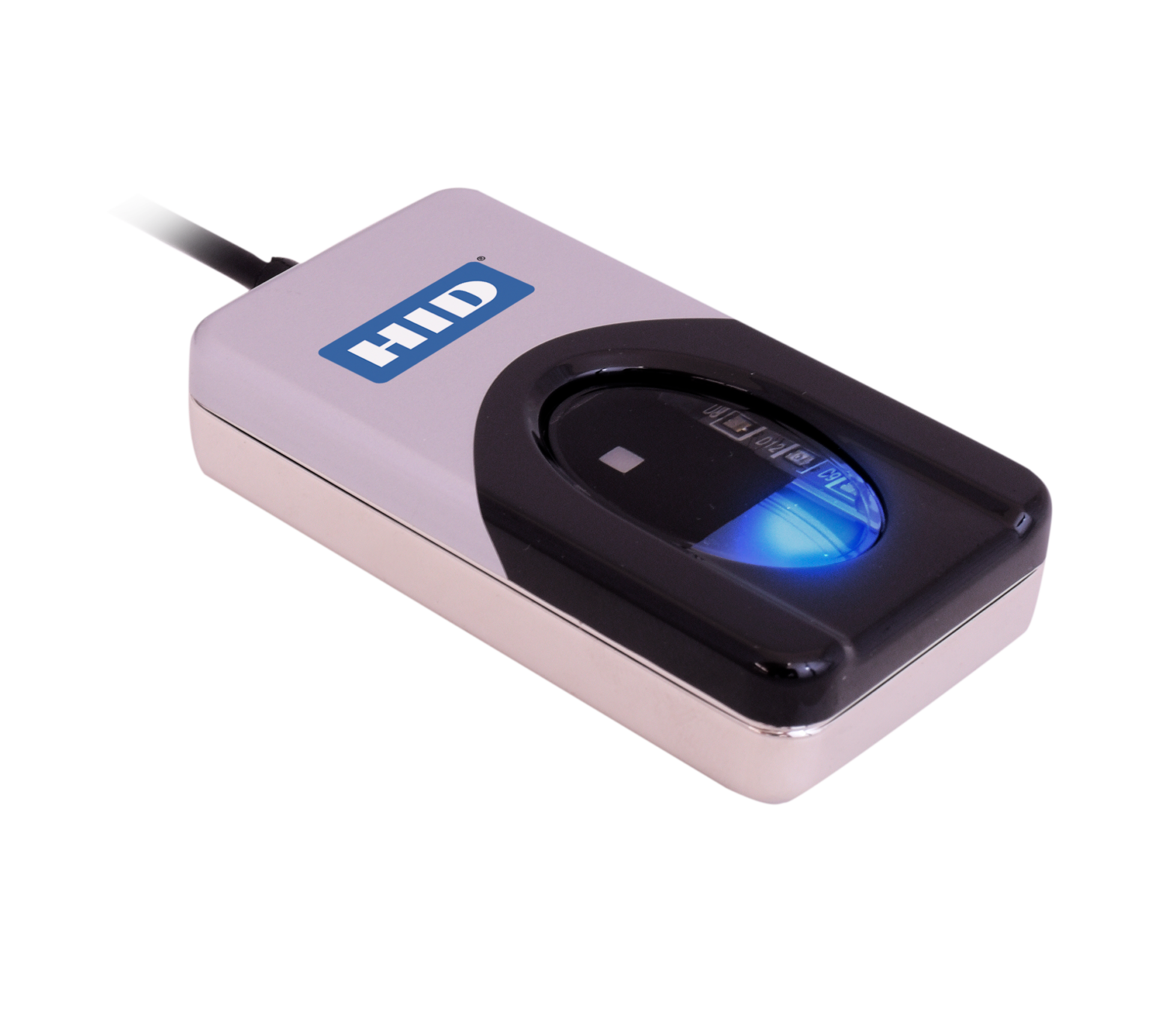
EN STOCK (Commandez avant 15h pour une livraison le jour même)
***Des réductions de volume sont proposées (s’il vous plaît Contactez-nous pour le prix)***
Pour plus d'informations et des conseils généraux sur nos produits et services, veuillez Contactez-nous.
Besoin d'aide supplémentaire ?
Tout rechercher Base de connaissances articles
Envoyer un Demande d'assistance À l'équipe de support d'Idency


















 English (UK)
  English
  English (Canada)
  Français du Canada
  Svenska
  Português
  Nederlands
  Italiano
  Français
  Español
  Deutsch