



































DigitalPersona 4500 Windows 10/11 Hello Installation
How to install HID DigitalPersona 4500 Fingerprint reader drivers for Windows 10/11 Hello
Please follow the instructions in the installation guide using the link below to allow you to use your DigitalPersona 4500 Fingerprint Reader with Windows Hello.
Please note: Only works with Windows 10 Hello onwards.
Download GuideNeed the Drivers?
HID (formally Crossmatch) DigitalPersona U.ARE.U 4500 Fingerprint reader Windows 10/11 Drivers
The drivers for these devices are available via Windows Updates. Ensure the reader is plugged in to your PC/Laptop whilst doing a restart and then check your Windows Updates. It may come in as an Optional Update. Select the correct update and once installed then restart again. This should allow your reader to work with Windows 10 and Windows 11.
Need new/replacement Fingerprint Readers
For the best UK prices you can purchase the fingerprint readers directly from our website:
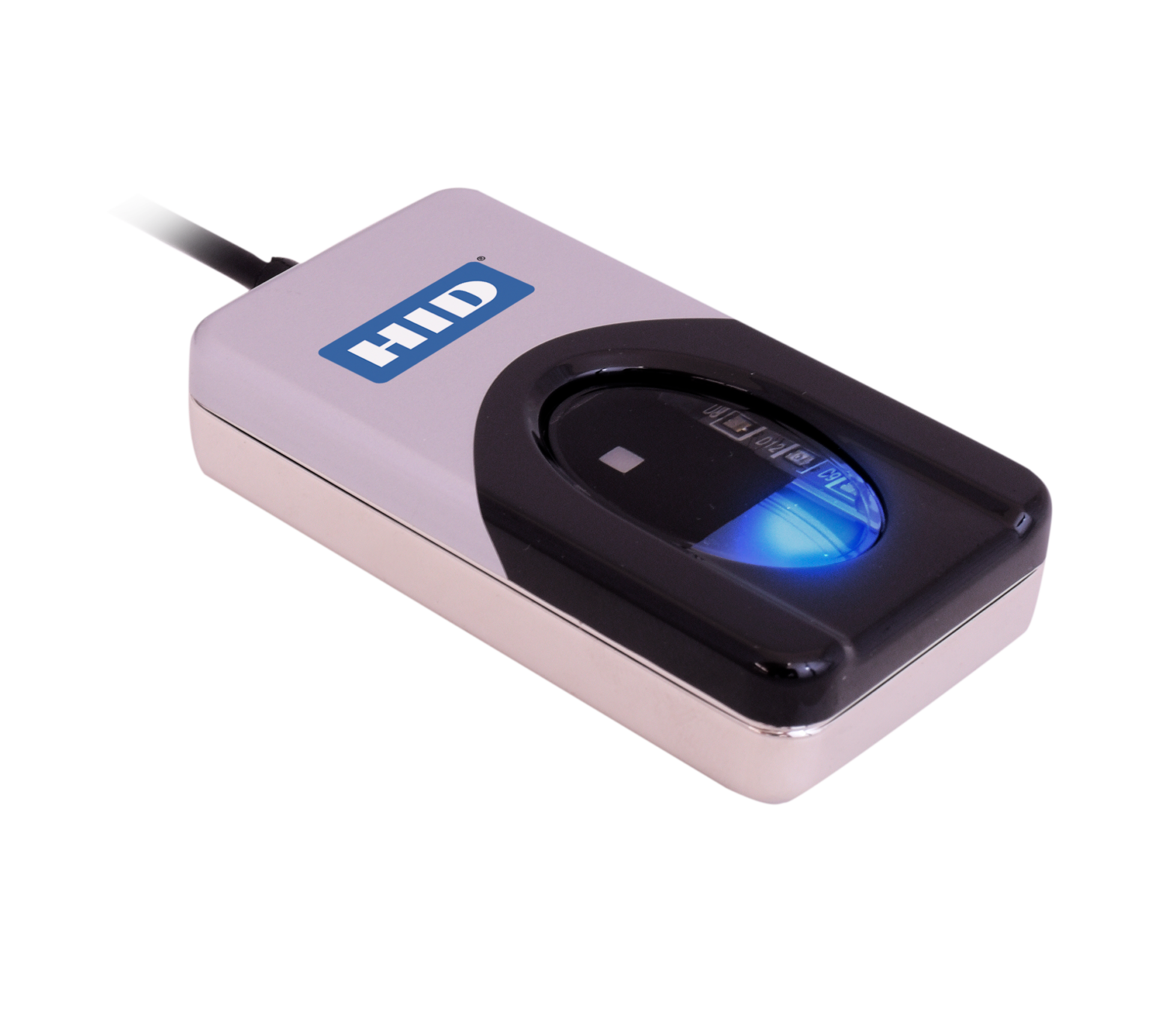
IN STOCK (Order before 3pm for Next Day Delivery)
***Volume Discounts Available (please contact us for pricing)***
For more information and general guidance on our products & services, please contact us.
Require further support?
Search all Knowledgebase articles
Send a Support Request to The Idency Support Team
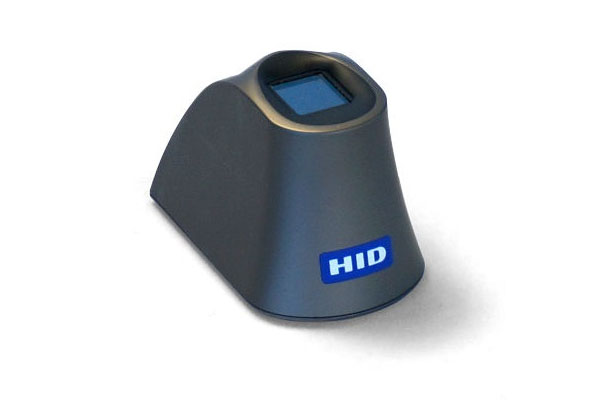


















 English (UK)
  English
  English (Canada)
  Français du Canada
  Svenska
  Português
  Nederlands
  Italiano
  Français
  Español
  Deutsch