



































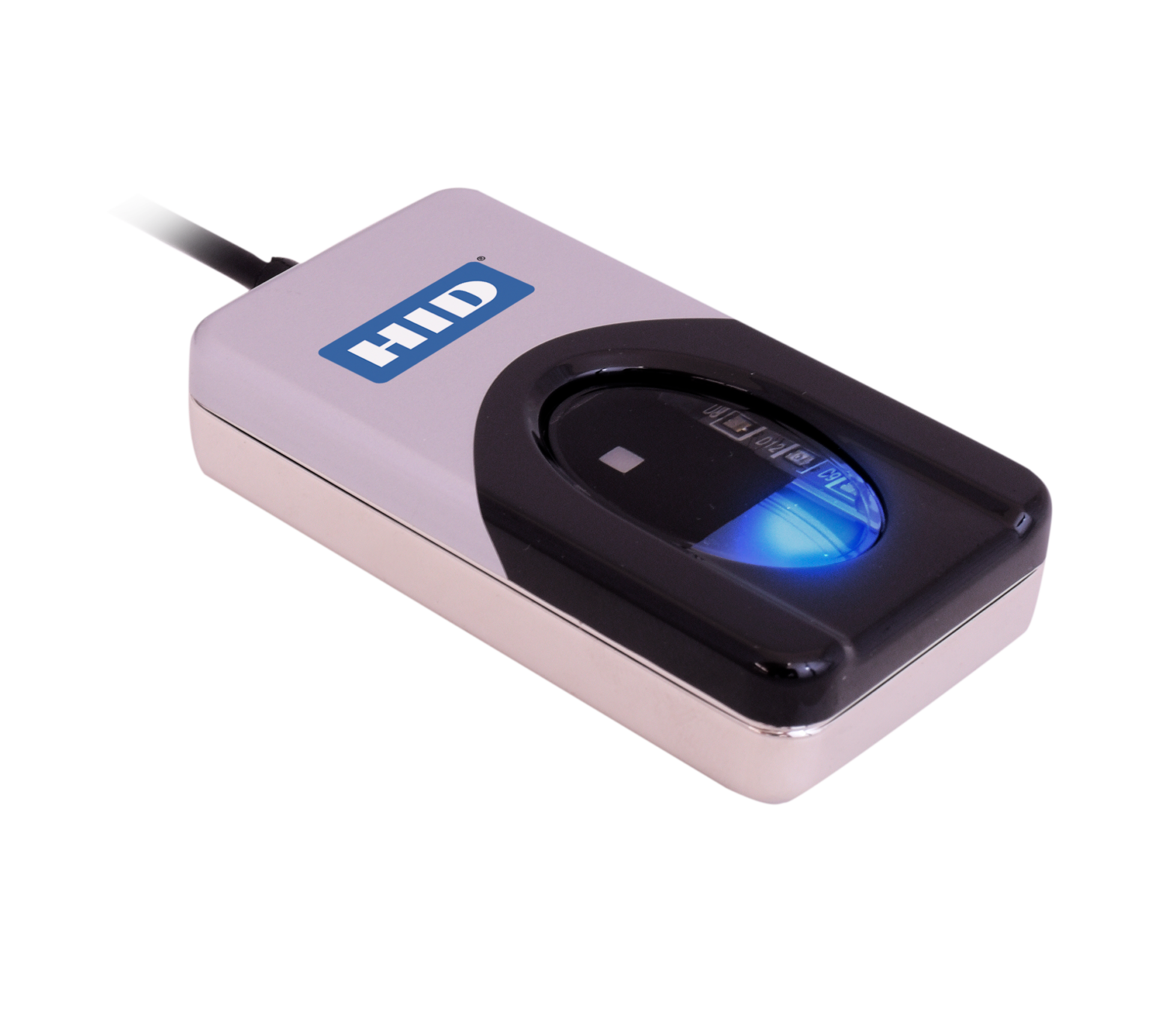
Instalación de DigitalPersona 4500 para Windows 10/11 Hello
Cómo instalar Driveres del lector de huellas dactilares HID DigitalPersona 4500 para Windows 10/11 Hola
Siga las instrucciones del manual de instalación utilizando el enlace siguiente para poder utilizar su lector de huellas digitales DigitalPersona 4500 con Windows Hello.
Ten en cuenta: solo funciona con Windows 10 Hello o versiones posteriores.
Guía de Descarga¿Necesita conductores?
HID (formalmente Crossmatch) lector de huellas dactilares DigitalPersona U.ARE.U 4500 Drivers para Windows 10/11
Los controladores para estos dispositivos están disponibles a través de las actualizaciones de Windows. Asegúrese de que el lector esté conectado a su PC/Laptop durante el reinicio y luego compruebe las actualizaciones de Windows. Puede que se incluya como actualización opcional. Seleccione la actualización correcta y una vez instalada, reinicie el dispositivo. Esto debería permitir que el lector funcione con Windows 10 y Windows 11.
Necesito nuevos lectores de huellas dactilares
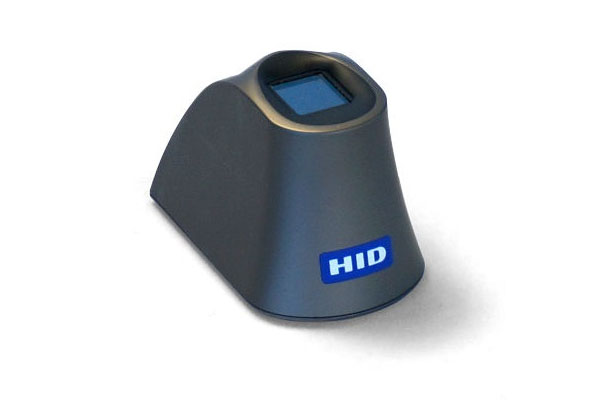
Para Los mejores precios del Reino Unido Puede comprar los lectores de huellas dactilares directamente desde nuestro sitio web:
EN EXISTENCIA (Realice su pedido antes de las 3 p. m. para entrega el día siguiente)
***Se ofrecen descuentos por volumen (por favor Contáctenos para el cálculo de los precios)***
Para obtener más información y orientación general sobre nuestros productos y servicios, por favor Contáctenos.
¿Requiere más ayuda?
Buscar todo Base de conocimiento artículos
Enviar un Solicitud de asistencia Al equipo de soporte de Idency


















 English (UK)
  English
  English (Canada)
  Français du Canada
  Svenska
  Português
  Nederlands
  Italiano
  Français
  Español
  Deutsch