



































DigitalPersona 4500 Windows 10/11 Hallo Installation
Wie man installiert HID DigitalPersona 4500 Fingerabdruckleser-Treiber für Windows 10/11 Hallo
Bitte folgen Sie den Anweisungen in der Installationsanleitung unter dem folgenden Link, um Ihren DigitalPersona 4500 Fingerabdruckleser mit Windows Hello verwenden zu können.
Bitte beachten: Funktioniert erst ab Windows 10 Hello.
Download-AnleitungBrauchen Sie die Treiber?
HID (ehemals Crossmatch) DigitalPersona U.ARE.U 4500 Fingerabdruckleser Windows 10/11 Treiber
Die Treiber für diese Geräte sind über Windows Update verfügbar. Stellen Sie sicher, dass das Lesegerät während eines Neustarts an Ihren PC/Laptop angeschlossen ist, und überprüfen Sie dann Ihre Windows-Updates. Es wird möglicherweise als optionales Update angezeigt. Wählen Sie das entsprechende Update aus, und starten Sie den Computer nach der Installation erneut. Danach sollte Ihr Lesegerät unter Windows 10 und Windows 11 funktionieren.
Ich benötige neue/Ersatz-Fingerabdruckscanner
Für die besten UK-Preise Sie können die Fingerabdruckleser direkt auf unserer Website erwerben:
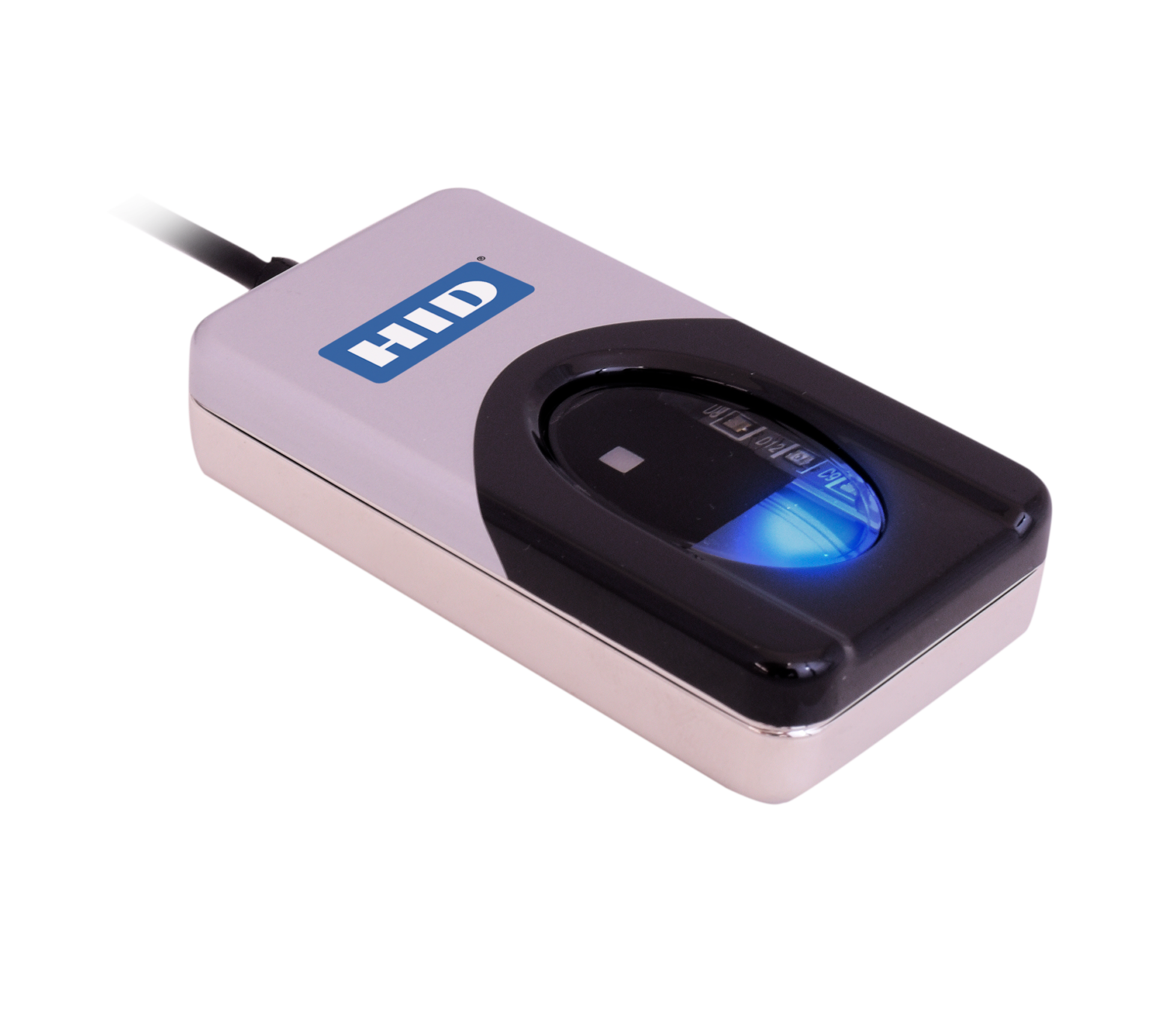
AUF LAGER (Bestellen Sie vor 15:00 Uhr für Lieferung am nächsten Tag)
***Mengenrabatte verfügbar (bitte Kontaktieren Sie uns zur Preisgestaltung
Für weitere Informationen und allgemeine Hinweise zu unseren Produkten & Dienstleistungen, bitte Kontaktieren Sie uns.
Benötigen Sie weitere Unterstützung?
Alle durchsuchen Wissensdatenbank Artikel
Sende eine Support-Anfrage An das Idency-Support-Team


















 English (UK)
  English
  English (Canada)
  Français du Canada
  Svenska
  Português
  Nederlands
  Italiano
  Français
  Español
  Deutsch