



































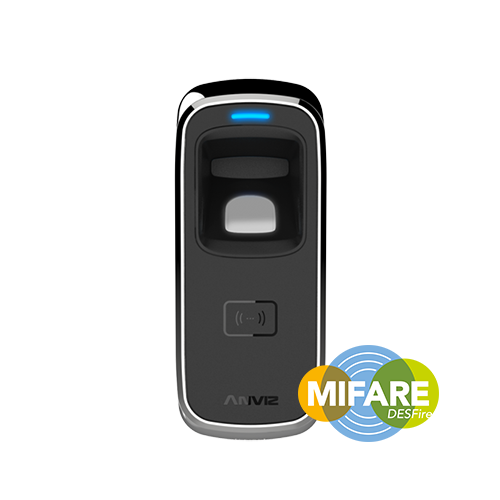
Anviz M5 : Création ou remplacement de cartes d'enregistrement et de suppression
Comment créer ou remplacer les cartes d’inscription et les supprimer ?
Lorsque vous achetez le Anviz M5, Vous recevrez Cartes d'inscription et Supprimer les cartes. Si ces cartes sont perdues ou doivent être remplacées, vous pouvez en créer de nouvelles.
Veuillez noter : Vous devez enregistrer les cartes d’inscription et les cartes de suppression pour faire fonctionner l’appareil.
Pour obtenir de l'aide pour créer ou remplacer Anviz M5 cartes, veuillez vous référer à la rubrique ‘ Idency »Guide d'installation et de configuration de l'utilisateur Anviz M5‘Vidéo à droite de cet article. Lors de la lecture de la vidéo passons à 9:40 m/s pour le sujet spécifique traité.
En revanche, si vous avez besoin d'une assistance supplémentaire, vous trouverez des informations utiles dans Guide de démarrage rapide et Manuel d'utilisation pour le Anviz M5.
Pour plus d'informations et des conseils généraux sur nos produits et services, veuillez Contactez-nous.Besoin d'aide supplémentaire ?
Tout rechercher Base de connaissances articles
Envoyer un Demande d'assistance À l'équipe de support d'Idency

















 English (UK)
  English
  English (Canada)
  Français du Canada
  Svenska
  Português
  Nederlands
  Italiano
  Français
  Español
  Deutsch