



































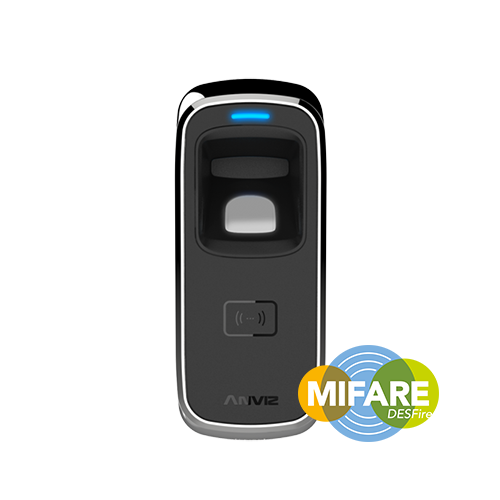
Anviz M5: Erstellen oder Ersetzen von Registrierungs- und Löschkarten
Wie erstellen oder ersetzen Sie Anmelde- und Löschkarten?
Wenn Sie das Produkt zum ersten Mal kaufen Anviz M5, Sie werden mit Enrol-Karten und Karten löschen. Wenn diese Karten verloren gehen oder ersetzt werden müssen, können Sie neue erstellen.
Bitte beachten Sie: Um die Maschine zu betreiben, müssen sowohl die Anmelde- als auch die Löschkarten registriert sein.
Hilfe bei der Erstellung oder dem Ersetzen Anviz M5 Karten, siehe bitte die Hinweise von Idency.‘Anviz M5 Installations- und Benutzerhandbuch‘ Video befindet sich rechts dieses Artikels. Wenn Sie das Video abspielen Springen Sie auf 9:40 m/s für das spezifische Thema.
Alternativ können Sie, falls Sie weitere Hilfe benötigen, hilfreiche Informationen in den folgenden Quellen finden: Schnellstartanleitung und Benutzerhandbuch für die Anviz M5.
Für weitere Informationen und allgemeine Hinweise zu unseren Produkten & Dienstleistungen, bitte Kontaktieren Sie uns.Benötigen Sie weitere Unterstützung?
Alle durchsuchen Wissensdatenbank Artikel
Sende eine Support-Anfrage An das Idency-Support-Team

















 English (UK)
  English
  English (Canada)
  Français du Canada
  Svenska
  Português
  Nederlands
  Italiano
  Français
  Español
  Deutsch