



































Rimuovi il termostato Nest dall'account Nest
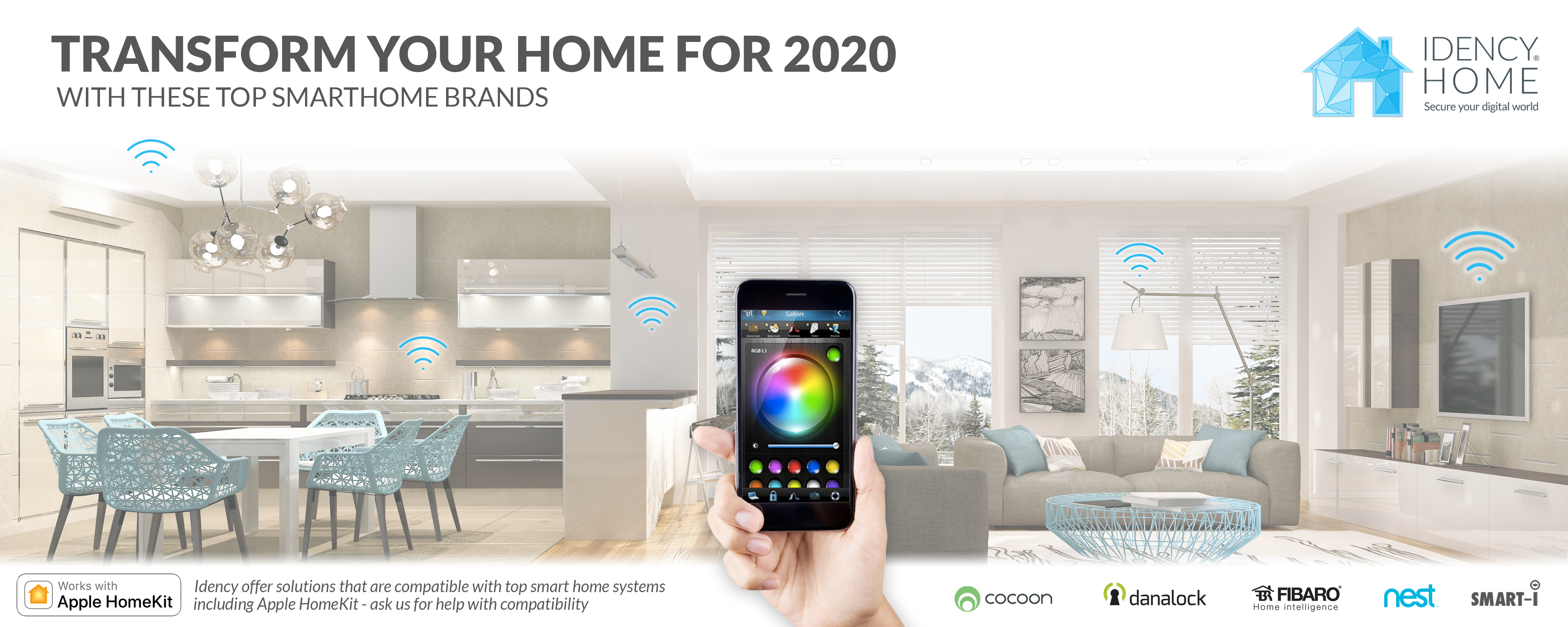
Come faccio a rimuovere un Nest Learning Thermostat dal mio account Nest?
Puoi rimuovere il tuo Termostato Nest dal tuo account Nest tramite l'app Nest.
Che tu stia usando un computer o un telefono cellulare, i passaggi sono gli stessi.
Per rimuovere un Nest Thermostat dal tuo account Nest:
- Accedi al tuo account con l'app Nest.
- Se hai più case, seleziona la casa che contiene il termostato Nest che desideri rimuovere.
- Scegli il termostato che desideri rimuovere.
- Tocca Impostazioni icona nell'angolo in alto a destra.
- Seleziona Rimuovere il termostato in fondo al menu.
- Ti verrà quindi chiesto di confermare la tua scelta.
Nota: Idency non fornisce più prodotti Nest. Dai un'occhiata agli altri nostri marchi di domotica: https://idency.com/product-category/idencyhome/
Dai un'occhiata ai prodotti Safire di nuova generazione:
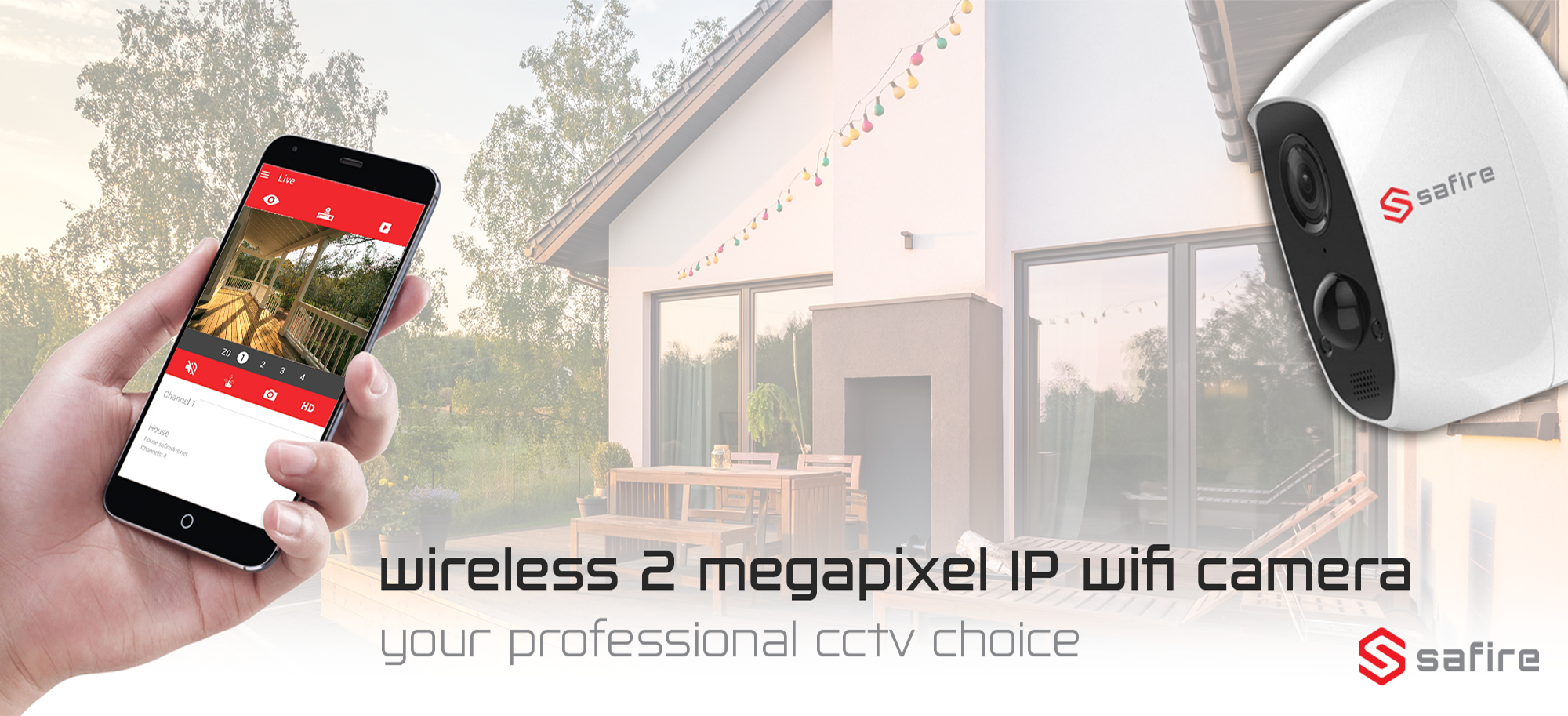
Telecamera CCTV Smart Home IP Wifi da interno ed esterno Safire Wireless
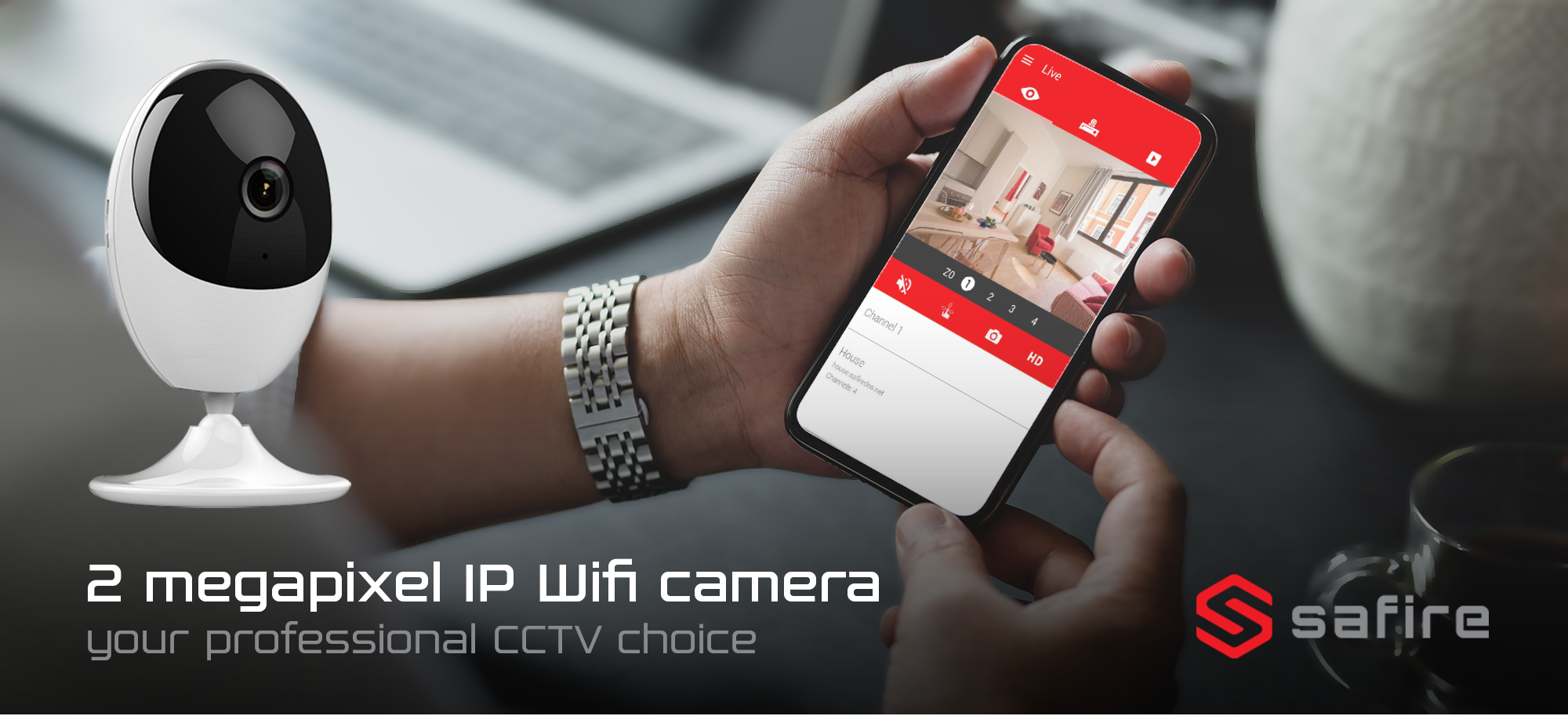
Telecamera CCTV Smart Home da interno IP Wi-Fi Safire
Hai bisogno di ulteriore supporto?
Cerca tutto Base di conoscenza articoli
Se hai bisogno di ulteriore aiuto, visita Assistenza Nest per altri articoli o per inviare un ticket di supporto.

















 English (UK)
  English
  English (Canada)
  Français du Canada
  Svenska
  Português
  Nederlands
  Italiano
  Français
  Español
  Deutsch