



































Remove Nest Thermostat from Nest Account
How do I remove a Nest Learning Thermostat from my Nest Account?
You can remove your Nest Thermostat from your Nest Account with either the Nest app.
Whether you’re using a computer or mobile phone, the steps are the same.
To remove a Nest Thermostat from your Nest Account:
- Log into your account with the Nest app.
- If you have multiple homes, select the home that has the Nest Thermostat you’d like to remove.
- Choose the thermostat you’d like to remove.
- Tap the Settings icon in the upper right hand corner.
- Select Remove thermostat at the bottom of the menu.
- You’ll then be asked to confirm your choice.
Please note: Idency no longer supply nest products. Take a look at our other smarthome brands: https://idency.com/product-category/idencyhome/
Take a look at the next-gen Safire products:
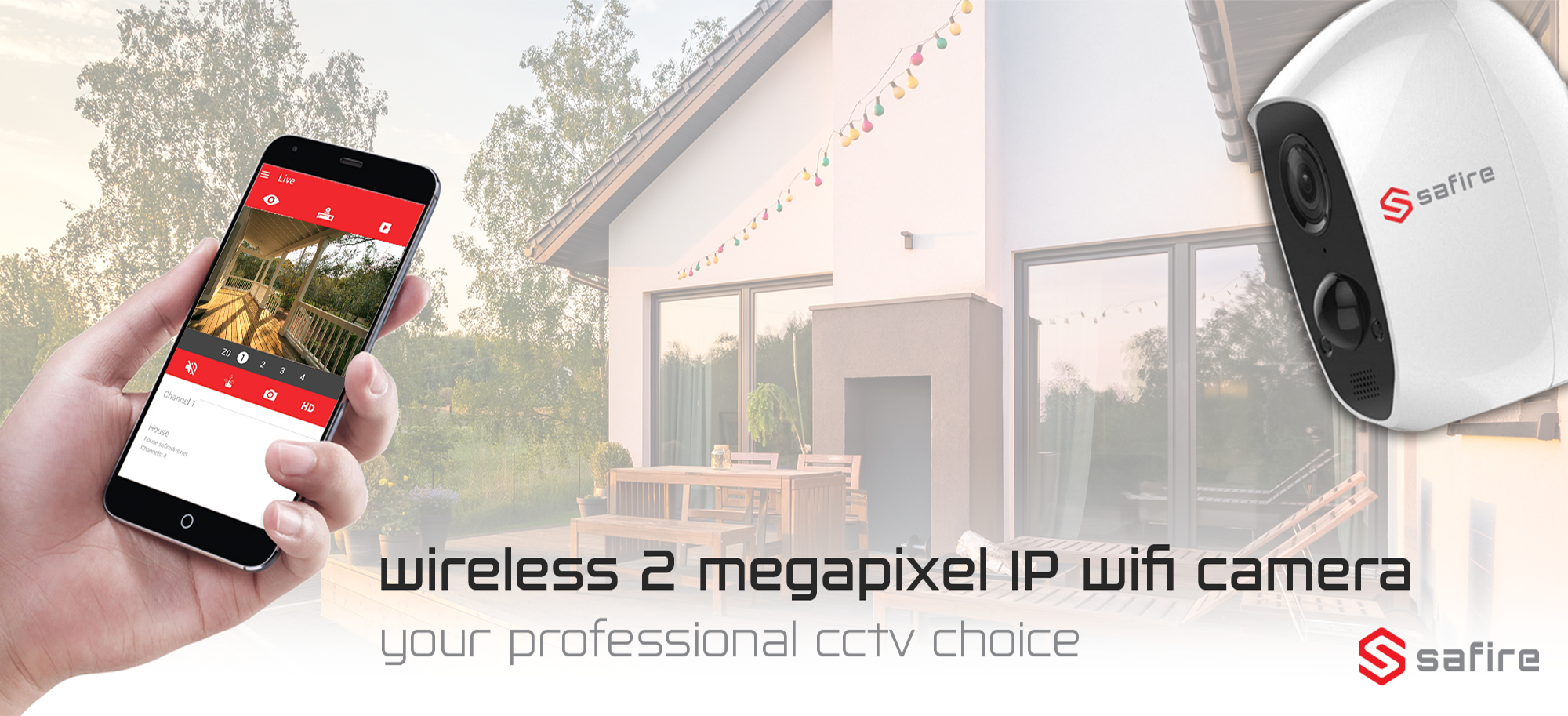
Safire Wireless Indoor & Outdoor IP Wifi Smart Home CCTV Camera

Safire Indoor IP Wifi Smart Home CCTV Camera
Require further support?
Search all Knowledgebase articles
If you need further help please visit Nest Support for more articles or to submit a support ticket.

















 English (UK)
  English
  English (Canada)
  Français du Canada
  Svenska
  Português
  Nederlands
  Italiano
  Français
  Español
  Deutsch