



































Nest Thermostat aus dem Nest-Konto entfernen
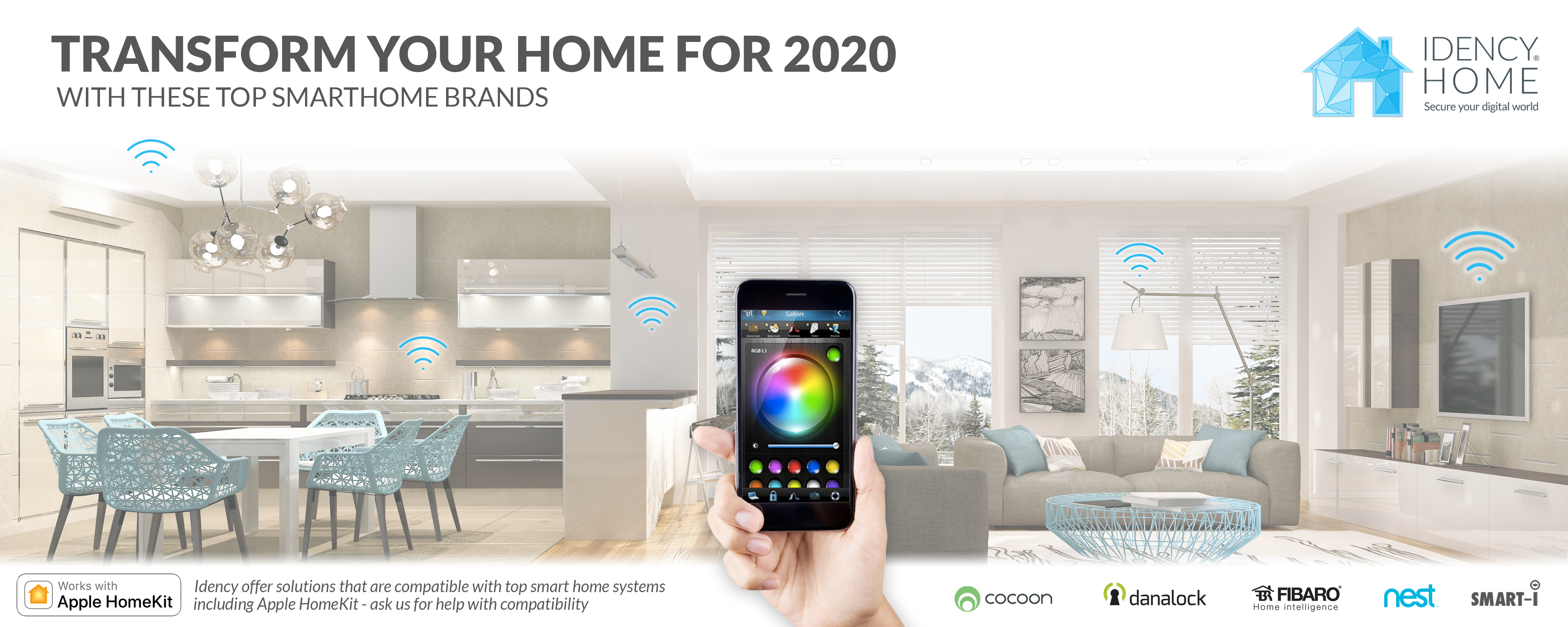
Wie entferne ich einen Nest Learning Thermostat aus meinem Nest-Konto?
Sie können Ihr Nest Thermostat entweder über die Nest App aus Ihrem Nest-Konto entfernen.
Egal, ob Sie einen Computer oder ein Mobiltelefon verwenden, die Schritte sind dieselben.
Um einen Nest Thermostat aus Ihrem Nest-Konto zu entfernen:
- Melden Sie sich mit der Nest App in Ihrem Konto an.
- Wenn Sie mehrere Zuhause haben, wählen Sie das Zuhause aus, in dem sich das Nest Thermostat befindet, das Sie entfernen möchten.
- Wählen Sie das Thermostat aus, das Sie entfernen möchten.
- Tippen Sie auf Einstellungen Symbol in der oberen rechten Ecke.
- Auswählen Thermostat entfernen am Ende des Menüs.
- Sie werden dann gebeten, Ihre Auswahl zu bestätigen.
Bitte beachten Sie: Idency führt keine Nest-Produkte mehr. Werfen Sie einen Blick auf unsere anderen Smart-Home-Marken: https://idency.com/product-category/idencyhome/
Werfen Sie einen Blick auf die Safire-Produkte der nächsten Generation:
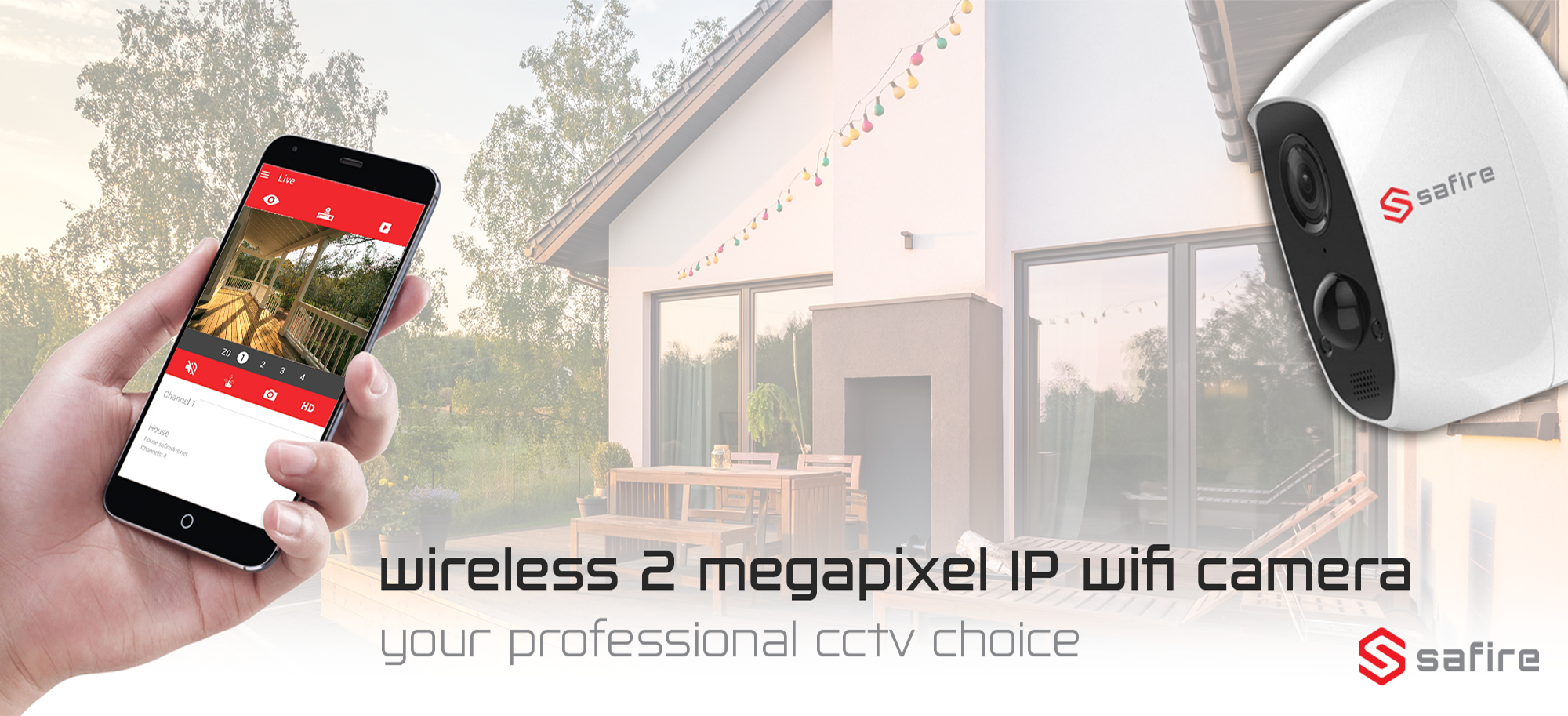
Safire WLAN Indoor & Outdoor IP Wifi Smart Home Überwachungskamera
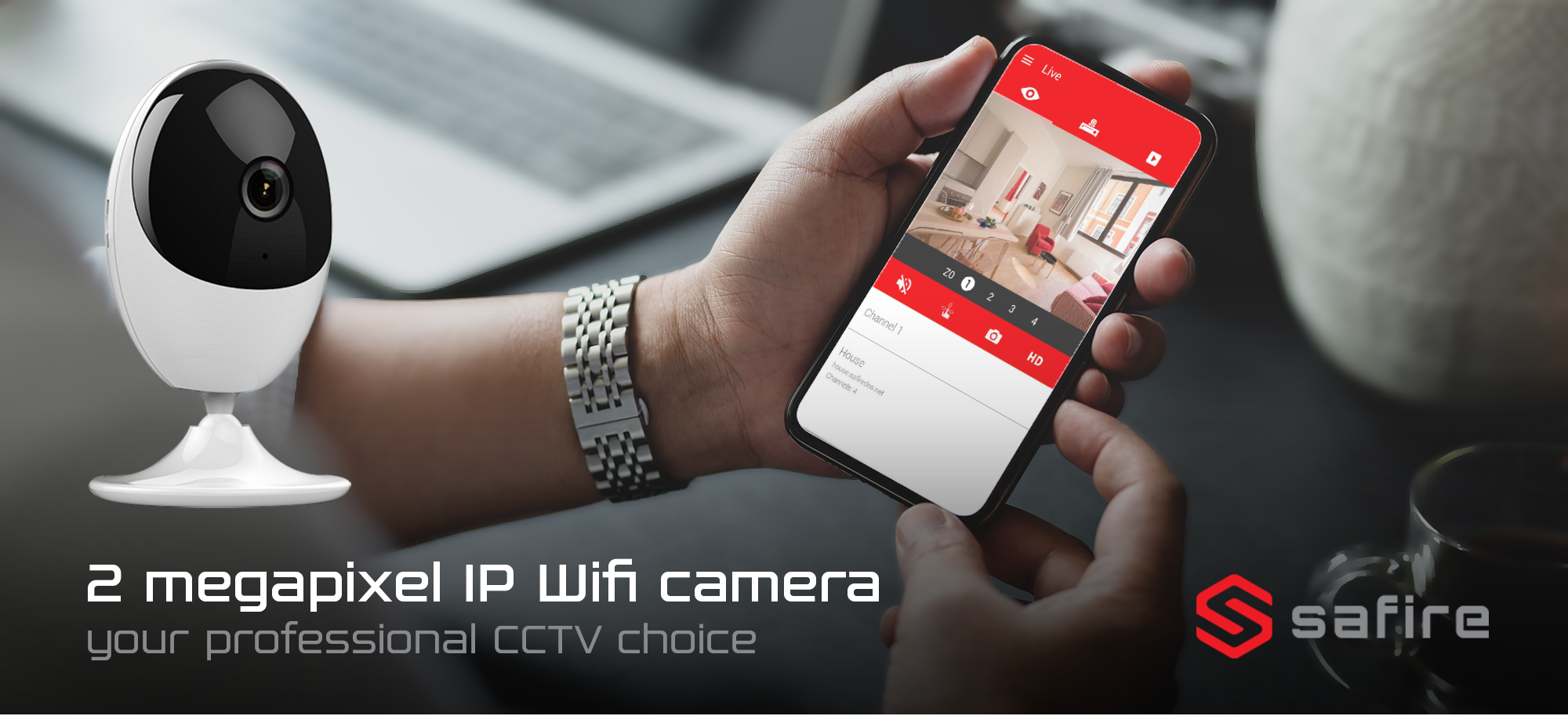
Safire Indoor IP WLAN Smart Home Überwachungskamera
Benötigen Sie weitere Unterstützung?
Alle durchsuchen Wissensdatenbank Artikel
Wenn Sie weitere Hilfe benötigen, besuchen Sie bitte Nest-Support für weitere Artikel oder um ein Support-Ticket einzureichen.

















 English (UK)
  English
  English (Canada)
  Français du Canada
  Svenska
  Português
  Nederlands
  Italiano
  Français
  Español
  Deutsch