



































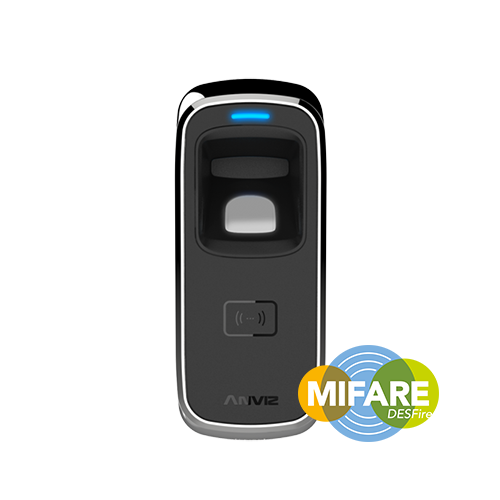
Anviz M5 Connessione tramite TCP/IP con il software AIM
Connettete il dispositivo alla vostra rete utilizzando un cavo patch.
Cerca il dispositivo utilizzando l’opzione ‘Cerca dispositivo’. Aggiungi il dispositivo e verifica se è possibile comunicare con esso.
Se non è così, probabilmente il problema risiede nell’indirizzo IP che deve essere aggiornato per essere compatibile con la rete. È necessario poter effettuare un ‘ping’ sul dispositivo.
Per cambiare l'indirizzo IP
Una volta visualizzato il dispositivo nella ricerca, è possibile selezionarlo e quindi cliccare su "Impostazioni". Qui è possibile modificare l'indirizzo IP del dispositivo. È opportuno impostarlo su un indirizzo univoco per la propria rete. Inoltre, è necessario verificare che anche le altre impostazioni del gateway siano compatibili con quella della propria rete. Infine, è sufficiente salvare le modifiche.
Successivamente è necessario salvare questi cambiamenti riavviando il dispositivo.
Per ulteriori informazioni e indicazioni generali sui nostri prodotti e servizi, si prega di Contattaci.
Hai bisogno di ulteriore supporto?
Cerca tutto Base di conoscenza articoli
Invia un Richiesta di supporto Al Team di Supporto di Idency

















 English (UK)
  English
  English (Canada)
  Français du Canada
  Svenska
  Português
  Nederlands
  Italiano
  Français
  Español
  Deutsch