



































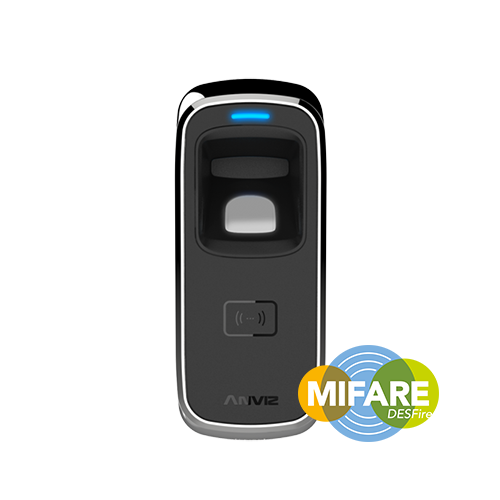
Conexión del Anviz M5 mediante TCP/IP con el software AIM
Conecte el dispositivo a su red utilizando un cable patch.
Busque el dispositivo utilizando la opción ‘Buscar dispositivo’. Agregue el dispositivo y verifique si puede comunicarse con él.
Si no es así, probablemente se debe a que la dirección IP necesita actualizarse para coincidir con la de tu red. Debes poder ‘pingear’ el dispositivo.
Para cambiar la dirección IP
Una vez que veas el dispositivo en la búsqueda, puedes seleccionarlo y luego hacer clic en "Configuración". Aquí puedes cambiar la dirección IP del dispositivo. Hazlo único para tu red. Asegúrate de que la puerta de enlace y otros ajustes coincidan con la tuya. Luego, guarda.
Luego debe guardar esos cambios reiniciando el dispositivo.
Para obtener más información y orientación general sobre nuestros productos y servicios, por favor Contáctenos.
¿Requiere más ayuda?
Buscar todo Base de conocimiento artículos
Enviar un Solicitud de asistencia Al equipo de soporte de Idency

















 English (UK)
  English
  English (Canada)
  Français du Canada
  Svenska
  Português
  Nederlands
  Italiano
  Français
  Español
  Deutsch