




































Software avanzado para Windows de control de asistencia de empleados
El software de control de presencia y fichaje para ordenador más completo del mercado
Con el paquete Basic & Ultimate de ClockReports, obtienes la solución completa de ClockReports para gestión de tiempo y asistencia.
ClockReports Ultimate es el software de control de presencia para escritorio más completo del mercado. Gestione su personal y actualice sus nóminas con facilidad. Desarrollado por nosotros en el Reino Unido por un equipo de desarrollo con más de diez años de experiencia trabajando en el control horario de empleados. ClockReports es el software de Windows más moderno para el registro de la jornada laboral, con una configuración inicial rápida y la opción de generar informes.
ClockReports está diseñado para empresas que necesitan sistemas de gestión de turnos, rotas, permisos, demoras, pagos, bajas, redondeos, informes avanzados y exportación de nómina. Con el paquete de software de tiempo y asistencia de ClockReportsXE Basic y Ultimate, se ofrecen una serie de funciones.
Configuración fácil
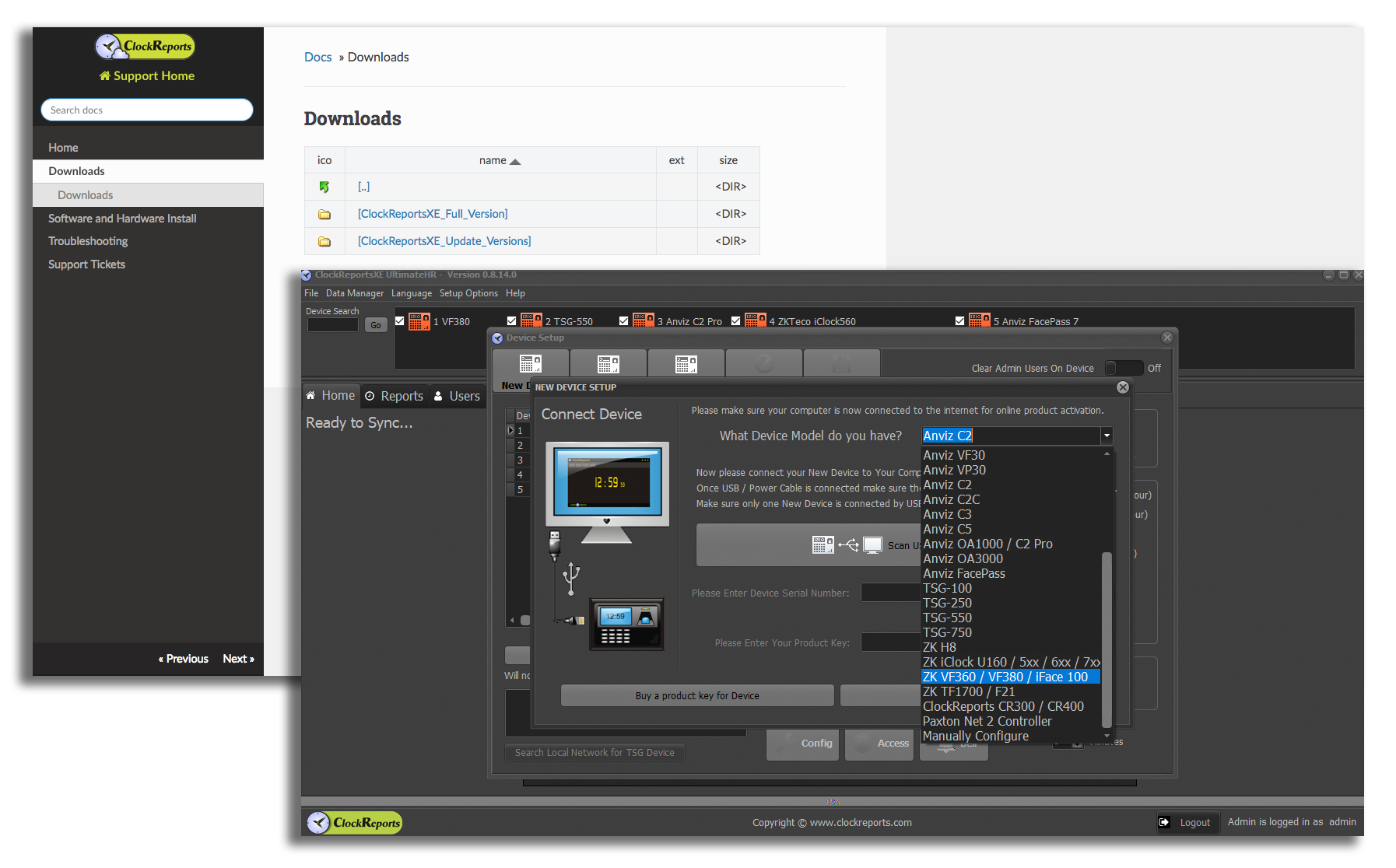
ClockReports funciona sin necesidad de configuración previa. ¡Simplemente descargue el software y conecte los dispositivos! Se admiten varios relojes de fichaje, lo que significa que tiene la libertad de gestionar múltiples ubicaciones.
Puede sincronizar sus relojes de fichaje utilizando un cable USB, la red o una memoria USB / disco duro (si el reloj de fichaje admite la función). También se admite la instalación de Servidor/Cliente.
Gestión fácil
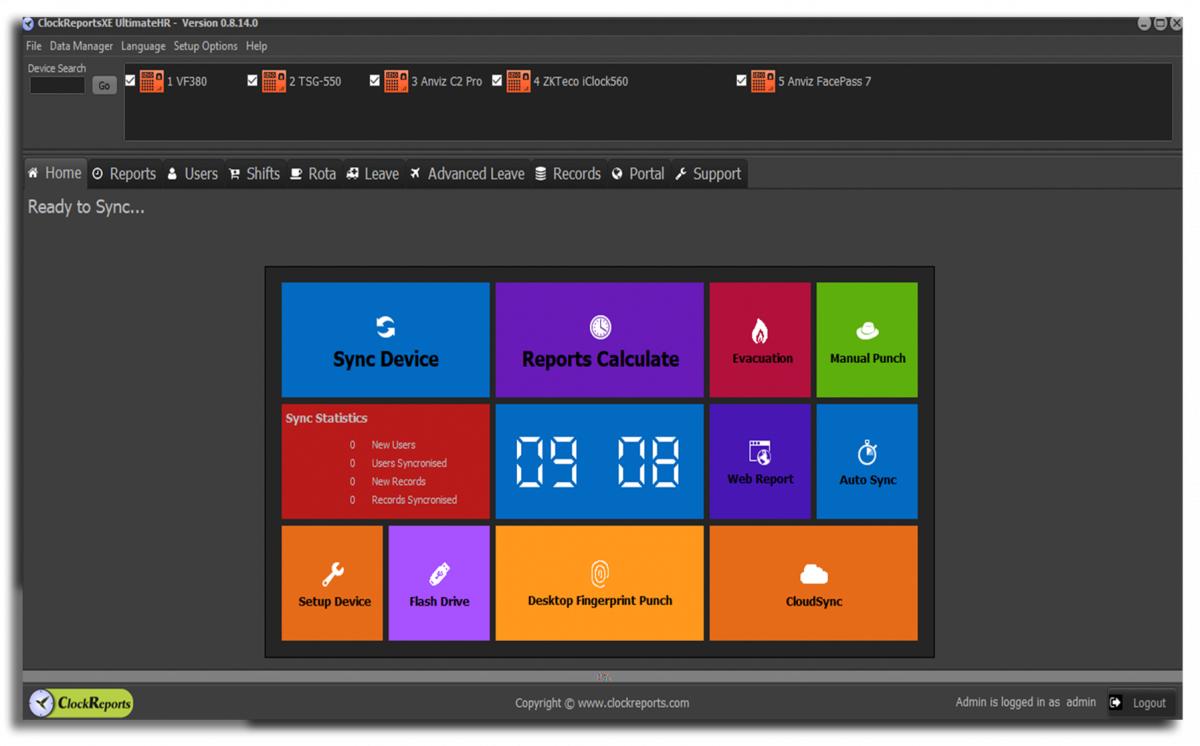
ClockReports cuenta con un panel sencillo y fácil de navegar. Sincroniza dispositivos manualmente, calcula informes (incluidos informes de evacuación), fichaje manual de entrada/salida, ¡o simplemente deja que ClockReports lo haga todo por ti, de forma automática!
Una vez que tenga la configuración deseada, simplemente deje que ClockReports haga su trabajo. Cuando esté listo, ¡genere sus informes necesarios con el clic de un botón!
Informes sencillos
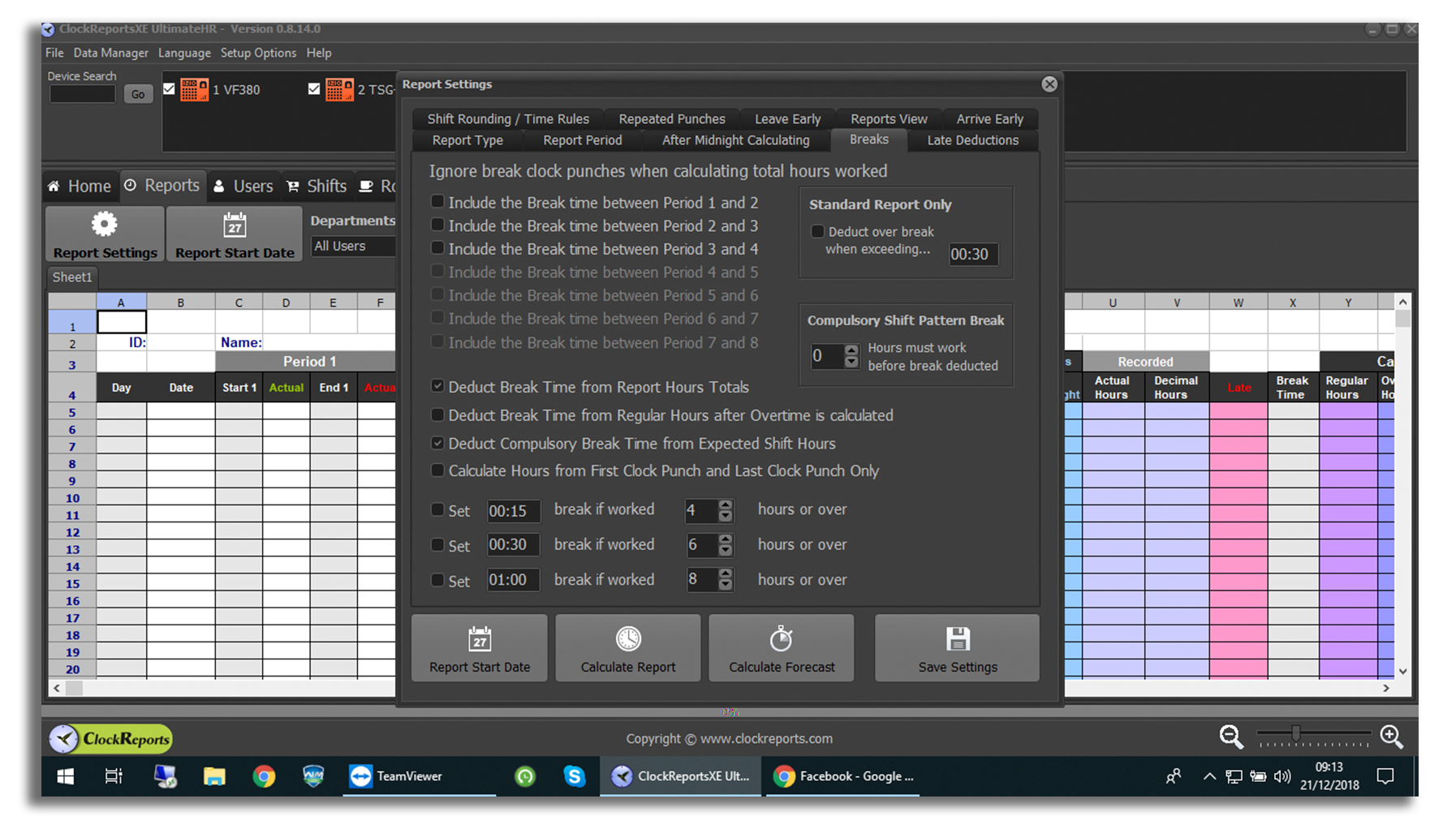
Se puede registrar un número ilimitado de empleados y calcular las horas totales a partir de los fichajes. Patrones de turno ilimitados simplifican la gestión de turnos con la opción de enviar hojas de horas por correo electrónico.
Descargue los datos del reloj fichador para generar informes de asistencia y turnos, con la opción de hojas de horas basadas en Excel fáciles de leer e imprimir. Hay períodos de informes ajustables disponibles de 7 días, 14 días, 28 días, 1 mes e informes personalizados.
Seguridad de los empleados
Con el paquete de ClockReportsXE Ultimate, puede garantizar la seguridad de los empleados al poder generar informes de evacuación que se pueden generar instantáneamente en caso de incendio u otra emergencia.
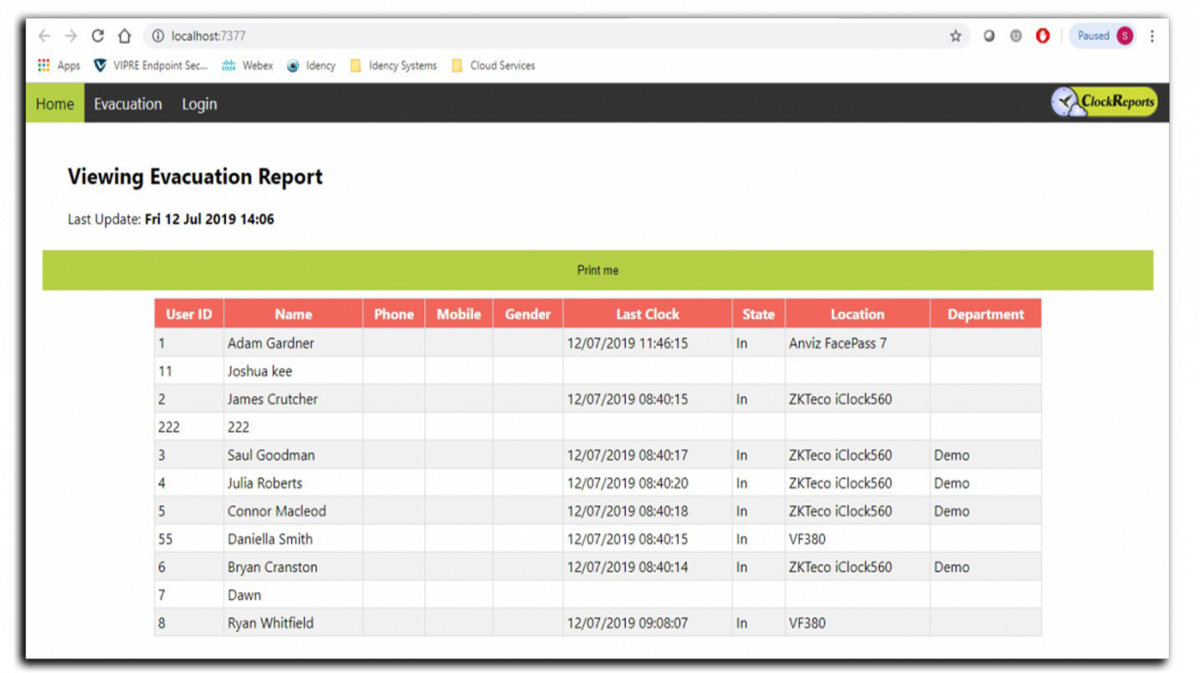
Estos informes se pueden imprimir con solo hacer clic en un botón desde el panel de control de ClockReportsXE, que sincronizará los registros de fichaje de los empleados en tiempo real, o se puede acceder a ellos mediante una tableta con Windows a través de la URL de evacuación de ClockReports, para que sepas quién está dentro.
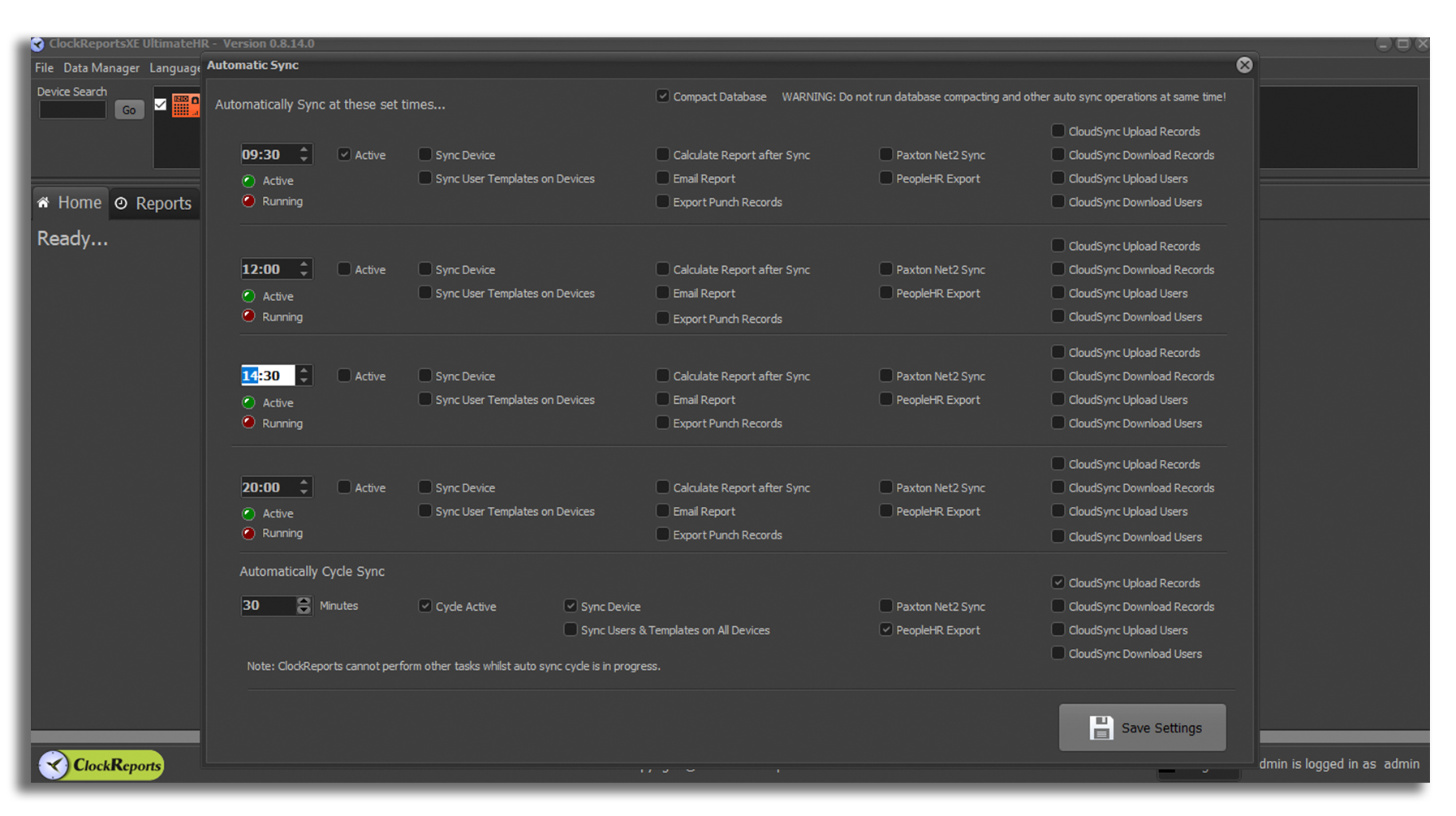
Sincronización automática de datos de fichaje
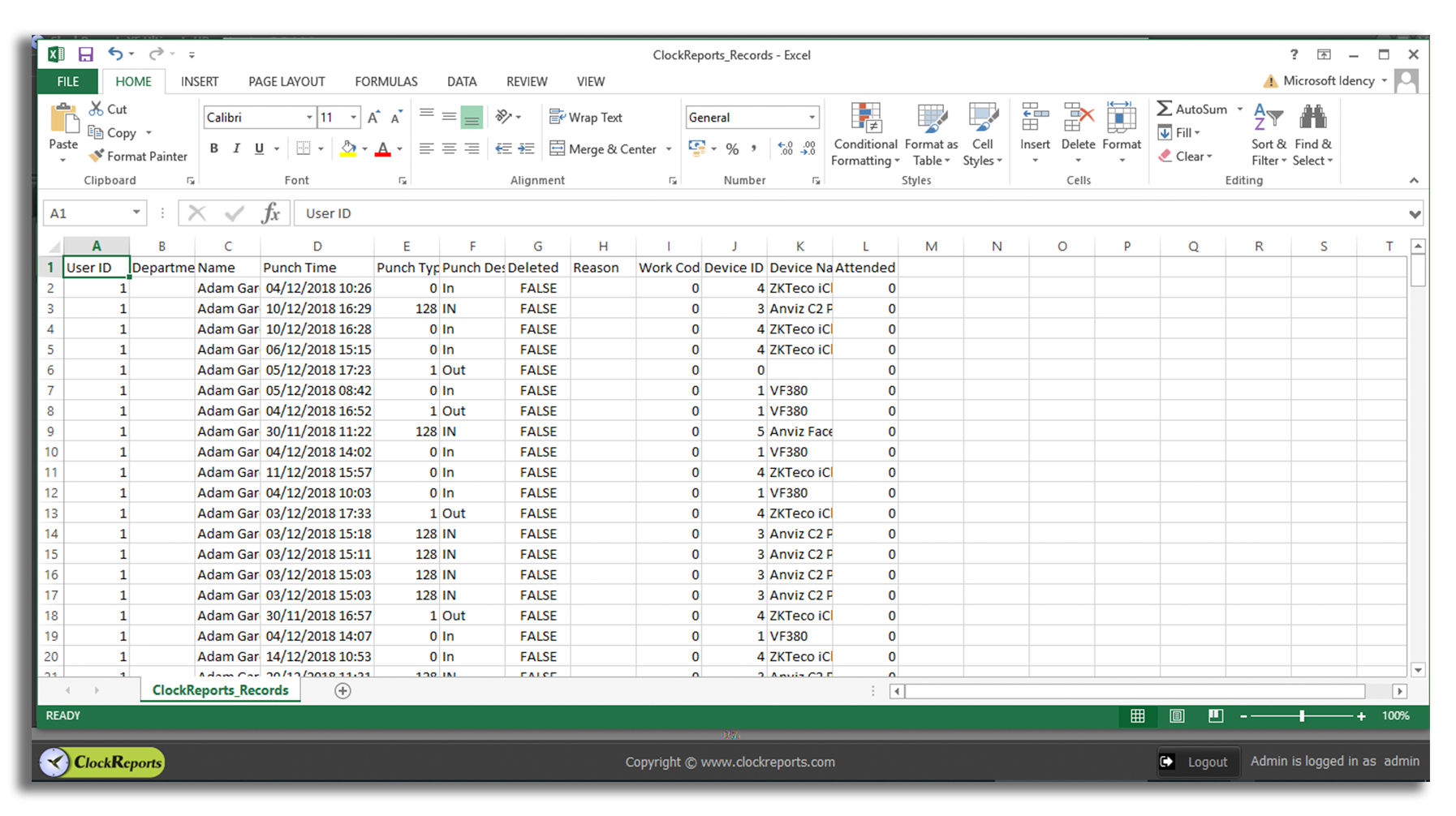
Exportar informes a Excel
ATENCIÓN: LICENCIA Y SOPORTE
Antes de poder adquirir ClockReportsXE Ultimate, debe tener primero ClockReportsXE Basic. Se trata de un paquete que incluye ambos productos y que ha creado Idency para facilitar la compra y las actualizaciones. Si no está seguro de si necesita la versión básica o la versión definitiva, consulte la pestaña de características para obtener una comparación detallada de las características.
Para 3 años y 5 años opciones de precios, por favor contáctenos.
Tenga en cuenta también: Las claves de activación deben usarse dentro de los 30 días posteriores a la compra o caducarán.
Ponerse en contactoComplementos de software
Configuración y soporte
Idency ofrece Servicios de Configuración y Soporte cubriendo el software ClockReports en forma de bloques de sesiones remotas de 2 horas, o en forma de un SLA. Para obtener detalles sobre un SLA, comuníquese con nosotros. Para obtener detalles sobre el paquete de Configuración y Soporte, utilice el enlace del producto a continuación.
Instalaciones de software adicional
Si desea instalar ClockReportsXE en más de una ubicación (por ejemplo, instalado originalmente en la PC de Recursos Humanos pero desea acceso en un servidor), necesita una clave de activación de software adicional, ya que las licencias de ClockReports permiten una sola instalación de forma estándar.
Sincronizando más de 1 dispositivo
Si desea sincronizar más de un dispositivo biométrico con ClockReportsXE, necesita una clave de activación de producto adicional, ya que las licencias de ClockReports incluyen una asignación de un dispositivo biométrico de manera estándar.
Sincronizar ClockReportsXE con la nube
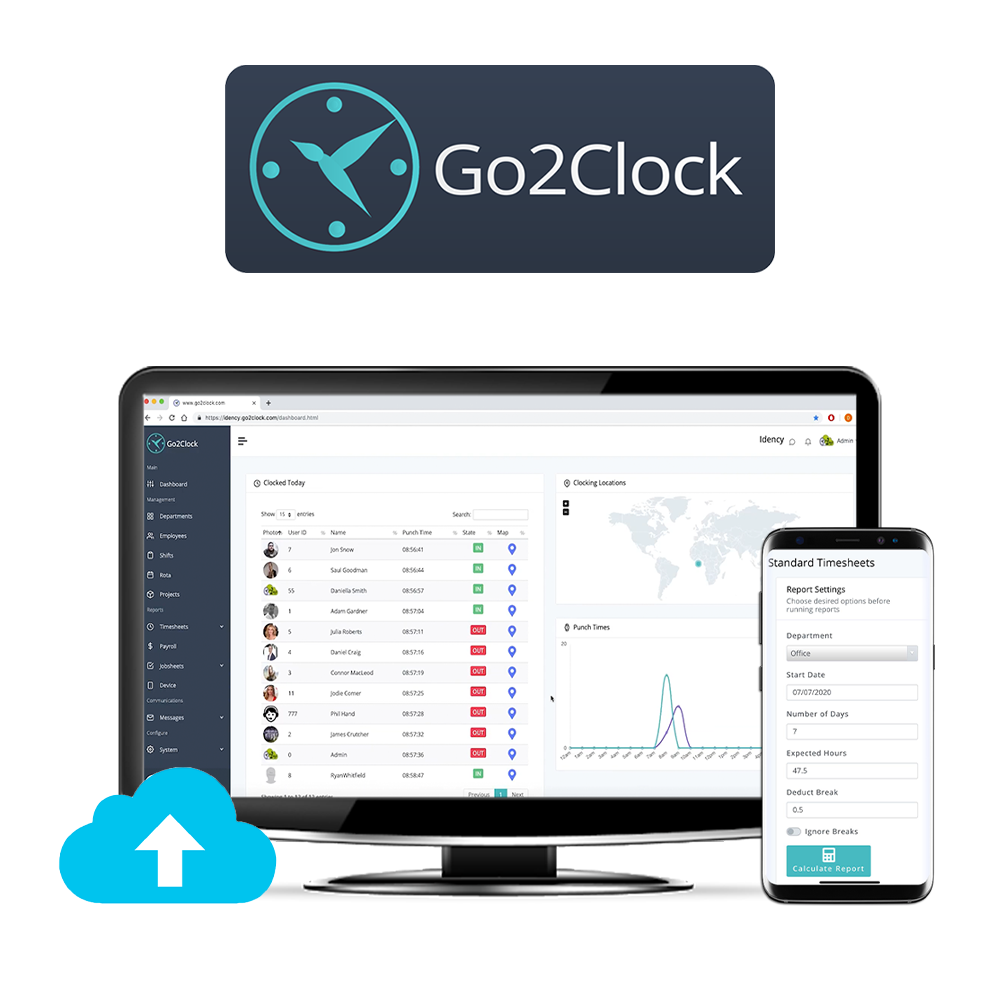
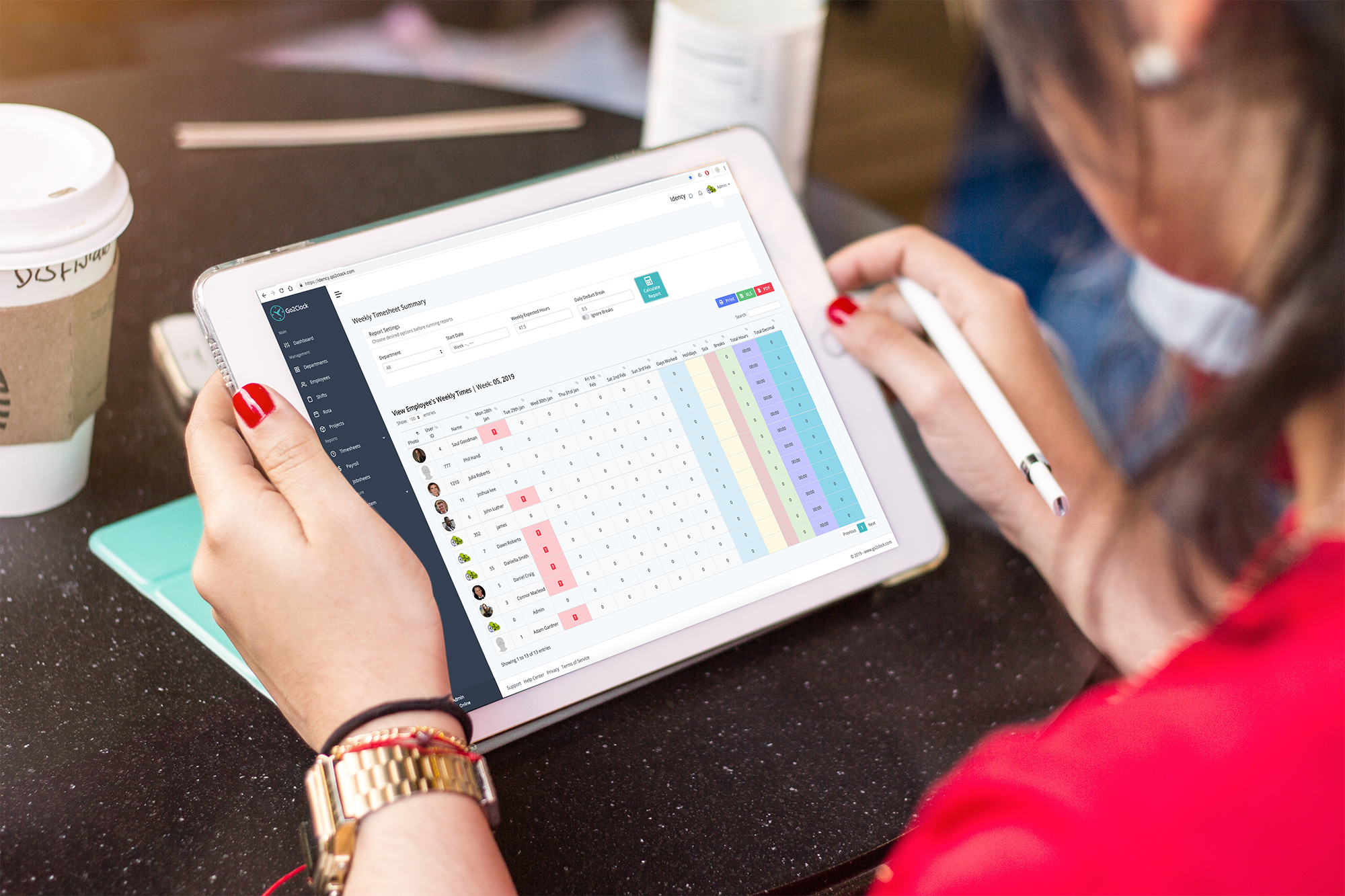
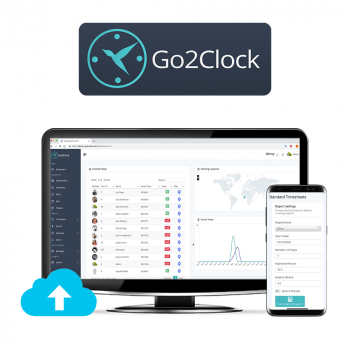
Sincronizar ClockReportsXE con Go2Clock, la plataforma de control de presencia y fichaje basada en la nube de próxima generación, para realizar copias de seguridad de los datos de forma segura con sincronización automática entre las soluciones para la gestión remota y presencial. Acceda a la información de fichaje en tiempo real desde cualquier parte del mundo y en cualquier dispositivo. Siempre que tenga un navegador de internet, podrá realizar el seguimiento utilizando su propia configuración en la nube. Los datos capturados por los relojes fichadores se sincronizan con los servidores de Go2Clock (con sede en el Reino Unido). Los registros aparecen automáticamente en su propio panel de control en la nube, fácil de usar.
Organice una demostración en línea GRATUITA con nosotros para mostrarle cómo funciona en vivo.
Para obtener más información sobre ClockReports y el hardware compatible, póngase en contacto con nosotros.
Ponerse en contacto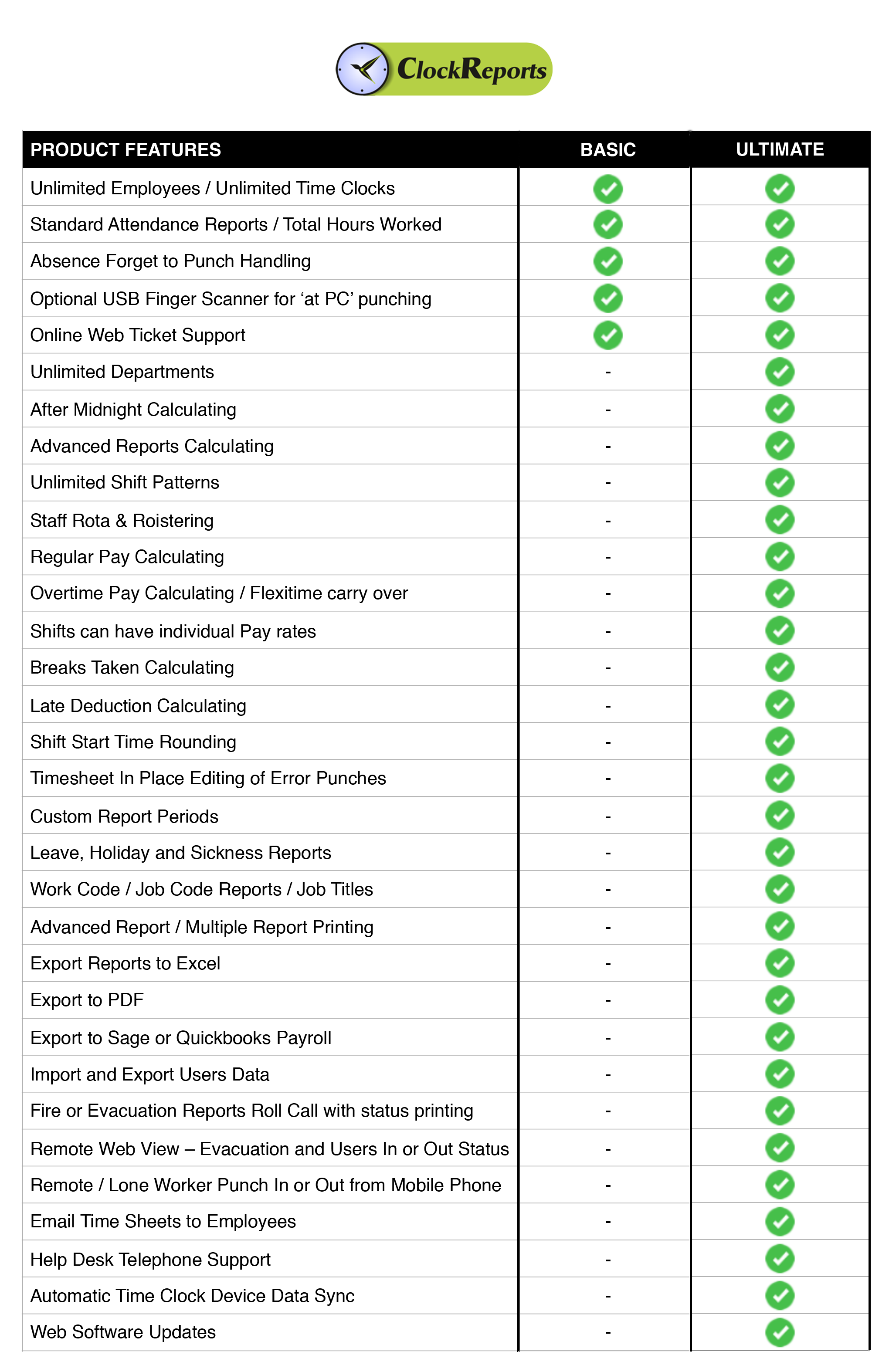



















 English (UK)
  English
  English (Canada)
  Français du Canada
  Svenska
  Português
  Nederlands
  Italiano
  Français
  Español
  Deutsch