



































Anviz CrossChex: Transferir usuarios y plantillas de usuario entre terminales Anviz
Cómo transferir usuarios registrados y plantillas de empleados (caras, huellas dactilares, tarjetas, etc.) entre los dispositivos de registro de tiempo de Anviz.
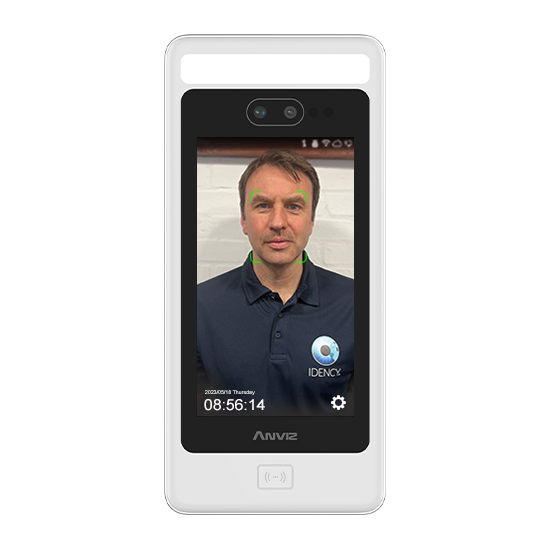
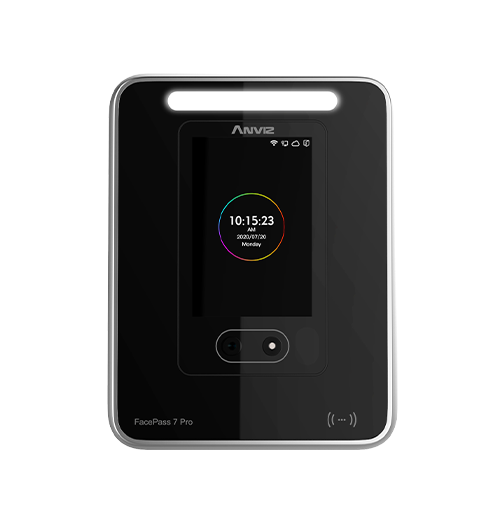
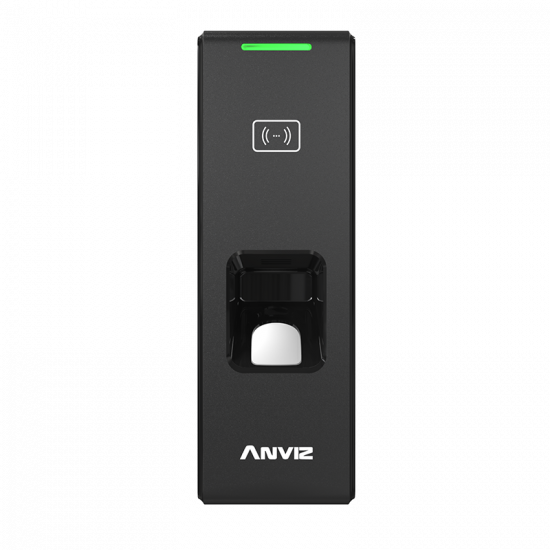
Es posible transferir la información de los empleados y los modelos biométricos entre los terminales de Anviz (del mismo tipo: facial a facial, huella dactilar a huella dactilar) mediante el software Anviz CrossChex.
Cómo transferir usuarios y plantillas:
- Abrir y ejecutar Anviz CrossChex software como administrador
- Navega a la ‘Usuario’ tab, luego Seleccione el dispositivo usted quiere descargar los usuarios/plantillas utilizando la casilla de verificación
- Haz clic en ‘Descargar usuario’ botón – una vez terminado, Seleccione todos los usuarios y haga clic en ‘Descargar plantilla’ botón
- Todos sus usuarios deberían aparecer en la lista que aparece a continuación con un caja verde bajo la columna FP1/Face. Esto significa que el software ahora tiene sus plantillas biométricas.
- Con todos los usuarios seleccionados, haga clic en Configurar el privilegio (v4) o Autorizar (v5) icono de la barra de menús.
- Seleccione/marque todos los dispositivos a los que desea que estos usuarios tengan acceso y luego haga clic en Aceptar. Esto enviará su plantilla a todos los dispositivos seleccionados.
- Una vez completados estos pasos, el ‘Dispositivo’ La columna para los usuarios debería listar todos los ID de dispositivos Que los datos se hayan enviado a (por ejemplo, 1, 2)
- Los usuarios ahora pueden utilizar los dispositivos en los que no estaban registrados originalmente.
Para obtener más información y orientación general sobre nuestros productos y servicios, por favor Contáctenos.
¿Requiere más ayuda?
Buscar todo Base de conocimiento artículos
Enviar un Solicitud de asistencia Al equipo de soporte de Idency


















 English (UK)
  English
  English (Canada)
  Français du Canada
  Svenska
  Português
  Nederlands
  Italiano
  Français
  Español
  Deutsch