



































Anviz FacePass 7: So löschen Sie Datensätze vom Gerät
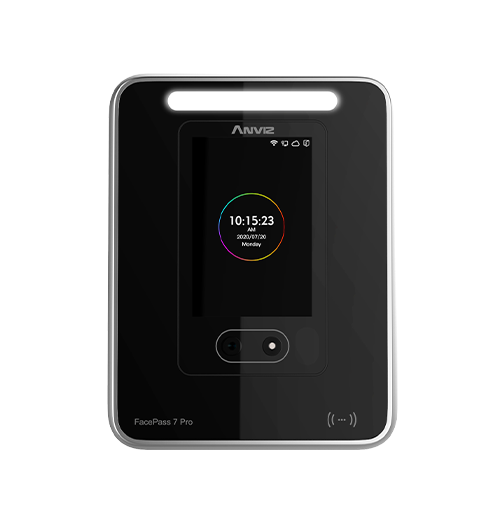
Wie löschen Sie die Datensätze der Zeiterfassung von Mitarbeitern aus dem Anviz FacePass7?
Sobald das Anviz FacePass 7 mit Aufzeichnungen voll ist, FacePass 7 wird die ältesten Aufzeichnungen automatisch selbst löschen.. Das bedeutet, dass man das Gerät nicht mehr manuell reinigen muss, wie man dies bei anderen Geräten tun würde. Das FacePass 7 verwaltet die Aufzeichnungen und die Speicherkapazität selbstständig.
Wenn Sie die Aufzeichnungen löschen müssen, ist die einzige Möglichkeit dies auf dem FacePass 7 zu tun. Gerät wo es ein Initialisierung Ein Knopf, der alle Datensätze löscht, sowie die Benutzerinformationen. Wenn Sie dies tun, werden alle Benutzerdaten verloren gehen und es ist erforderlich, dass Mitarbeiter neue Kennungen erstellen. neu registriert.
Für weitere Informationen und allgemeine Hinweise zu unseren Produkten & Dienstleistungen, bitte Kontaktieren Sie uns.
Alle durchsuchen Wissensdatenbank Artikel
Sende eine Support-Anfrage An das Idency-Support-Team


















 English (UK)
  English
  English (Canada)
  Français du Canada
  Svenska
  Português
  Nederlands
  Italiano
  Français
  Español
  Deutsch