



































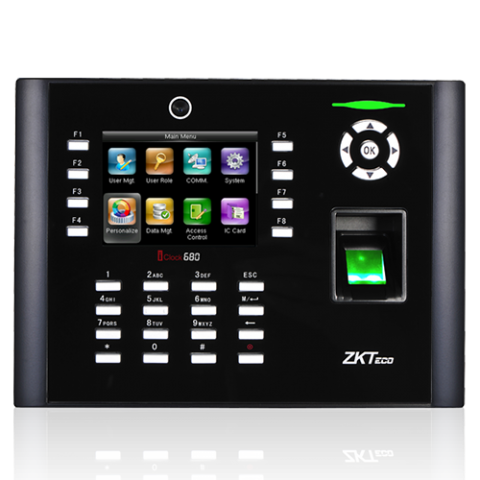
Instalación de lector de huellas dactilares ZKTeco IClock 680
Cómo instalar el reloj de pulso ZKTeco IClock 680
- Configurar en la red proporcionando una dirección IP
- En el software, seleccione el modelo TF1700.
- Introduzca el número de serie manualmente
- Eso agregará producto al software si utiliza el número de serie correcto.
- A continuación, active y registre el software
- Reiniciar el software
- Acceda al botón de configuración del dispositivo en la pantalla principal
- Configure la dirección IP de la red y cambie el tipo de dispositivo a pantalla TFT color ZK, guarde y sincronice el dispositivo para realizar la prueba.
No se requiere cable USB
Para obtener más información y orientación general sobre nuestros productos y servicios, por favor Contáctenos.
¿Requiere más ayuda?
Buscar todo Base de conocimiento artículos
Enviar un Solicitud de asistencia Al equipo de soporte de Idency

















 English (UK)
  English
  English (Canada)
  Français du Canada
  Svenska
  Português
  Nederlands
  Italiano
  Français
  Español
  Deutsch