





































PeopleHR kontaktlose RFID-Erkennung mit dem W1C Pro
Verknüpfen Sie Ihr Anviz W1C Pro-Terminal nahtlos mit PeopleHR
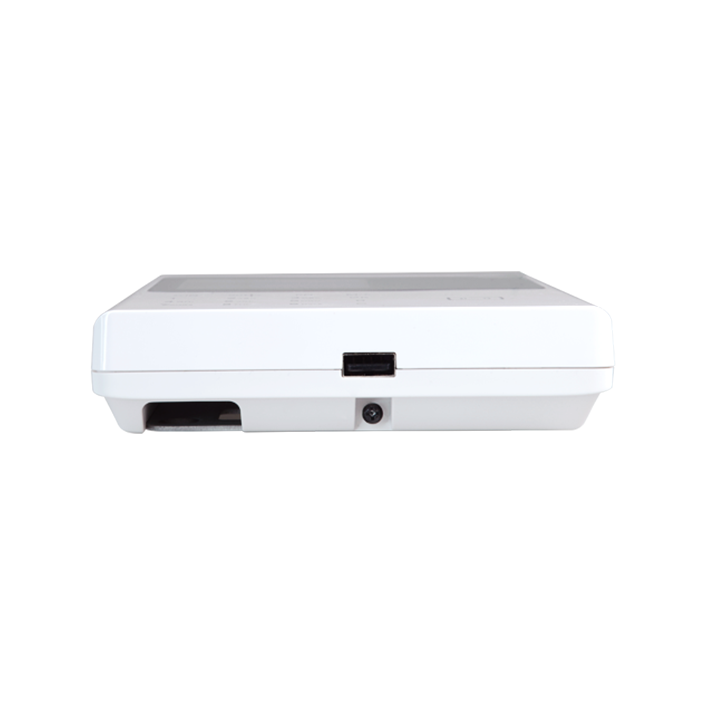
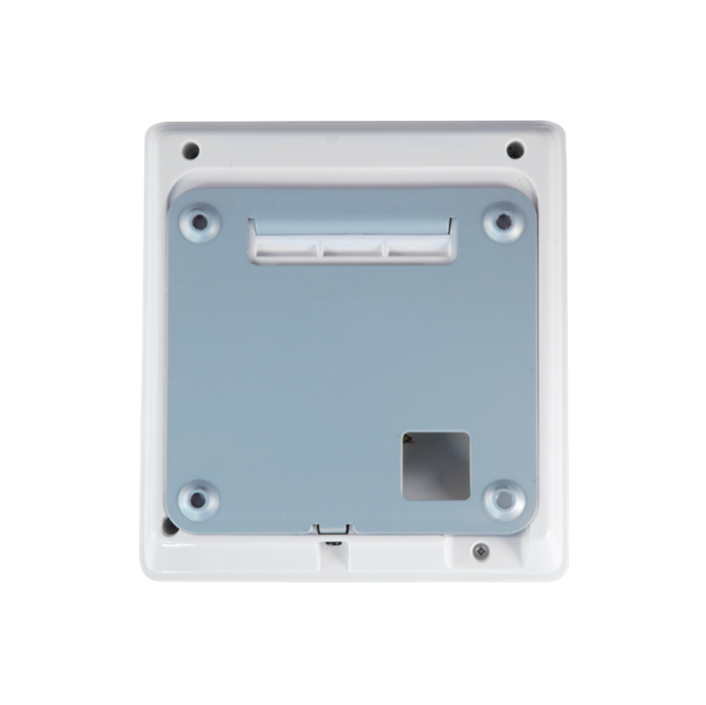
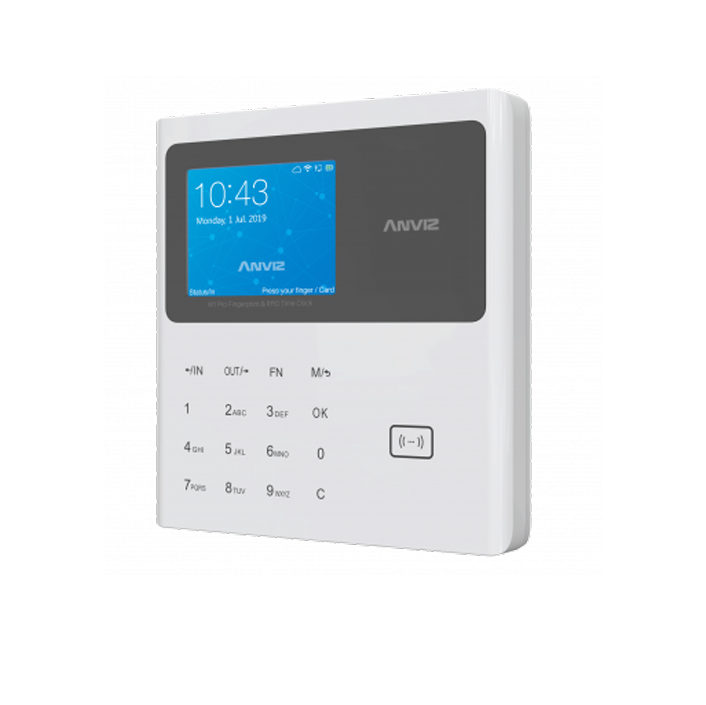
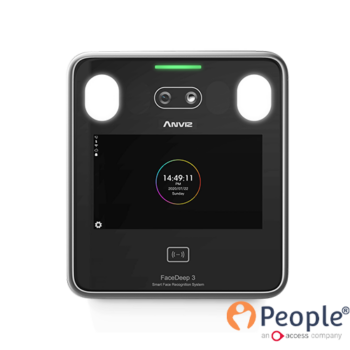
Das Anviz W1C Pro ist ein Einstiegs-RFID-Kartenlesegerät, das EM-Kartenidentifikation, Schlüsselcode und/oder Kombinationen davon bietet. Ideal für kleine Unternehmen eignet sich dieses WLAN-Terminal mit einem 2,8-Zoll-Farbbildschirm mit Touch-Bedienfeld und unterstützt TCP/IP Kommunikation. Dieses Einstiegs-RFID-Terminal kann mit PeopleHR verwendet werden, um eine grundlegende Zeit- und Anwesenheitsintegration anzubieten. Ideal für kleine Unternehmen, die bis zu 100 Mitarbeiter unterstützen. 3.000 Kartenvorlagen.
Nach Vereinbaren Sie eine Demo wo wir demonstrieren können, wie das System live funktioniert Melden Sie sich.


Zeiterfassung für PeopleHR
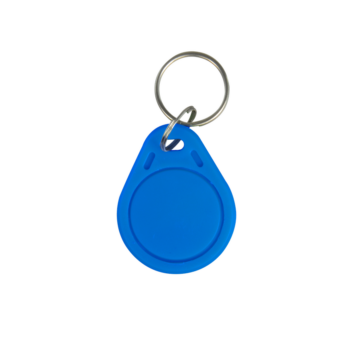
Sobald ein Mitarbeiter bei W1C Pro registriert ist, muss er lediglich das Gerät an sich rücken und seine RFID-Karte oder sein RFID-Tag direkt an das kontaktlose Symbol auf der rechten Seite anschließen. Das W1C Pro signalisiert dann visuell und akustisch, dass ein erfolgreicher Datumsaufbau registriert wurde.

Synchronisieren von Anwesenheitsdaten mit PeopleHR
Da Feiertage, Tage im Homeoffice und normale Bürozeiten bereits in PeopleHR eingerichtet sind, füllen die von der Anviz FaceDeep 5 erfassten Zeiterfassungsdaten der Mitarbeiter nahtlos die Stundenzettel einer standardmäßigen Mitarbeiterschicht. Die Aktualisierung erfolgt automatisch in einem 30-Minuten-Zyklus und ist über das PeopleHR-Cloud-Management-Dashboard abrufbar.

Anzeigen der Anwesenheitsdaten in PeopleHR
Mitarbeiter-Zeiterfassungsdaten werden als grüne Kalendersymbole angezeigt. Klicken Sie darauf, um die aufgezeichneten Stempelzeiten dieses spezifischen Tages anzuzeigen. Dieses Bild zeigt jede einzelne vom FaceDeep 5 für unseren Beispielmitarbeiter aufgezeichnete Stempelzeit. Arbeitsbeginn um 08:47 Uhr, Mittagspause von 12:32 Uhr bis 13:27 Uhr und Schichtende um 17:34 Uhr.
Netzwerkanforderungen:
- Alle Standorte müssen über ein feste externe IP-Adresse – oder nutzen Sie einen DDNS-Dienst, der einen statischen Hostnamen bereitstellt, welcher wie eine feste IP-Adresse fungiert
- Die W1C Pro-Terminal/e benötigen eine feste interne IP-Adresse angewandt
- Vertraut mit der Portweiterleitung (Port-Map) von Routern und offene Ports des C2 Pro-Terminals / der C2 Pro-Terminals, um externen Zugriff durch die API von PeopleHR zum Abrufen von Anwesenheitsdaten zu ermöglichen
Geräteanforderungen:
- Alle W1C Pro-Endgeräte haben 3-polige Anschlüsse. Britische Macht Steckdose in unmittelbarer Nähe des Installationsortes
- Liefern Sie eine sichere Netzwerkkabel für den W1C Pro-Terminal/e
- Ermitteln Sie die Netzwerke und geben Sie sie ein Subnetzmaske, Gateway & Gerät Hafen Details in das/die C2 Pro Terminal/s eingeben. Wenn nur ein Terminal benötigt wird, kann der Port auf dem Standardwert bleiben.
Wenn Sie nach einem biometrischen Gerät suchen, das mit PeopleHR synchronisiert werden kann, aber die oben genannten Anforderungen nicht erfüllen kann, bitten wir Sie Kontaktieren Sie uns.
Optionales Add-On: Remote-Einrichtungsunterstützung
Es wird dringend empfohlen, dass Sie zusammen mit Ihrer Zeiterfassungshardware auch Support erwerben. Dies dient der Gewährleistung einer reibungslosen und effizienten Einrichtung, um Zeit und Ressourcen zu sparen. Wir verfügen bei Idency über ein Expertenteam mit jahrelanger Erfahrung im Bereich Zeiterfassungshardware und -software. Für Hilfe bei der Ersteinrichtung (bis zu 2 Stunden) beziehen Sie sich bitte auf unsere Zeiterfassungs-Supportpaket.
Alternativ bitte Kontakt aufnehmen eine maßgeschneiderte Support-Service-Level-Abrede (SLA) vereinbaren.
Optionales Zusatzmodul: Evakuierungsprotokoll (Anwesenheitskontrolle im Notfall)
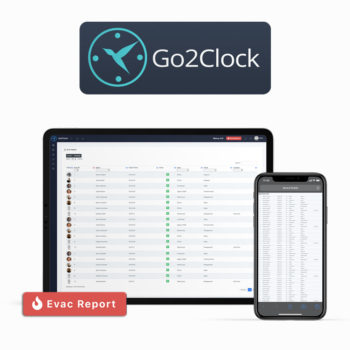
Wenn Sie im Rahmen Ihrer Brandschutz- und Sicherheitsrichtlinie einen Evakuierungsbericht benötigen, dann bietet die cloudbasierte Go2Clock Evakuierungs-Berichterstattungsdienst ist eine ideale Ergänzung zu Ihrer Zeiterfassung. Überwachen Sie Mitarbeiter vor Ort an mehreren Standorten aus der Ferne in Echtzeit und erstellen Sie bedarfsgerechte Berichte, sortiert nach ID, Name, Uhrzeit, Abteilung, Standort usw.
Bitte Kontakt aufnehmen zu vereinbaren Live-Demo oder kostenlose Testversion.
Für weitere Informationen über das Anviz C2 Pro Mifare und kompatible Software kontaktieren Sie uns bitte.
Kontakt aufnehmen


















 English (UK)
  English
  English (Canada)
  Français du Canada
  Svenska
  Português
  Nederlands
  Italiano
  Français
  Español
  Deutsch