



































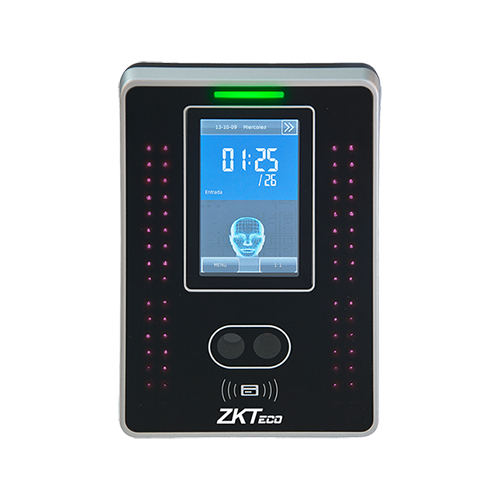
Como apagar registos de picagem num ZKTeco VF380
O seguinte processo irá apagar os registros/logs do relógio do seu dispositivo de Reconhecimento Facial VF380. Certifique-se de que você sincronizou todos os seus registros recentemente para garantir que nenhum deles seja perdido.
No seu VF380...
- Digite o Menu Admin
- Escolha Data Mgt.
- Escolha a opção superior: “Excluir Transações”
- Clique em "OK".

















 English (UK)
  English
  English (Canada)
  Français du Canada
  Svenska
  Português
  Nederlands
  Italiano
  Français
  Español
  Deutsch