













×

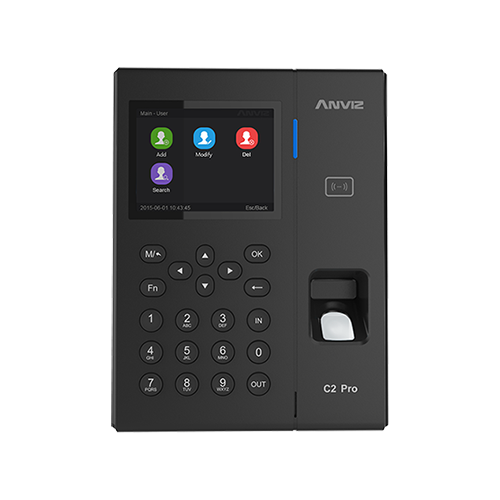
How to Input Special Characters on the Anviz C2 Pro Keypad

How do you input special characters into the Anviz C2 pro?

For example if you needed to add a ‘ . ‘ follow the steps bellow:

  1. Press the “fn” button
  2. Then press the “OUT” button
  3. Then use the arrows to move between the character sets until you get to the special characters.

For more information and general guidance on our products & services, please Kontakta oss.


Require further support?

Search all Kunskapsbas articles

Send a Support Request to The Idency Support Team

I gott sällskap: några av Idencys kunder




















