













×

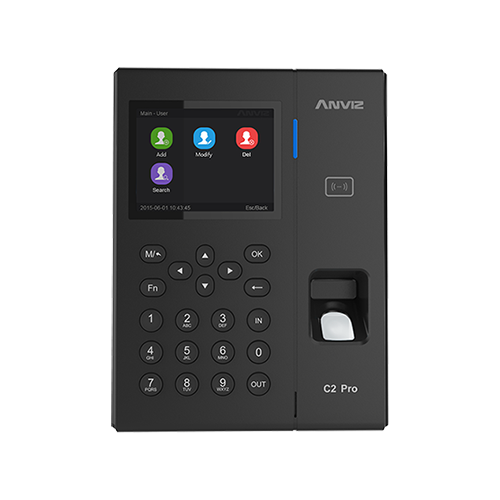
Deleting Records off an Anviz C2PRO

How to delete records off an Anviz C2 Pro

You can only delete attendance records off an Anviz C2 Pro in the Anviz Crosschex software. Please download the software from the Anviz website if you don’t already have it.

Steps to delete the records:
1. Complete a sync with your time and attendance software firstly to ensure all clock records have been exported from the device.

2. In Anviz Crosschex select the Device tab.

3. Tick one device (and then repeat with other devices if the employee is on more than one device).

4. Click Device Parameter button (is to the right of Delete device button).

5. At the bottom left of this pop-up is Clear the Attendance records. Press this.


For more information and general guidance on our products & services, please Kontakta oss.

Search all Kunskapsbas articles

Send a Support Request to The Idency Support Team

Related Products

I gott sällskap: några av Idencys kunder




















