



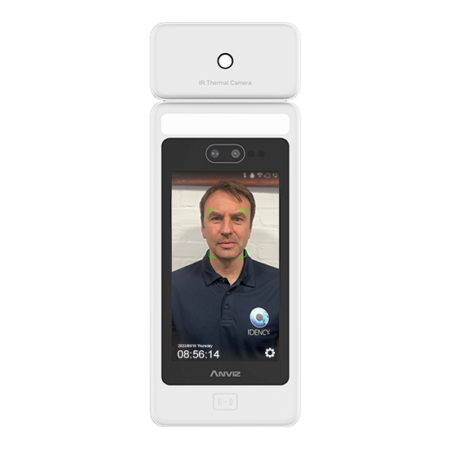





























Anviz FaceDeep 5: Update Firmware in Debug Mode
How to upgrade the firmware on a Anviz FaceDeep 5 in debug mode
This refers to an Anviz FaceDeep 5 (V5.2) terminal
Please refer to the below Idency knowledgebase explainer video on how to upgrade the firmware of an Anviz FaceDeep 5 (5.2) facial recognition terminal in debug mode (step-by-step):
For more information and general guidance on our products & services, please contact us.
Require further support?
Search all Knowledgebase articles
Send a Support Request to The Idency Support Team















 English (UK)
  English
  English (Canada)
  Français du Canada
  Nederlands
  Svenska