





















Latest News
IdencyTime Updates: November 2026
Blog by Tommy Brazil | Posted on Friday November 27 2026
IdencyTime Update: November 2026
This month we’ve added an Employment Hero integration, the ability to set staff as inactive, auto mode for Uni-Ubi devices, account linking and faster staff sync.
New IdencyTime Feature:
Employment Hero Integration
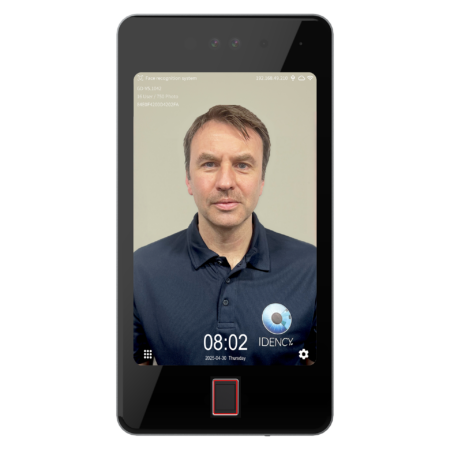
IdencyTime now connects to Employment Hero. When an employee clocks in or out on a compatible biometric terminal, IdencyTime receives the verified clocking and sends it straight into Employment Hero, usually within five minutes.
Previously, you had to move attendance data across by hand. Now it flows automatically, so your Employment Hero records stay accurate with far less manual work. Employees can clock in with facial recognition, fingerprint or RFID. For more information, see our Employment Hero integration page.
Key Benefits
- Send verified biometric clockings straight into Employment Hero
- Remove manual entry of attendance data
- See clocking data arrive within five minutes
- Clock in with facial recognition, fingerprint or RFID
New IdencyTime Feature:
Set Staff as Inactive
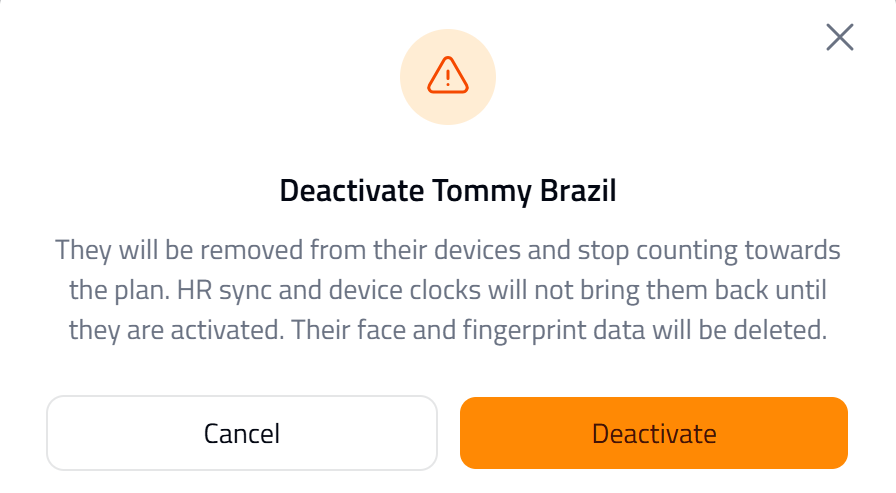
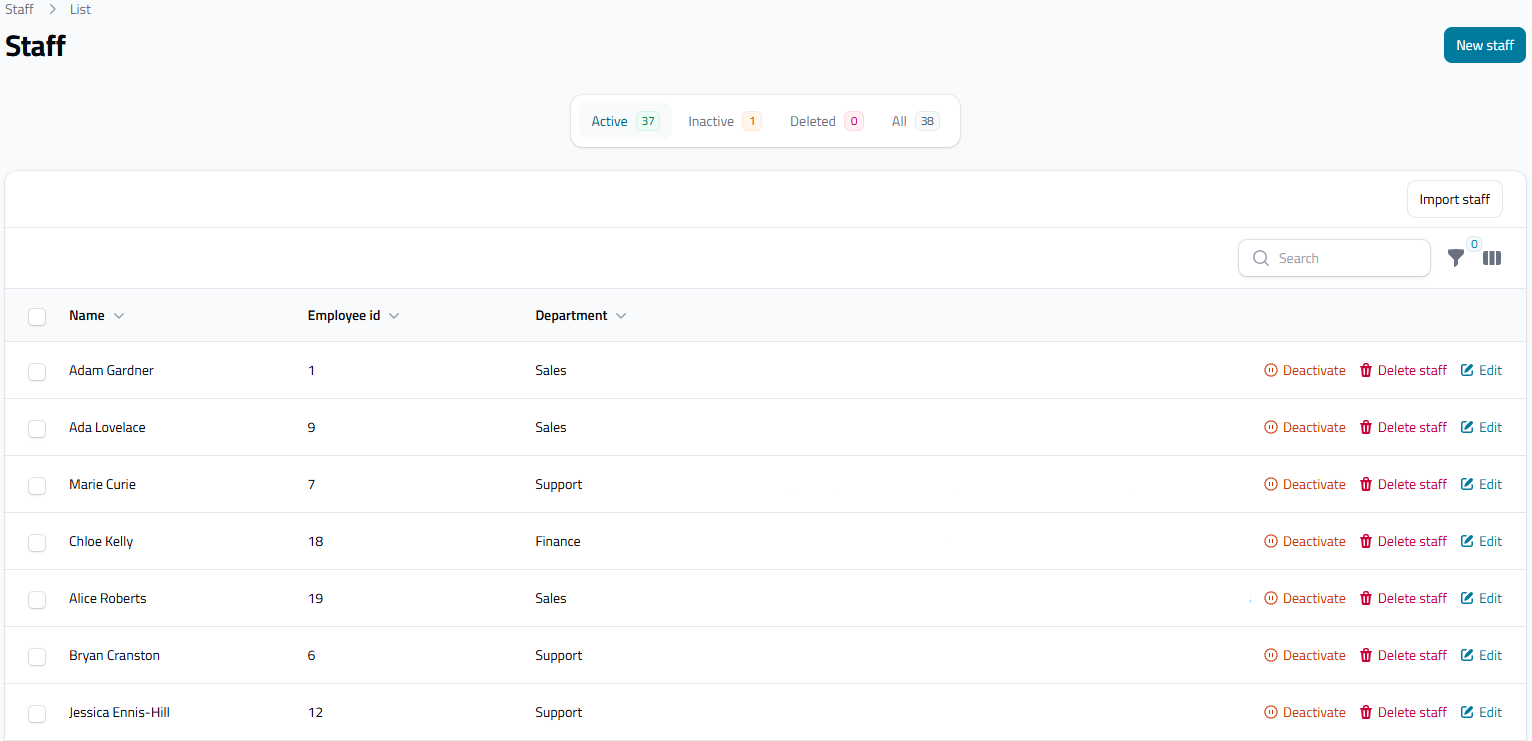
IdencyTime now has a new staff menu that gives you a clearer overview of your staff, and you can set staff as inactive. Inactive staff no longer count towards your subscription level, so you can free up space for the people who need to use the system.
That means you can sync only specific people from a department and keep auto sync on without pulling in everyone from your HR system. Deactivating someone removes them and their biometrics from your devices. If you reactivate them later, you’ll need to re-add their face or finger templates on a device. The same menu also lets you restore or force delete staff. For more information, see our Knowledgebase article.
Key Benefits
- Free up your staff limit for the people who need the system
- Sync only the people you want from each department
- Keep auto sync on without syncing in everyone
- Deactivate and reactivate staff one by one or in bulk
New IdencyTime Feature:
Auto-Mode for Uni-Ubi Devices
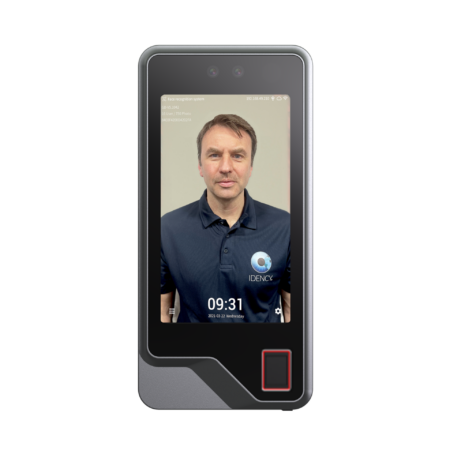
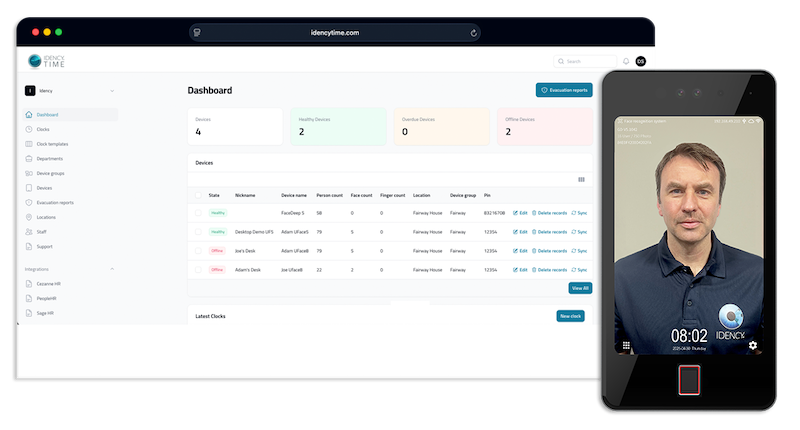
You can now set a Uni-Ubi device to one fixed state, such as IN or OUT. Every clocking on that device then records as that state, so employees don’t need to choose one.
This works well for access control, with one device for entering and another for exiting. There’s also no IN or OUT button to press, so with facial recognition the device can stay fully contactless.
Key Benefits
- Fix a device to one state, such as IN or OUT
- Use one device for entering and another for exiting
- Keep clocking fully contactless, with no button on the screen
- Remove the need for employees to choose a state
New IdencyTime Feature:
Link Multiple Companies to One Login
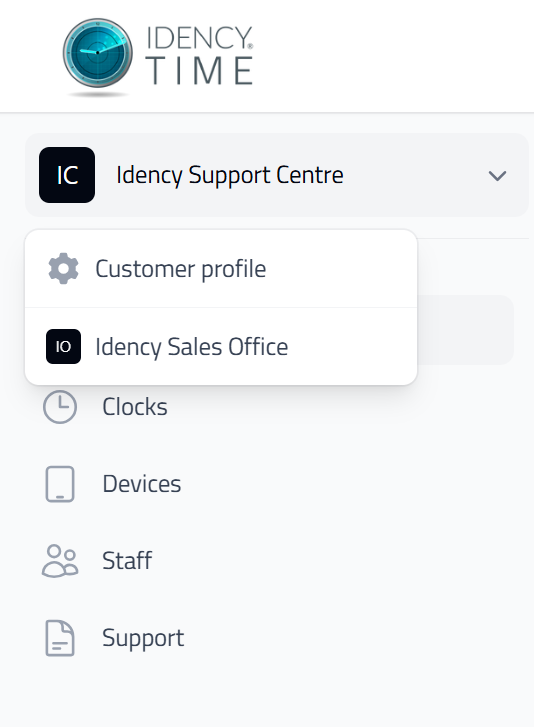
You can now assign multiple companies to one IdencyTime login and switch between them easily. If you manage clocking for more than one company, you no longer need to log in and out of separate accounts.
Key Benefits
- Use one login for multiple companies
- Switch between companies easily
- Spend less time logging in and out
- Manage all your companies in one place
New IdencyTime Feature:
Staff Sync Now Every 15 Minutes
We’ve reduced the staff sync time from one hour to 15 minutes, so IdencyTime now picks up changes from your HR system four times as often. When you add or remove someone in your HR system, the change reaches IdencyTime and your devices much sooner. New starters can clock in sooner, and leavers come off your devices faster.
Key Benefits
- Sync staff four times faster than before
- Get new starters onto your devices sooner
- Remove leavers from your devices sooner
- Keep IdencyTime and your HR system closely aligned
IdencyTime from Idency
IdencyTime is our cloud-based time and attendance platform. It sits between your biometric and RFID clocking devices and your own software, sending clock records to your HR or payroll system in real time. Devices across multiple locations can feed into one integration, and the live evacuation report shows fire wardens who is on site from any browser.
If you’d like to learn more about IdencyTime or discuss how it could connect your clocking devices to your HR or payroll software, get in touch with our team.








 English (UK)
 English
 English (Canada)
 Français du Canada
 Svenska
 Português
 Nederlands
 Italiano
 Français
 Español
 Deutsch