
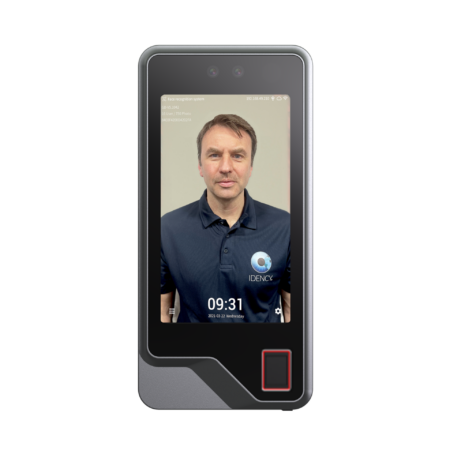

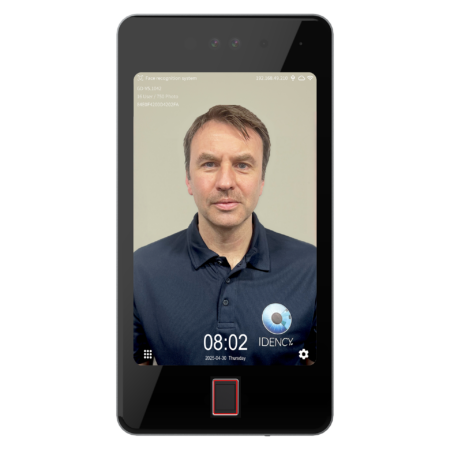





























Uni-Ubi UFace 5 Enclosure Deconstruction and Reconstruction
This guide explains how to remove a Uni-Ubi UFace 5 from its enclosure, and how to put it back together. You will need a cloth to protect the screen, a screwdriver, and a piece of card or plastic to free the front plate.
Step 1: Unscrew the Back Plate
Place the enclosure face down on a cloth to protect the UFace 5 screen inside. Unscrew the 9 screws on the back.

Step 2: Open the Back Carefully
Open the back carefully, as there are cables glued to the inside of it. Flip it directly in half, as shown.
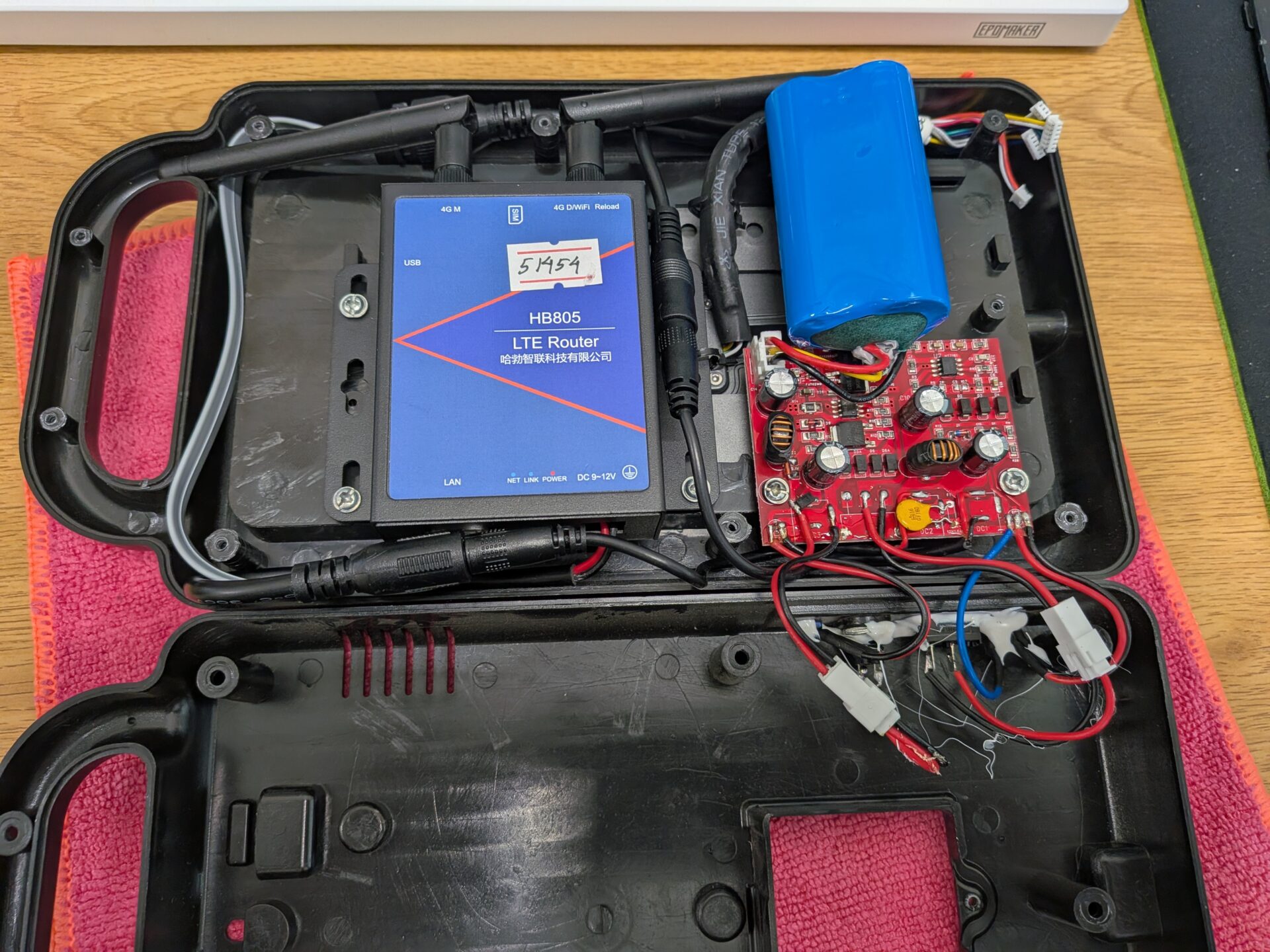
Step 3: Unplug the Power
Unplug the power connected to the router and to the device inside, shown in red.

Step 4: Remove the Battery
Gently pull the battery out of the connector marked in light blue.

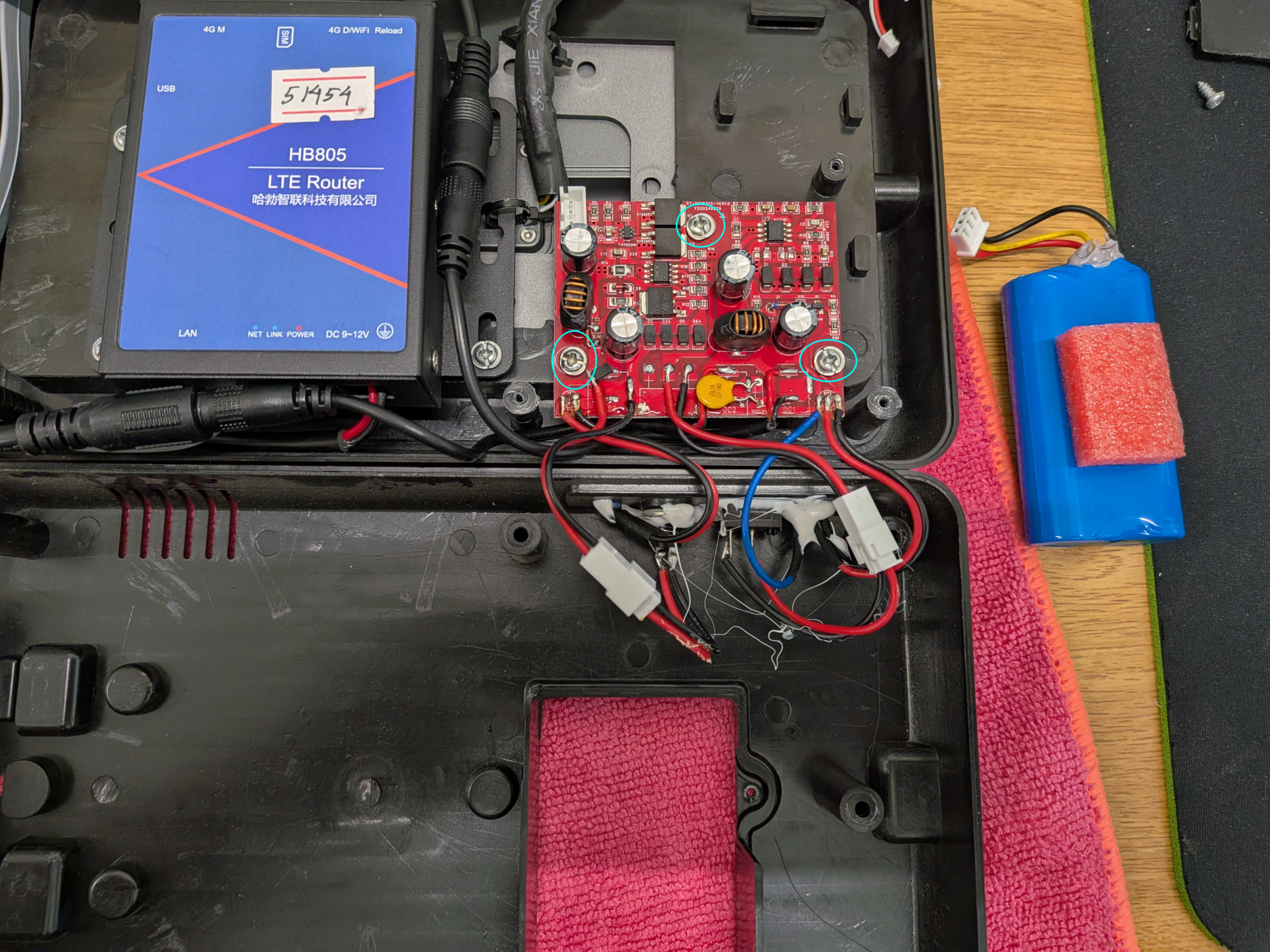
Step 5: Unscrew the Power Board
Unscrew the 3 screws marked in light blue to release the board.
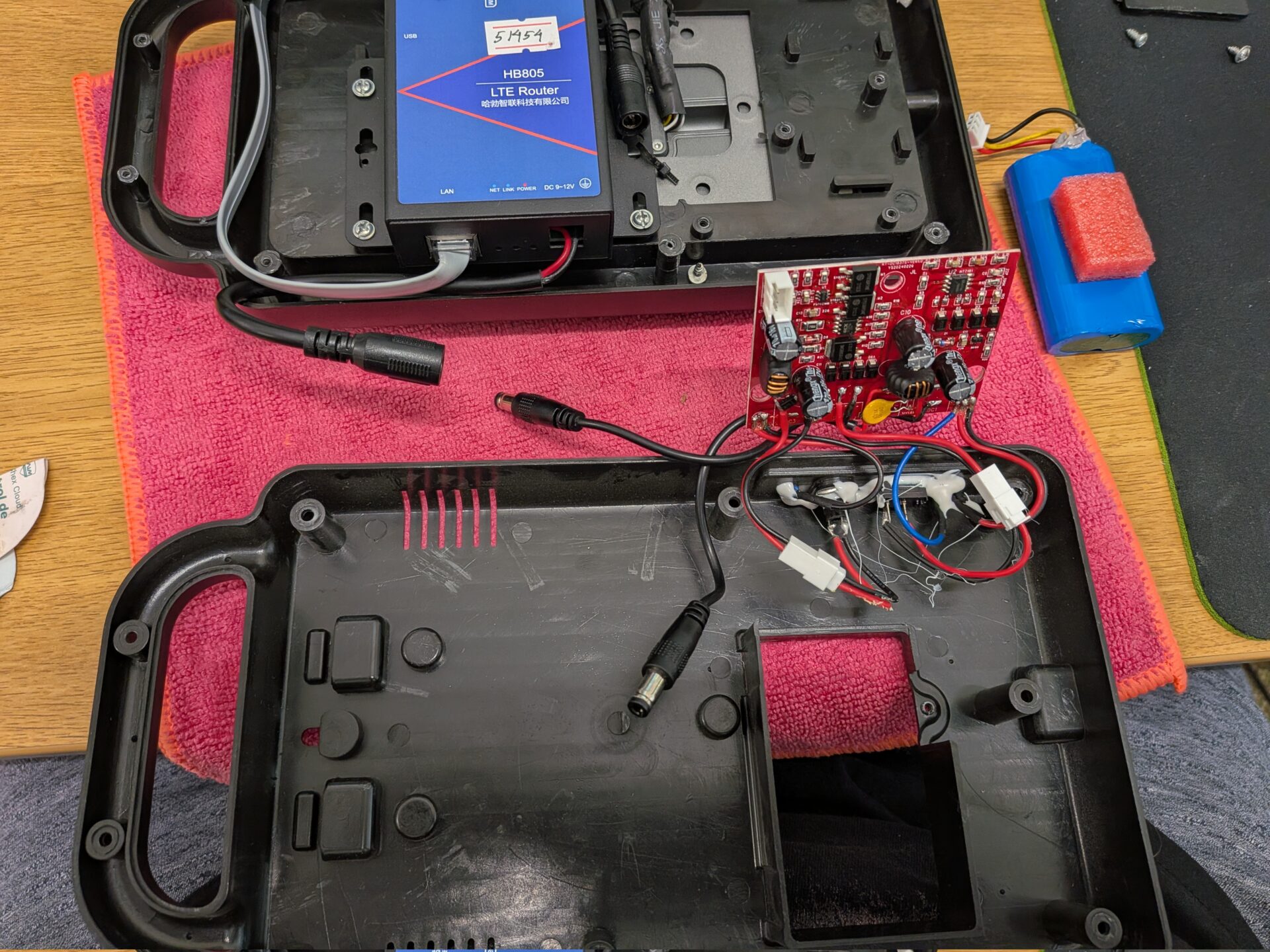
Step 6: Set the Back Aside
Everything is now detached, so you can remove the back to one side.
Step 7: Remove the Router
Unclip the ethernet cable from the UFace 5, marked in green. Then unscrew the router screws, marked in red.

Step 8: Check the Front Plate
The only thing left in the front plate should now be the UFace 5 itself.
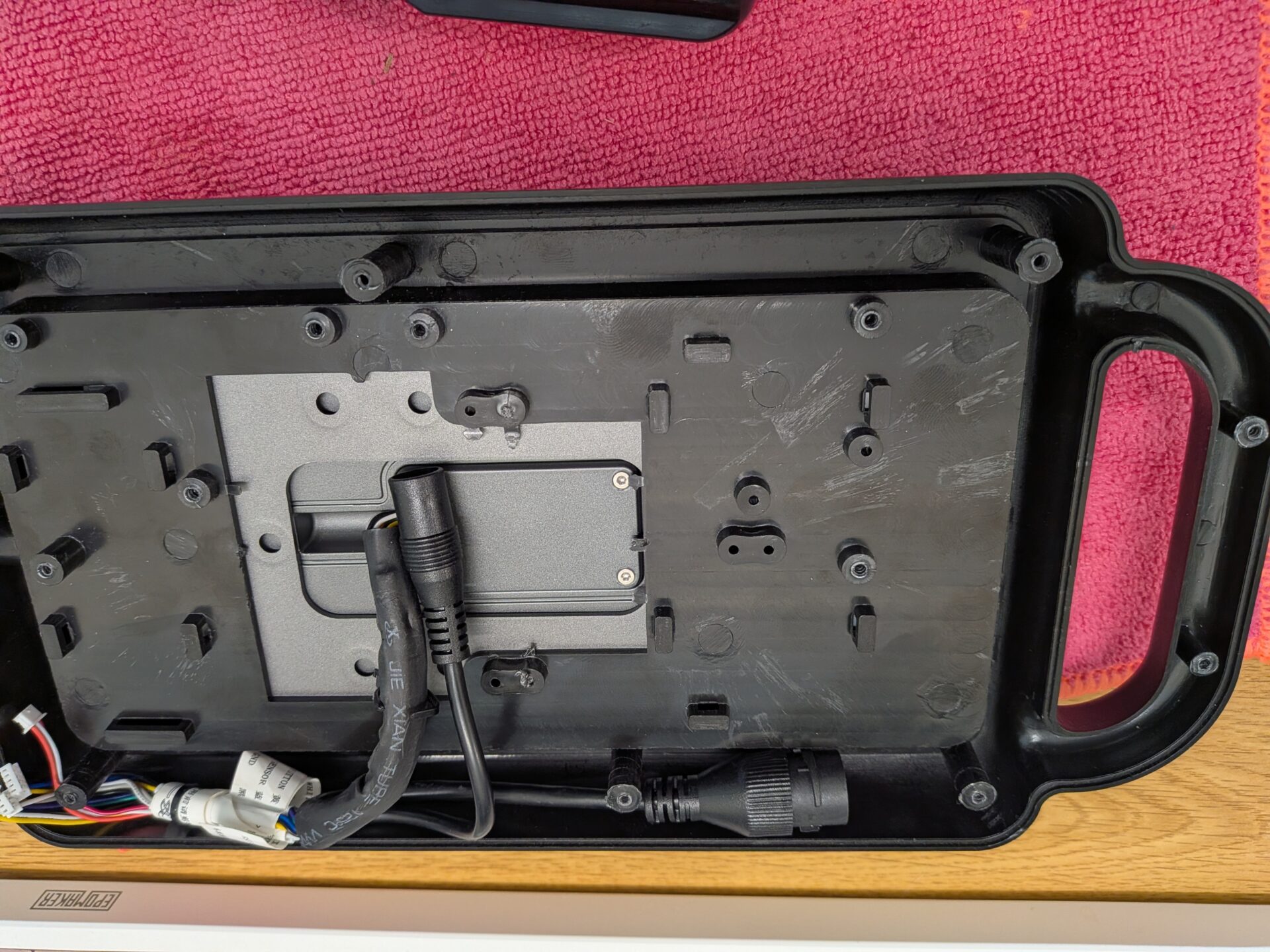
Step 9: Break the Seal on the Front Plate
Flip the front plate over. The plate is stuck down with the double-sided tape, so use a piece of card or plastic to work your way around the edges until the seal is broken.
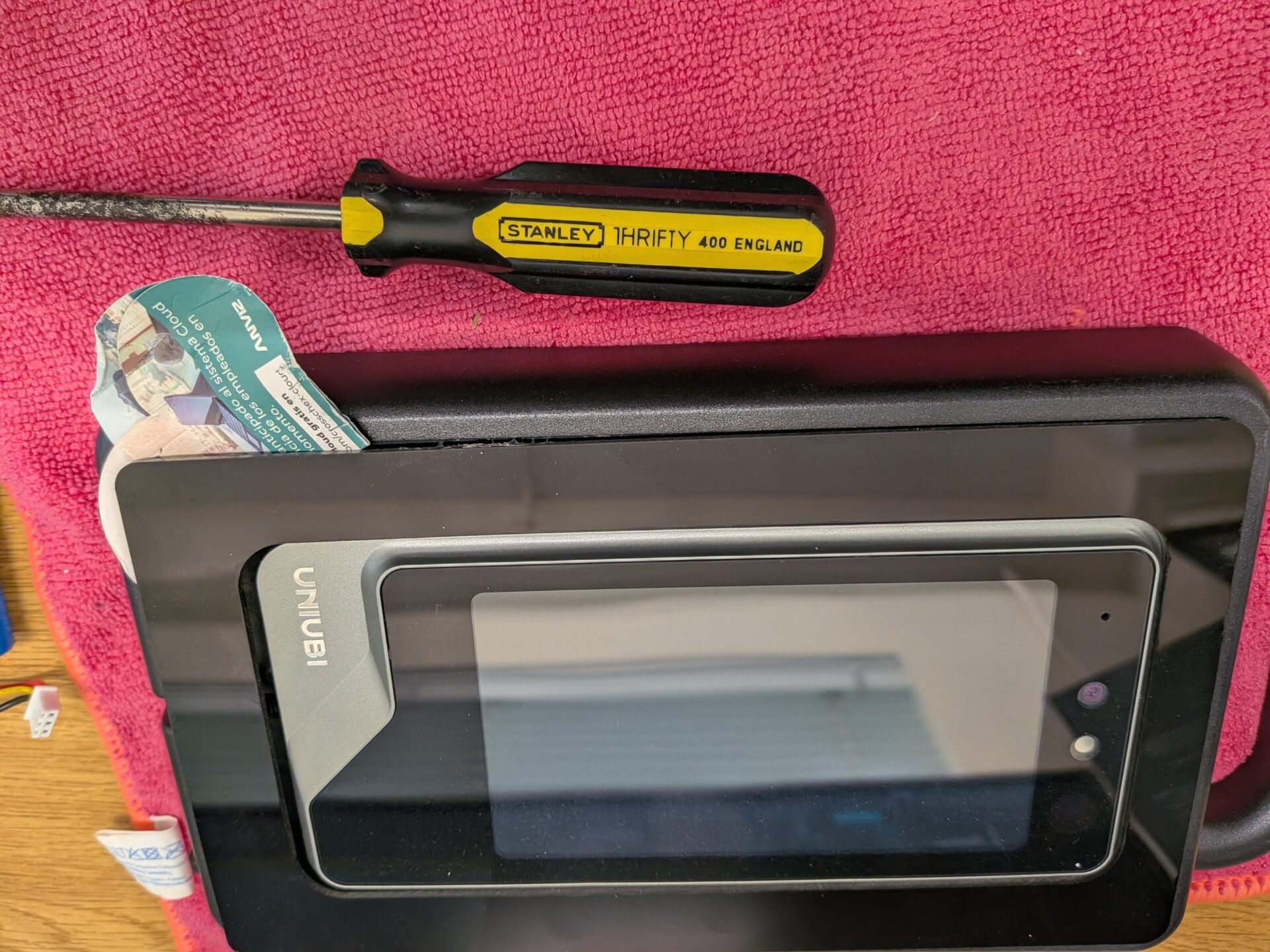
Step 10: Lift Off the Plastic
Once you’ve been all the way around, the plastic will come off. You’ll be left with the UFace 5 attached to its back plate.
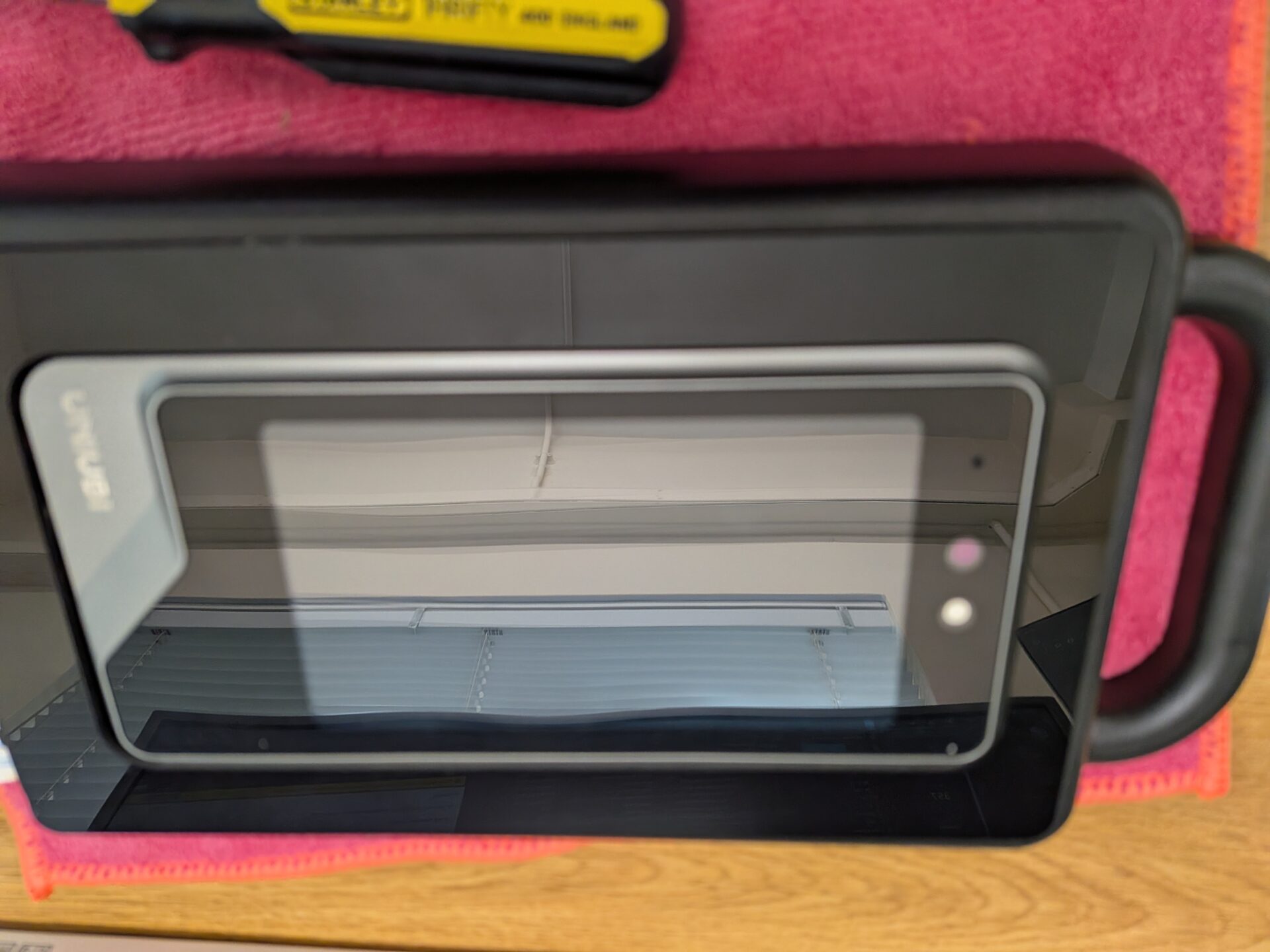
Step 11: Unscrew the Device From the Back Plate
Unscrew the device from the back plate. The screw is at the bottom, marked in green.

Step 12: Remove the Back Plate
Undo the two screws marked in red to release the back plate from the enclosure.
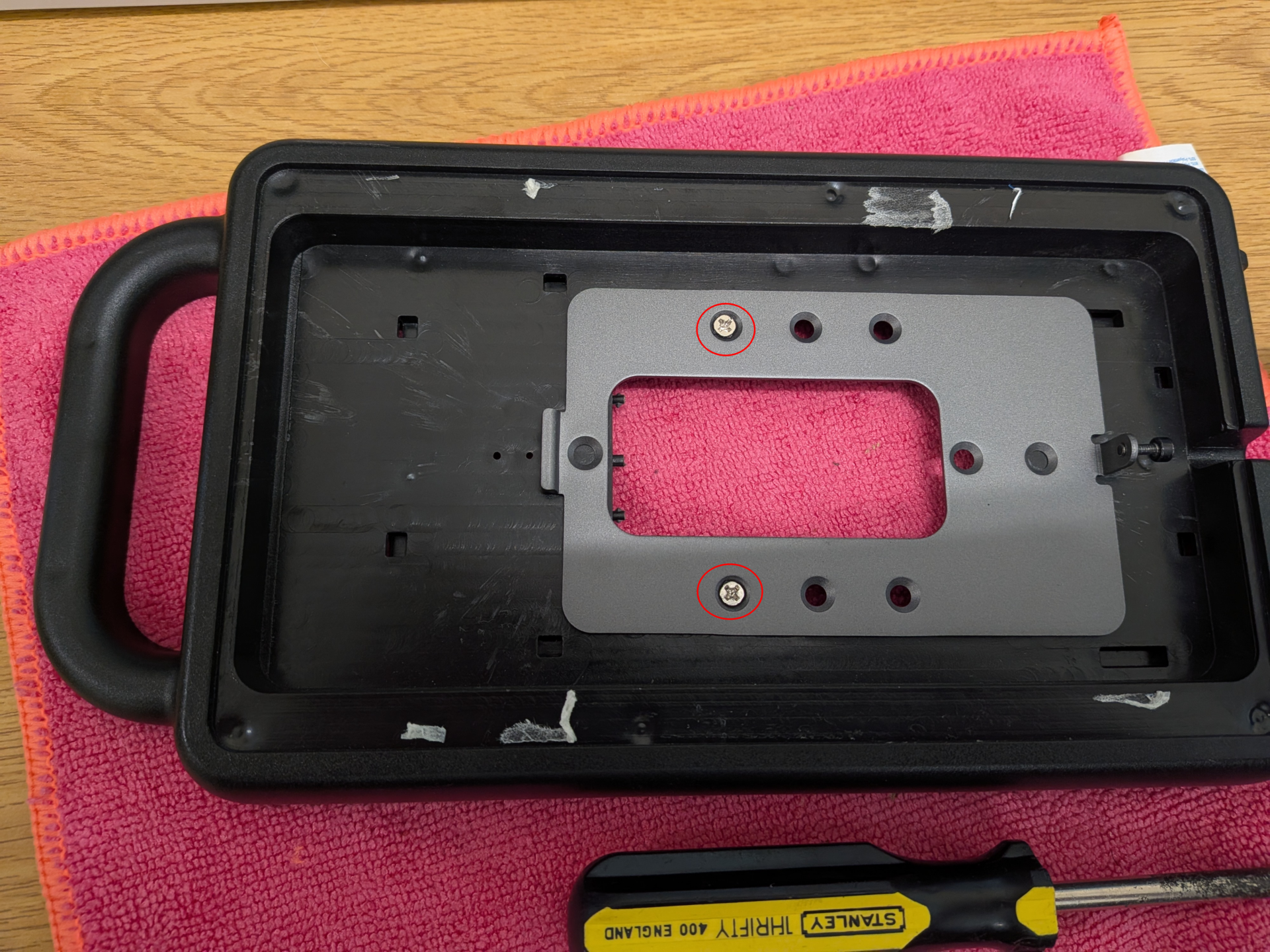
Step 13: Check the Empty Shell
You’ll now be left with an empty shell.
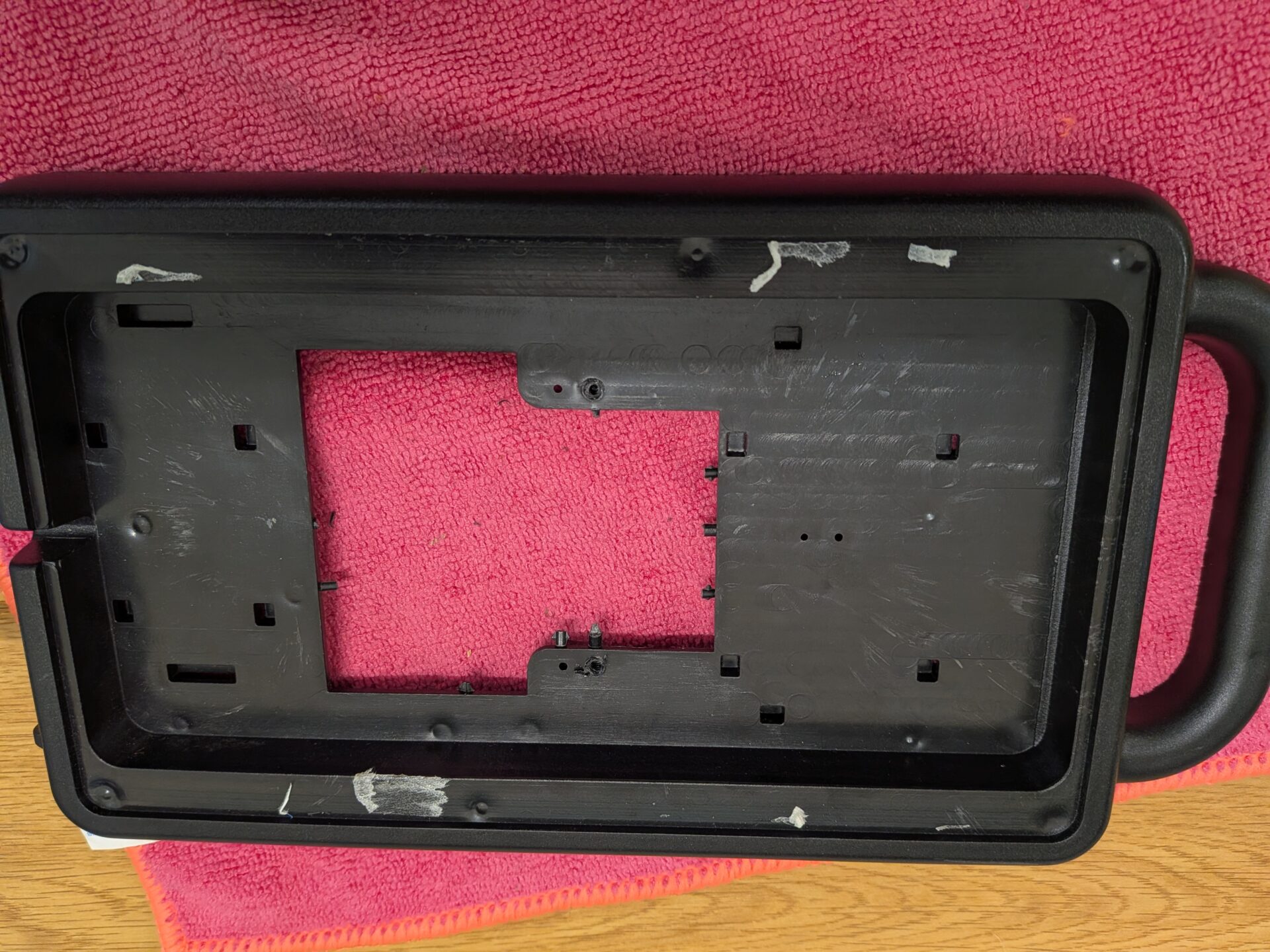
To put the UFace 5 back into the enclosure, follow the steps above in reverse order.
Need a hand with your UFace 5 enclosure?
If you run into any issues taking apart or rebuilding the enclosure, our support team is happy to help.

Uni-Ubi UFace 5 Pro Facial Recognition Terminal

















 English (UK)
 English
 English (Canada)
 Français du Canada
 Svenska
 Português
 Nederlands
 Italiano
 Français
 Español
 Deutsch