































How to Attach a UFace 5 Pro or UFace 8 Pro to a Standard Electrical Backbox
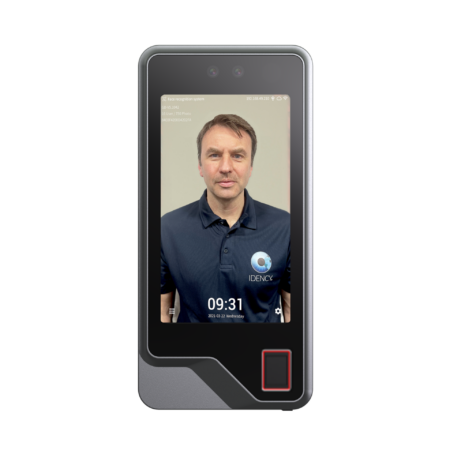
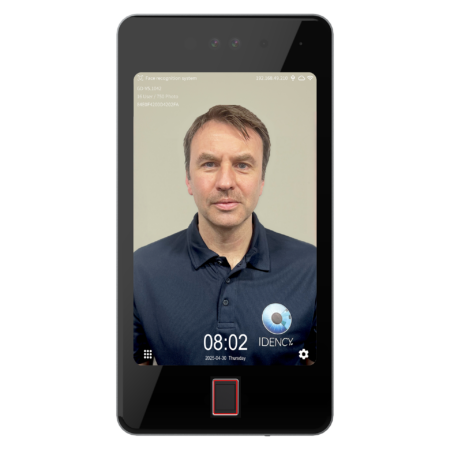
This article explains the process and tools needed to attach a Uni-Ubi UFace 5 Pro or Uni-Ubi UFace 8 Pro to a standard electrical backbox.
Step 1: Gather What You Need
You will need the backbox, screws, and Allen keys.
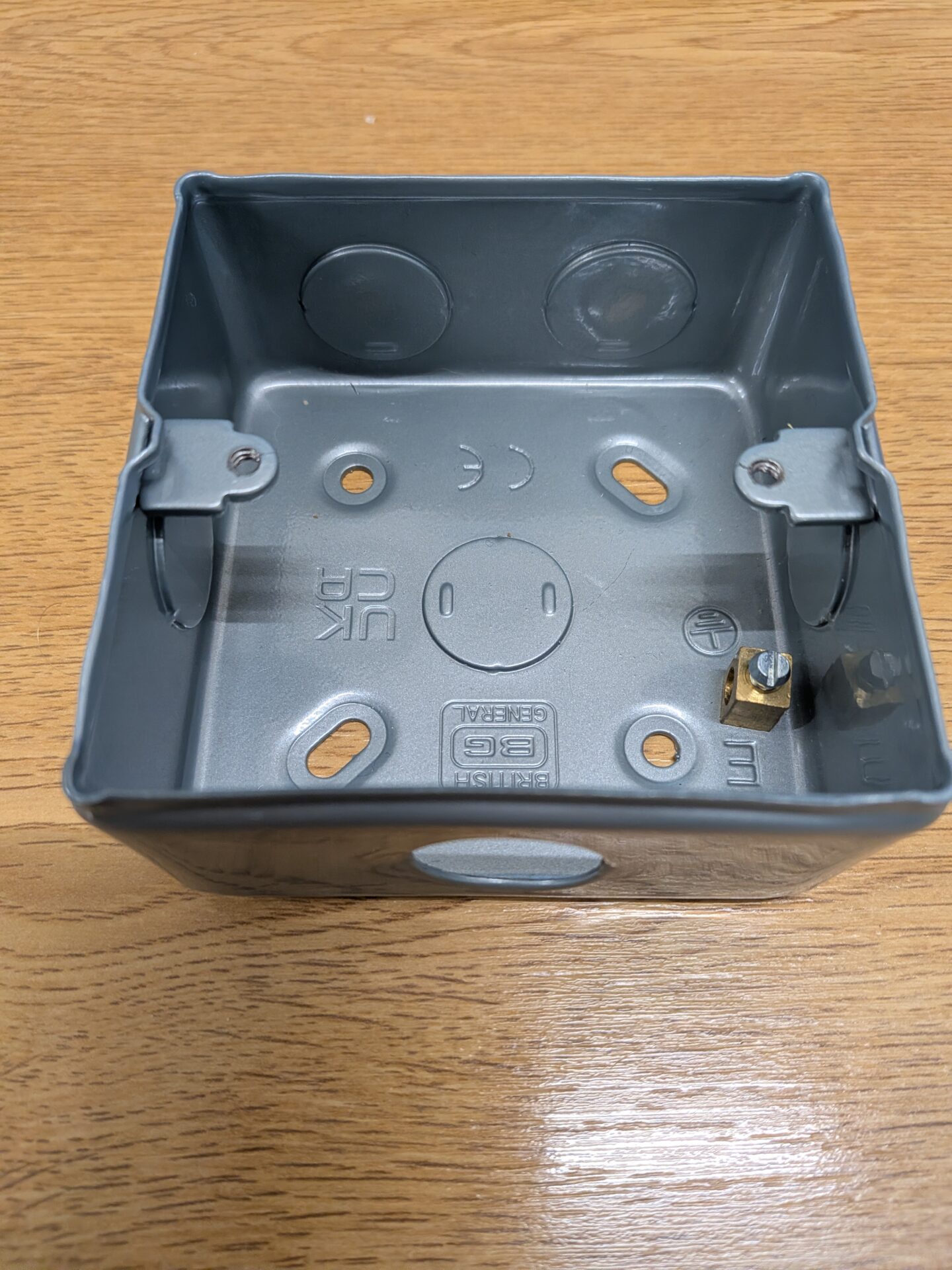
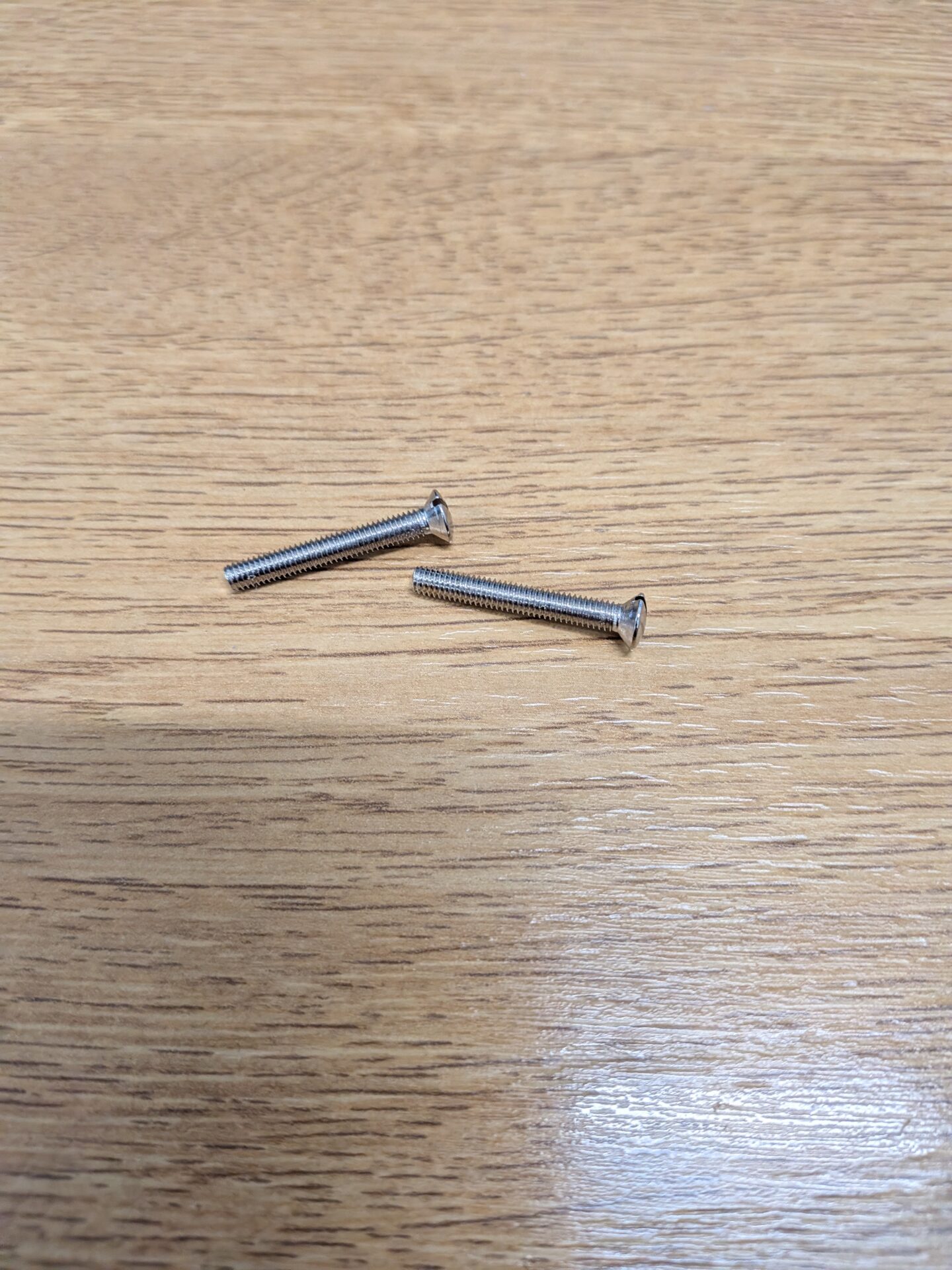
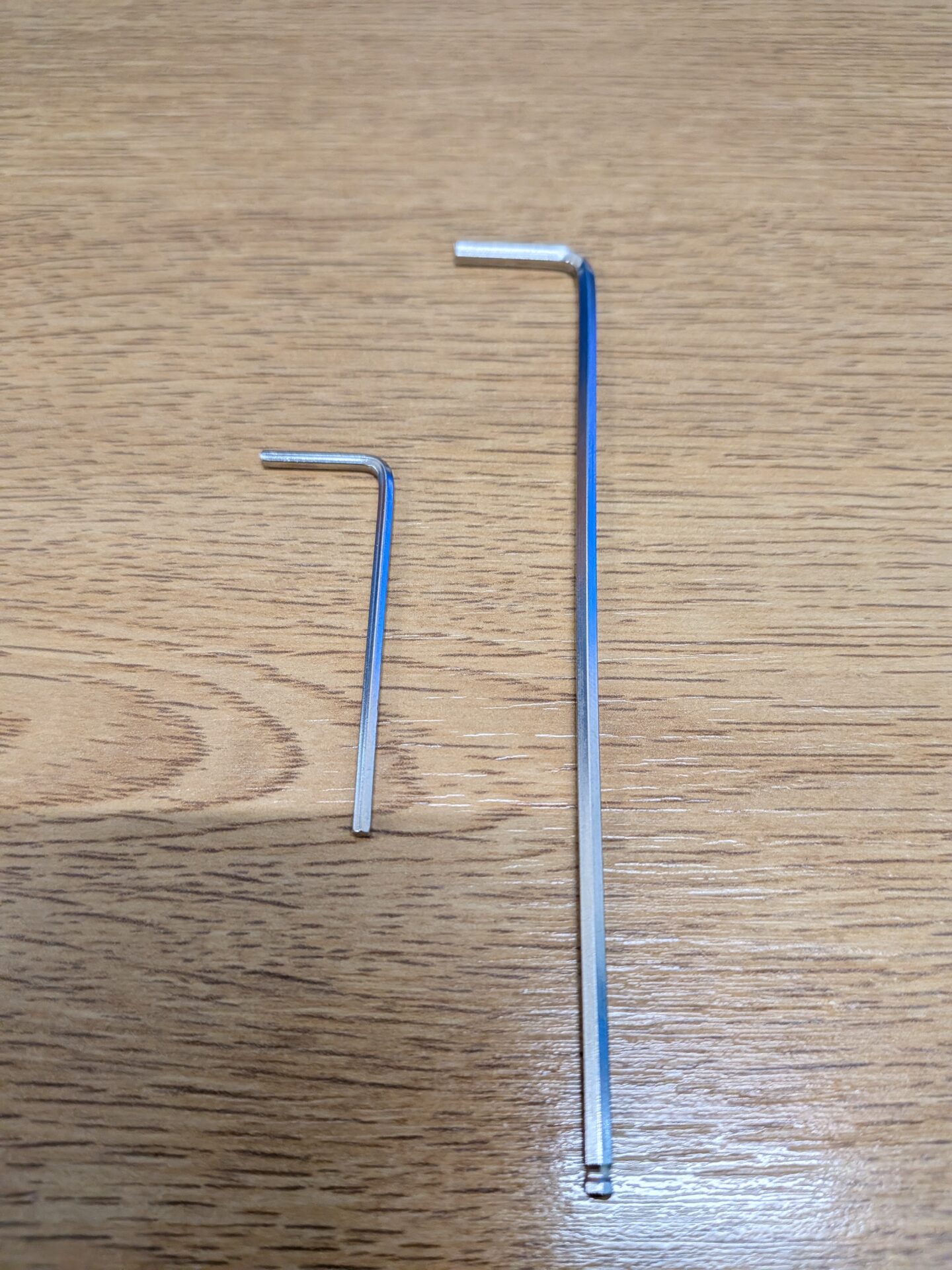
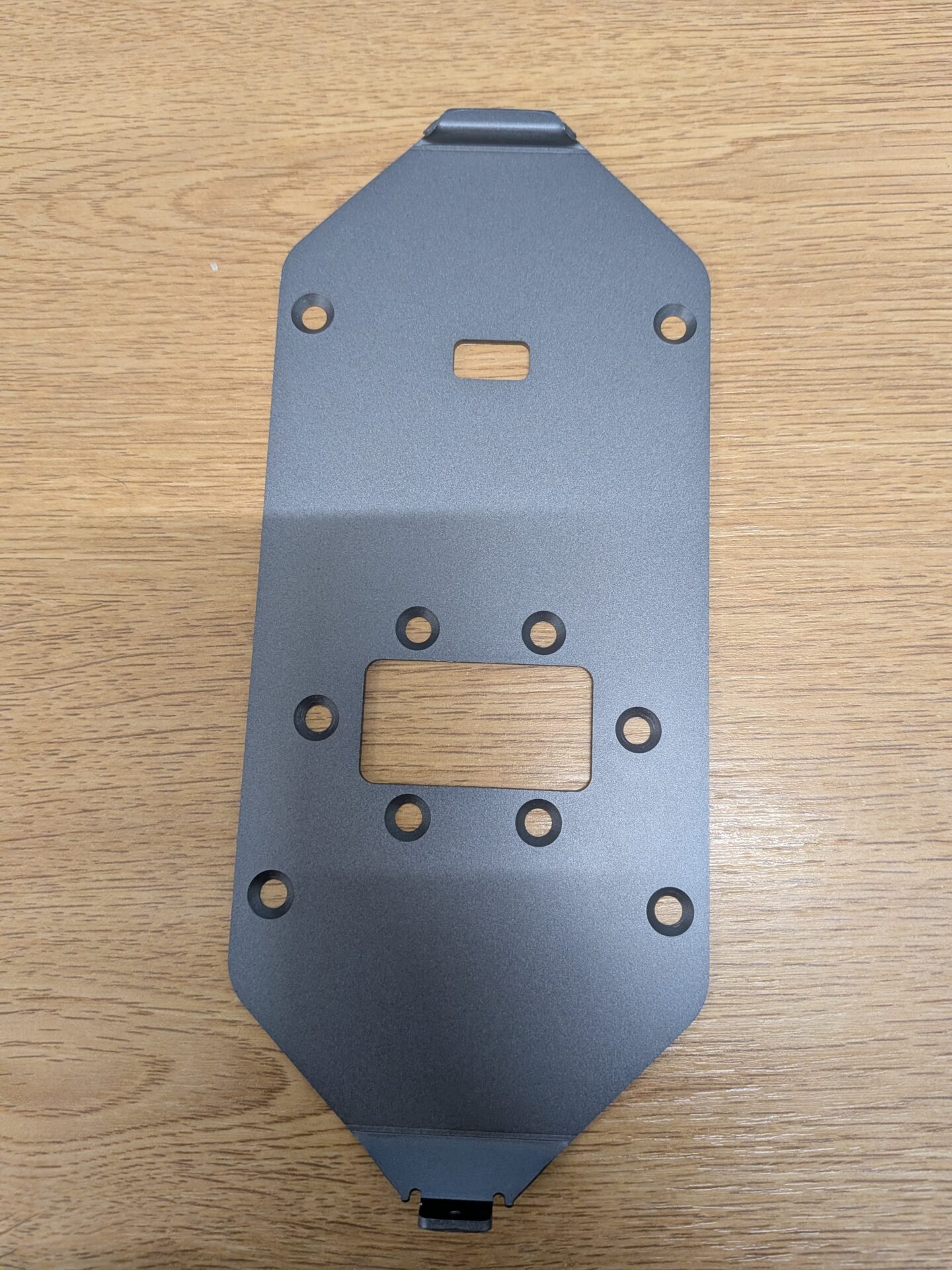
Step 2: Remove the Backplate
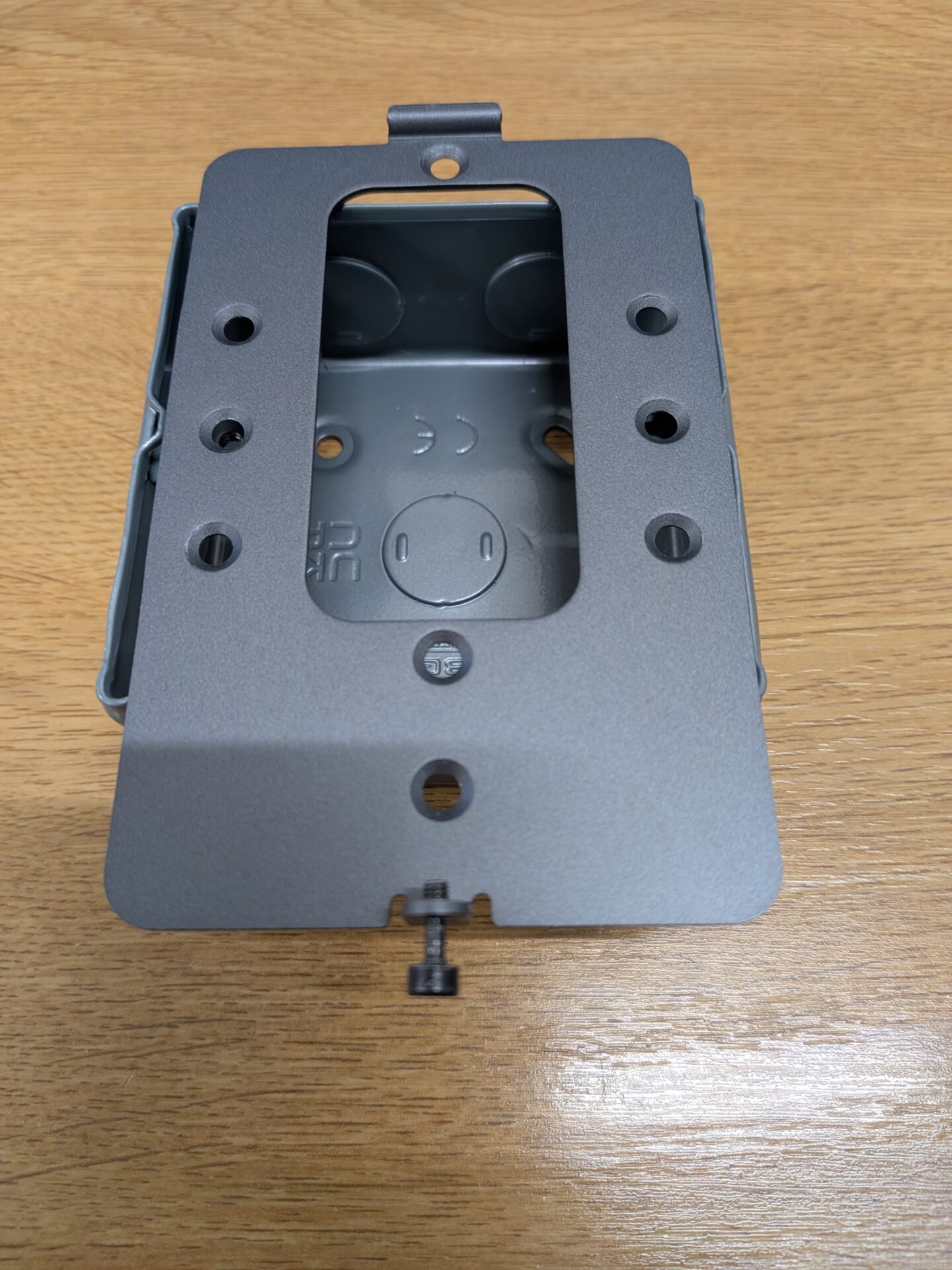
Remove the backplate from the UFace 5 Pro or UFace 8 Pro by unscrewing the screw at the bottom of the device.
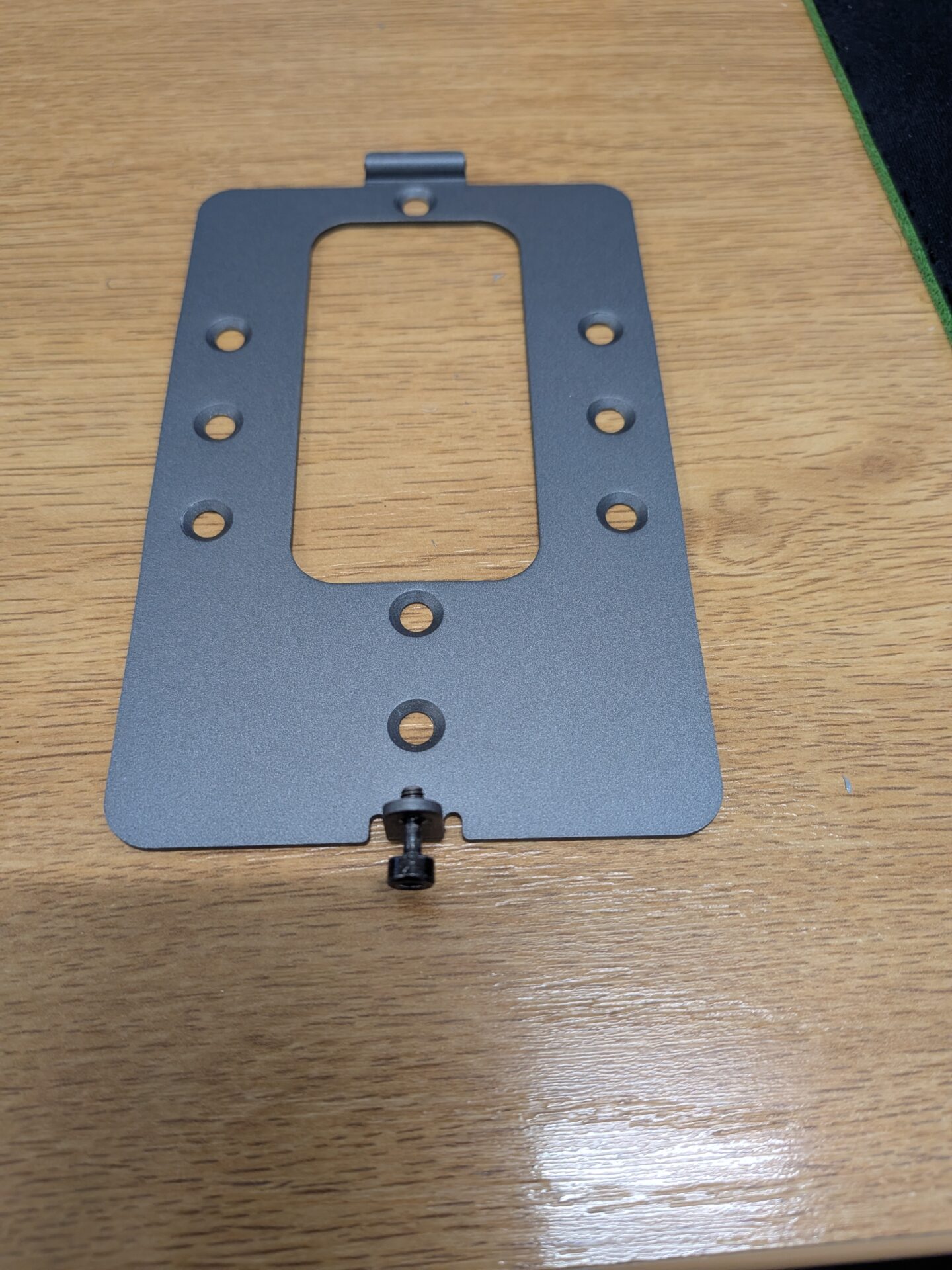
Step 3: Line Up the Backplate With the Backbox
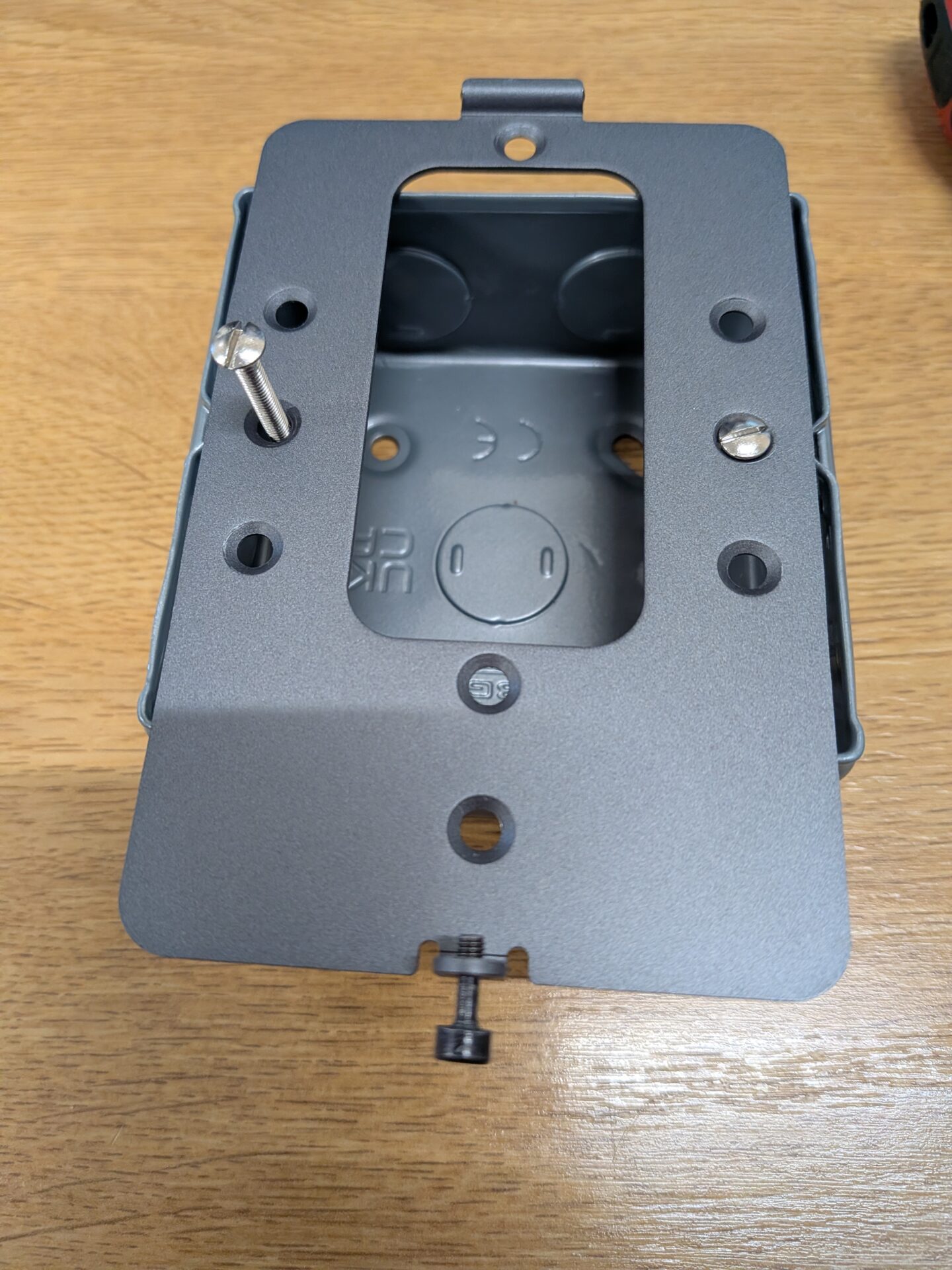
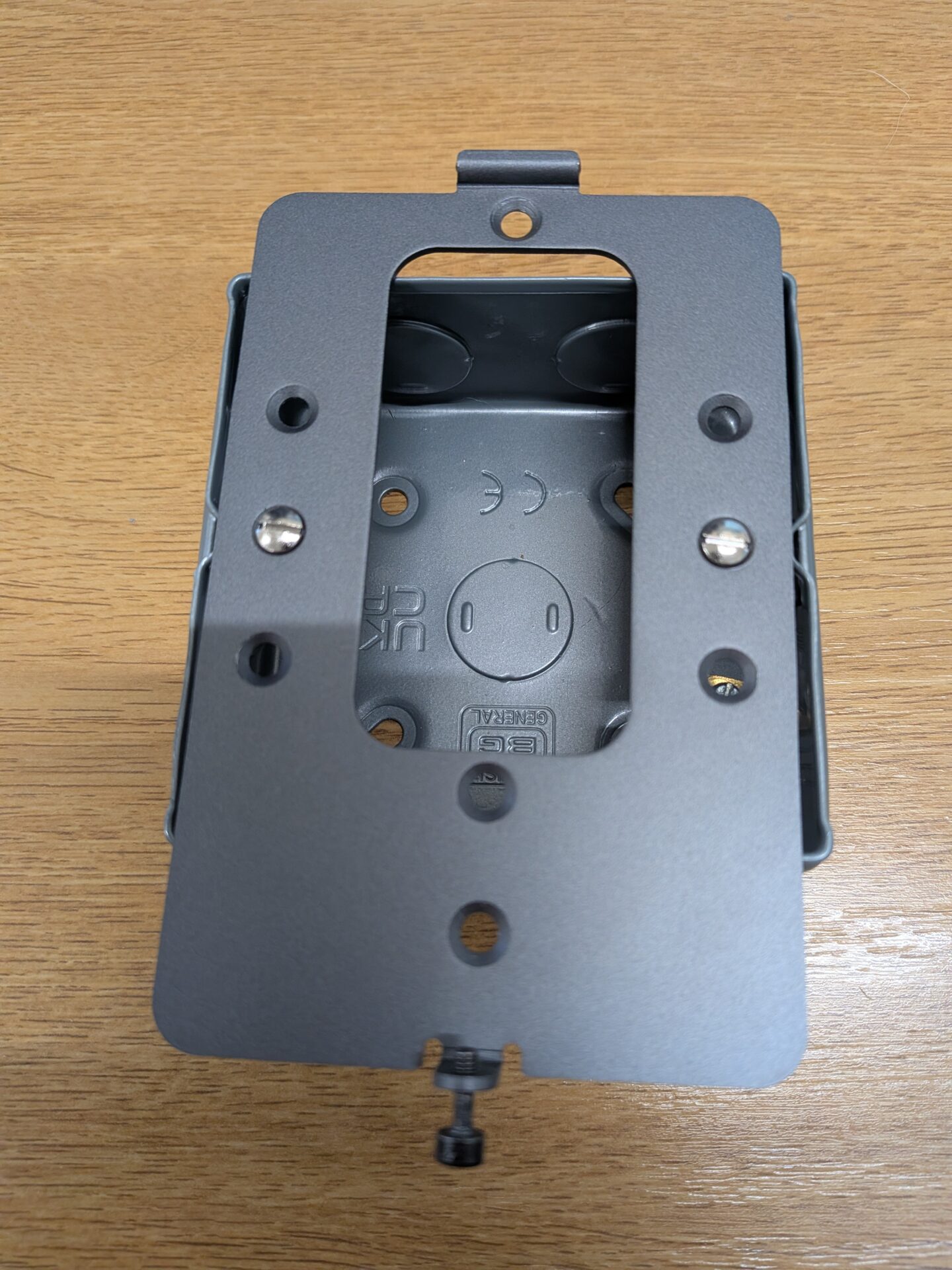
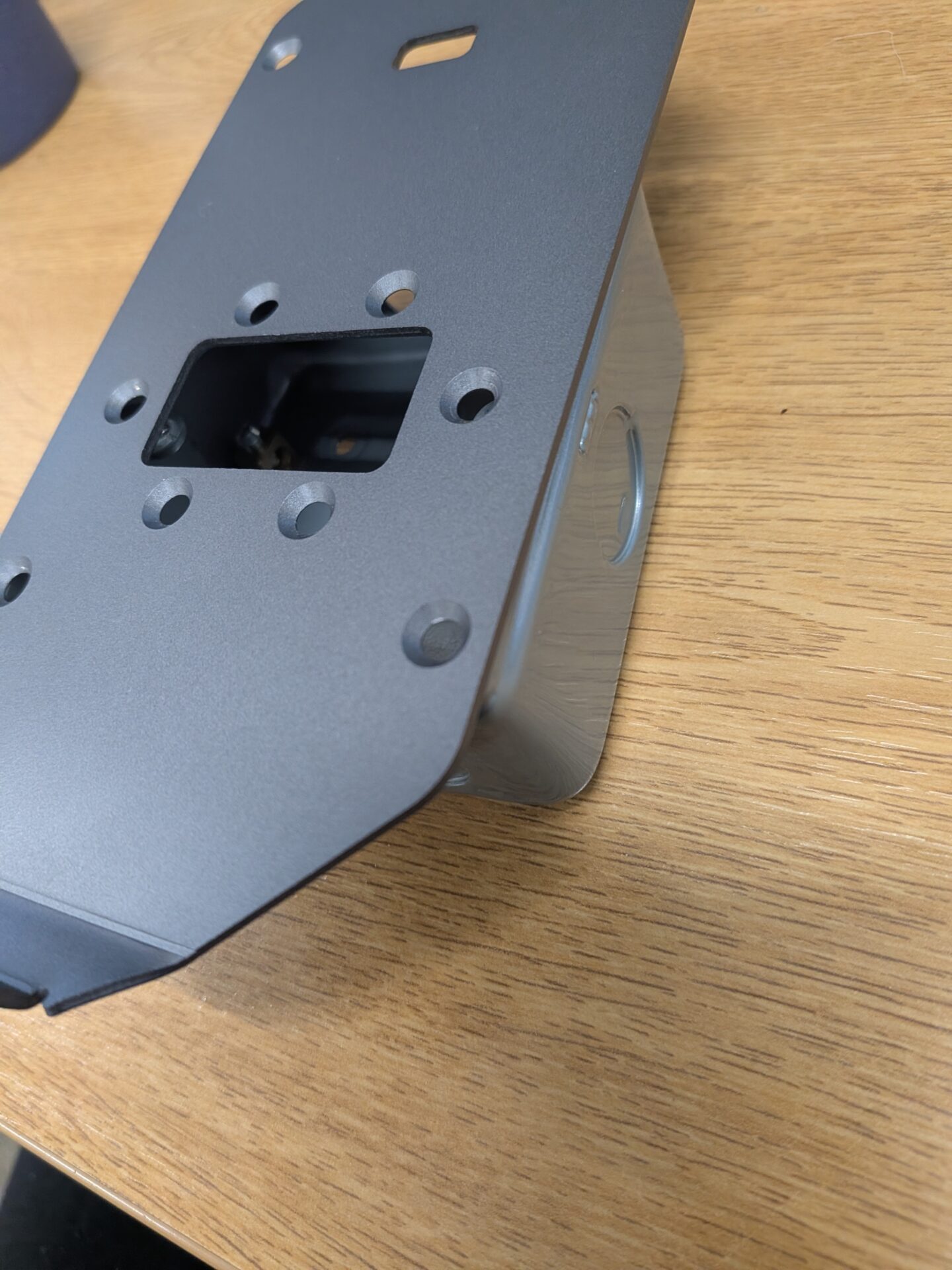
Place the backplate onto the backbox, lining up the backplate screw holes with the backbox screw holes.
Step 4: Screw the Backplate to the Backbox
Screw the two holes in so the backplate is attached to the backbox.
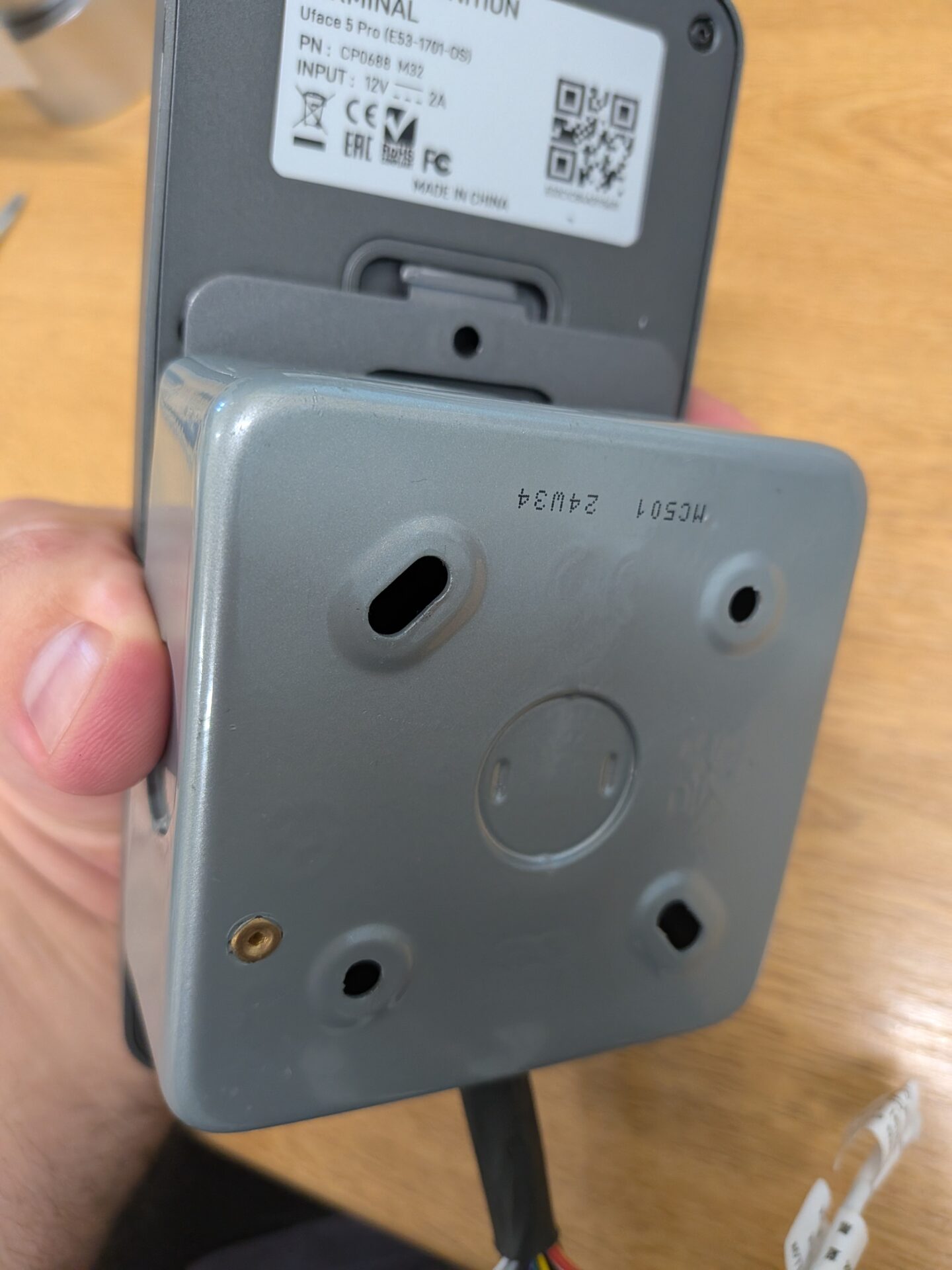
Step 5: Thread the Cables Through
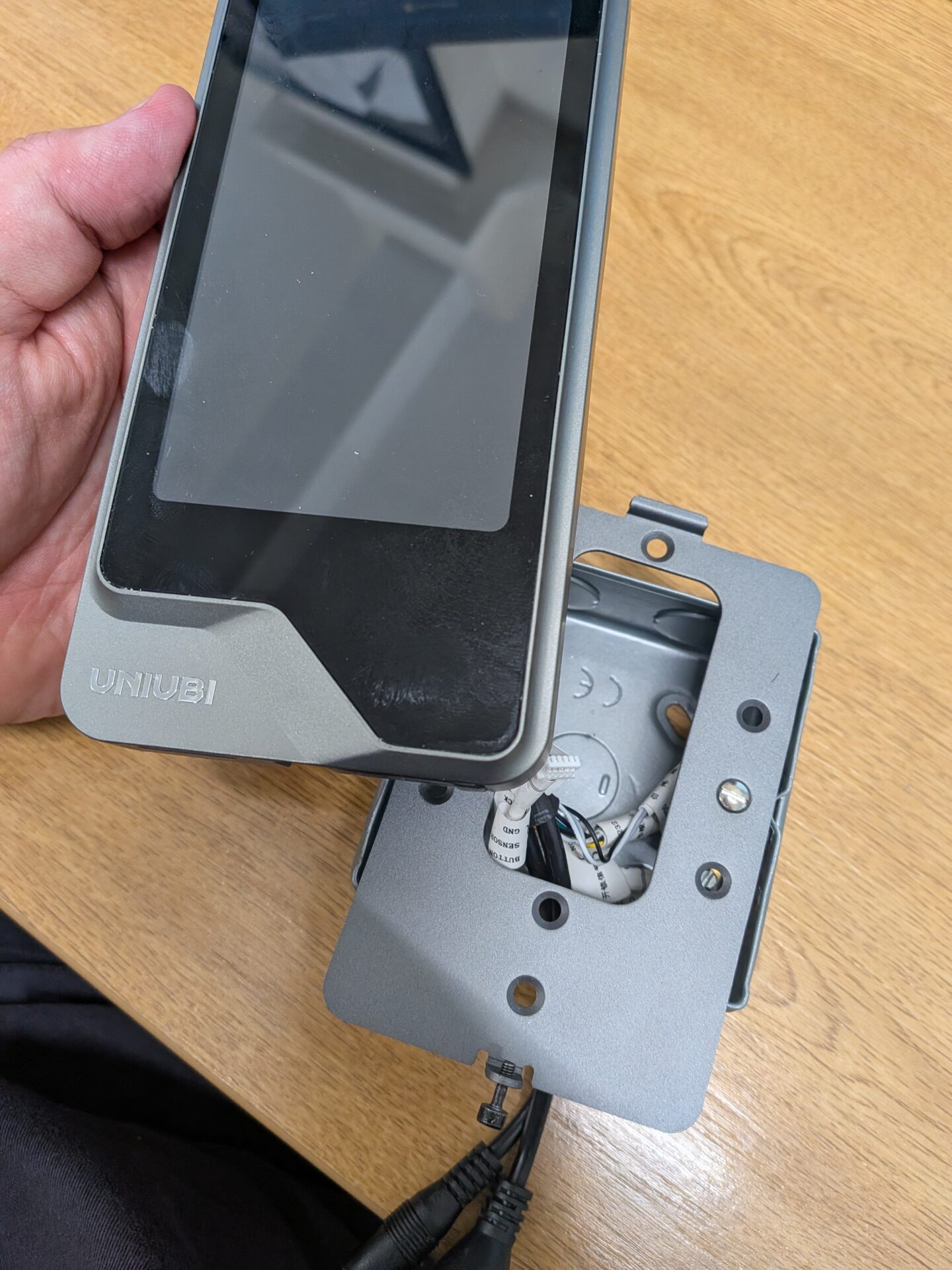
Thread the cables through the hole in the backplate, then out through the hole in the backbox.
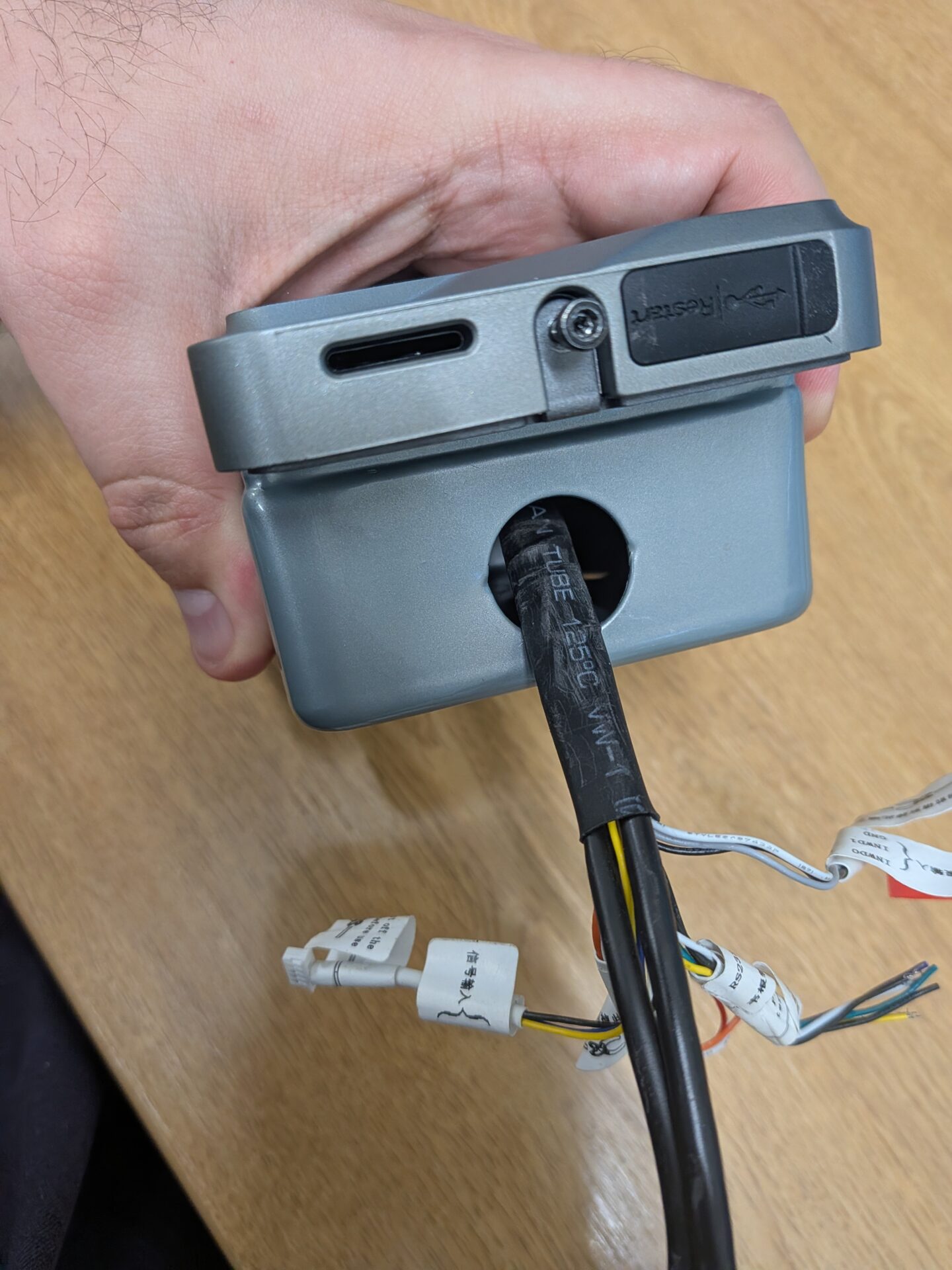
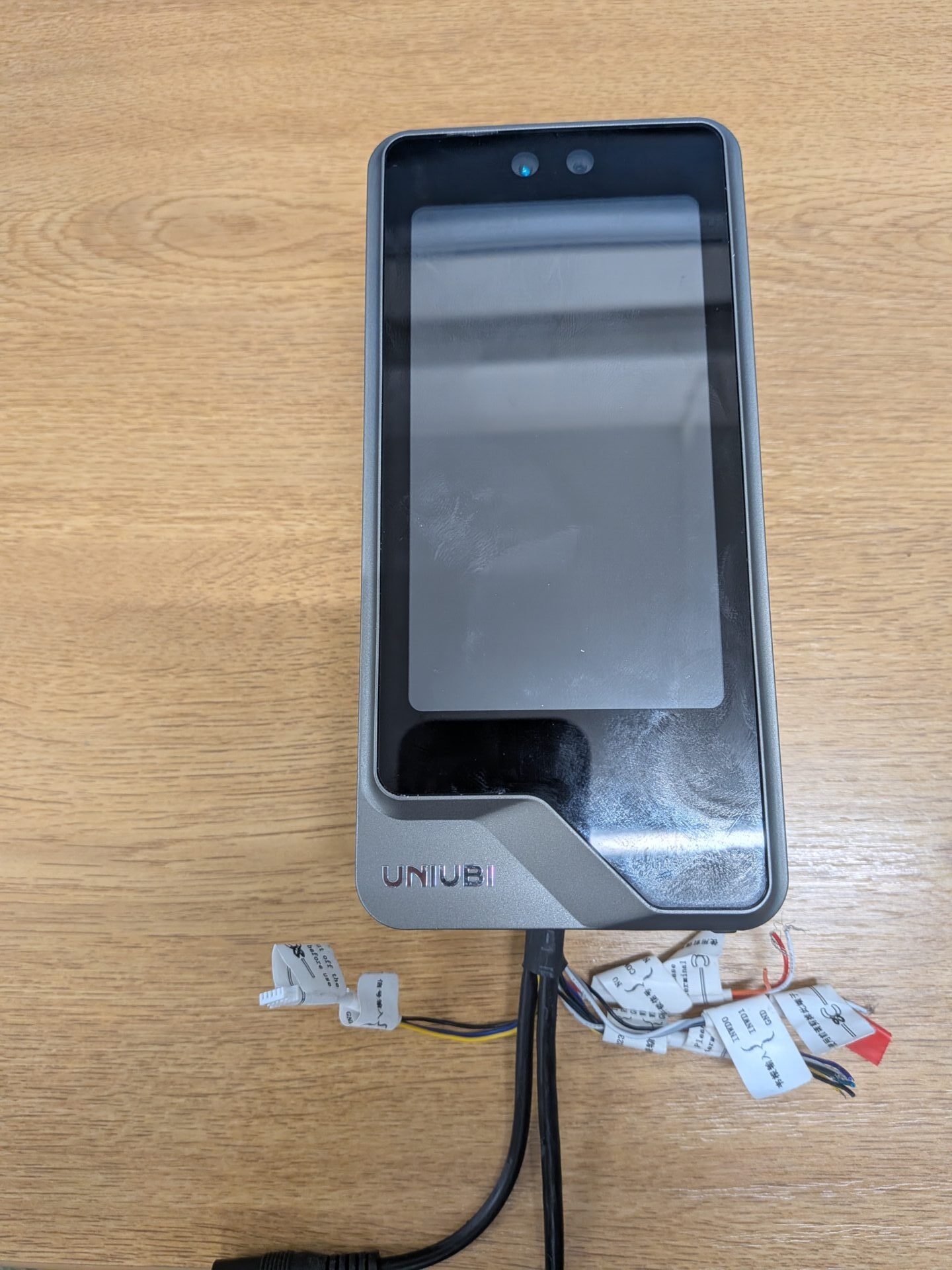
Step 6: Attach the Device
Attach the device to the backplate and screw it in at the bottom, so it’s securely attached.
Need a hand mounting your UFace terminal?
If you run into any issues fitting the device to a backbox, our support team is happy to help.

Uni-Ubi UFace 5 Pro Facial Recognition Terminal

















 English (UK)
 English
 English (Canada)
 Français du Canada
 Svenska
 Português
 Nederlands
 Italiano
 Français
 Español
 Deutsch