






























Anviz: How to Unlock the C2 Pro Keypad
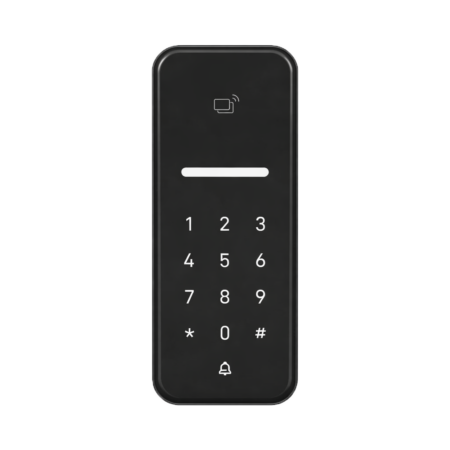
The Anviz C2 Pro Keyboard has been locked. How can it be unlocked?
It is possible to unlock the Anviz C2 Pro keyboard/keypad by following the steps below:
- Pressing the IN -> 12345 -> OUT buttons in sequence will bring up the admin login field.
- Enter the default admin login – ID: 0 & P/W: 12345
- Press OK. This will take you to the main menu
- Navigate to the ‘Setting‘ option
- Go to the ‘Display settings‘
- Turn off the keyboard lock
For more information and general guidance on our products & services, please contact us.
Search all Knowledgebase articles
Send a Support Request to The Idency Support Team

















 English (UK)
 English
 English (Canada)
 Français du Canada
 Svenska
 Português
 Nederlands
 Italiano
 Français
 Español
 Deutsch